


B2B Data Enrichment
Enrich your contact lists with verified emails and firmographic data — ready for CRM or outbound. Instant enrichment from CSV with industry, company size, titles, and more.

Chrome
4.8/5
4.8/5

G2
4.5/5
4.5/5
Mais de 2 milhões de profissionais de vendas, marketing e recrutamento confiam em nós







B2B Data Enrichment Made Easy
Use the Lists You Already Have
Turn the lead lists you already have — from your CRM, events, or exports — into verified, enriched B2B data. Upload names or domains with no special formatting, and Skrapp auto-maps your file to return verified emails plus job titles, industry, revenue, and firmographics. Real-time verification and smart filtering deliver clean, segmented data that's ready for your CRM, outreach tools, or bulk export.
Put Every Contact in Context
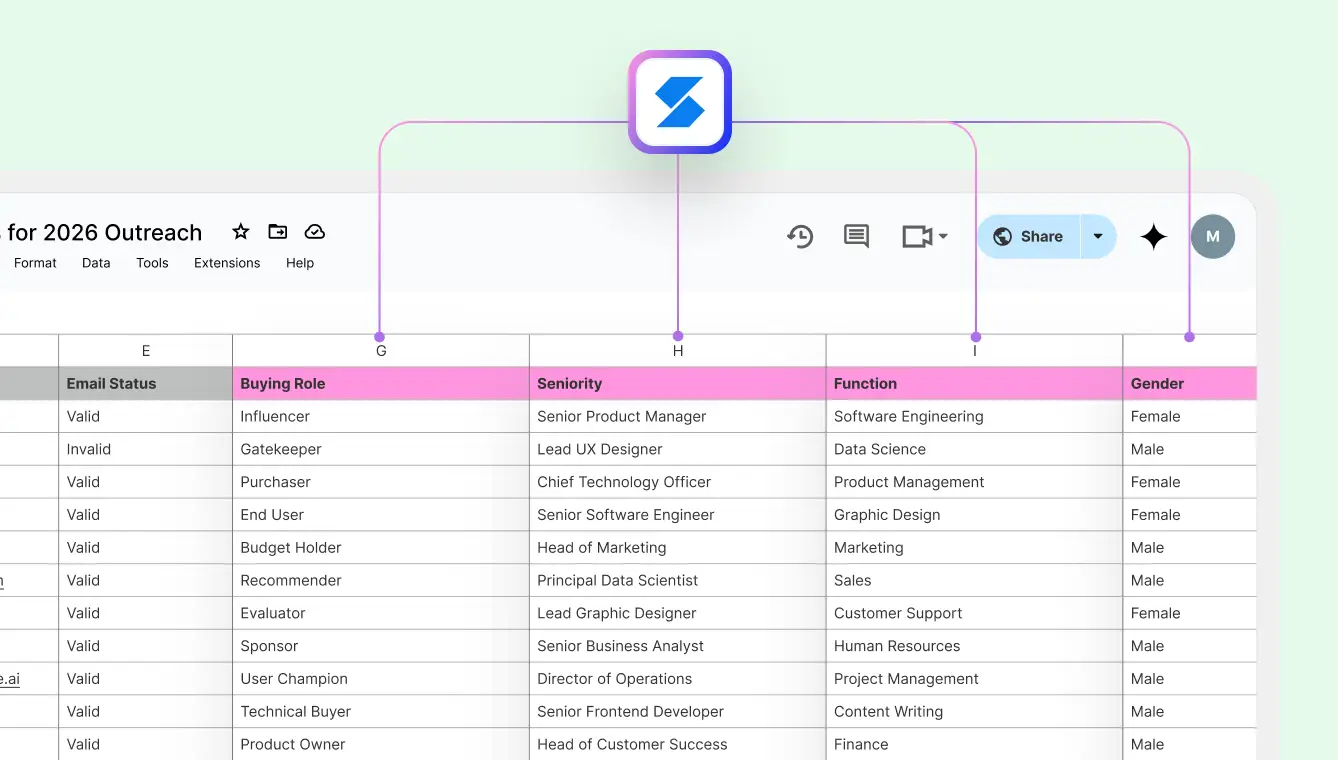
Add Useful Details to Every Contact
Skrapp's AI Enrichment automatically adds buying role, seniority, function and gender to your existing contacts, giving your team clear context and segmentation power without manual effort.
Learn more about AI Enrichment
How it Works
1
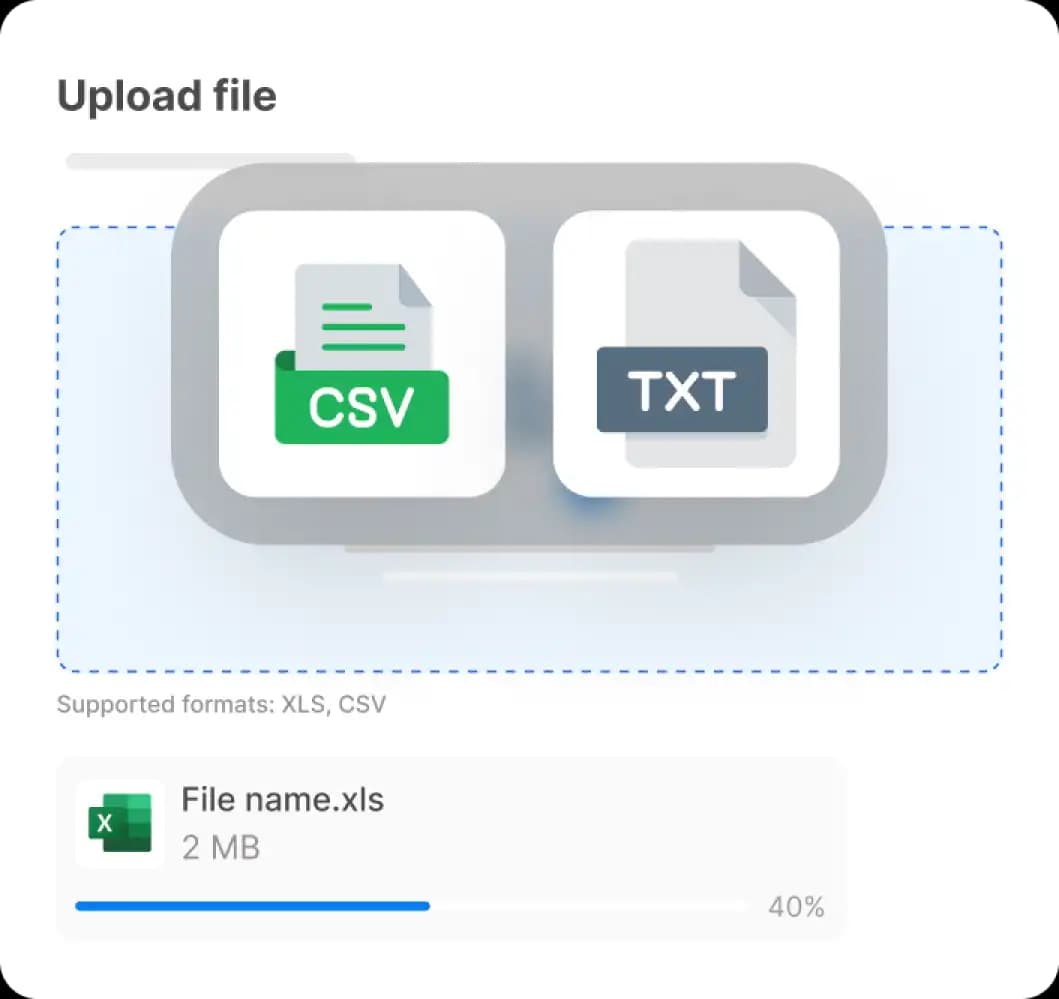
Upload your file
Upload a CSV or Excel file with your contact list. Include names and company domains — that’s all we need to enrich each record.
2
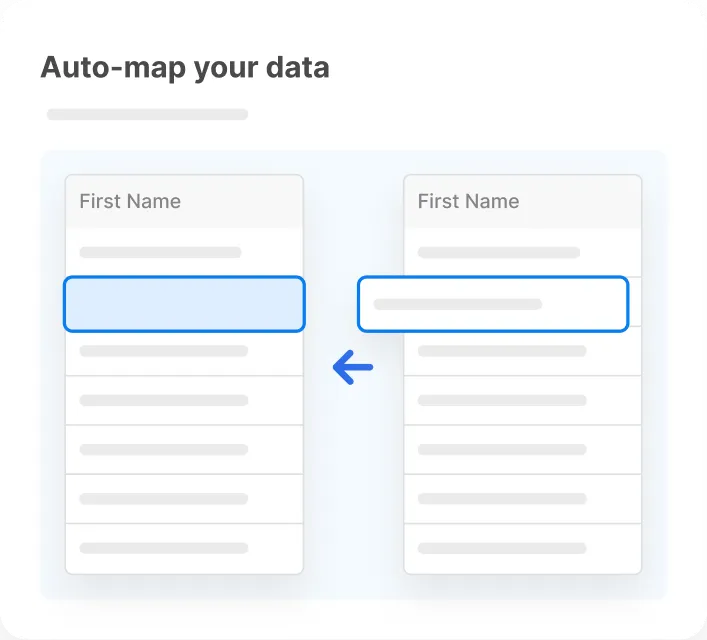
Auto-map your data
Skrapp automatically detects your columns and matches them to the required fields. No manual setup needed — just confirm and move on.
3
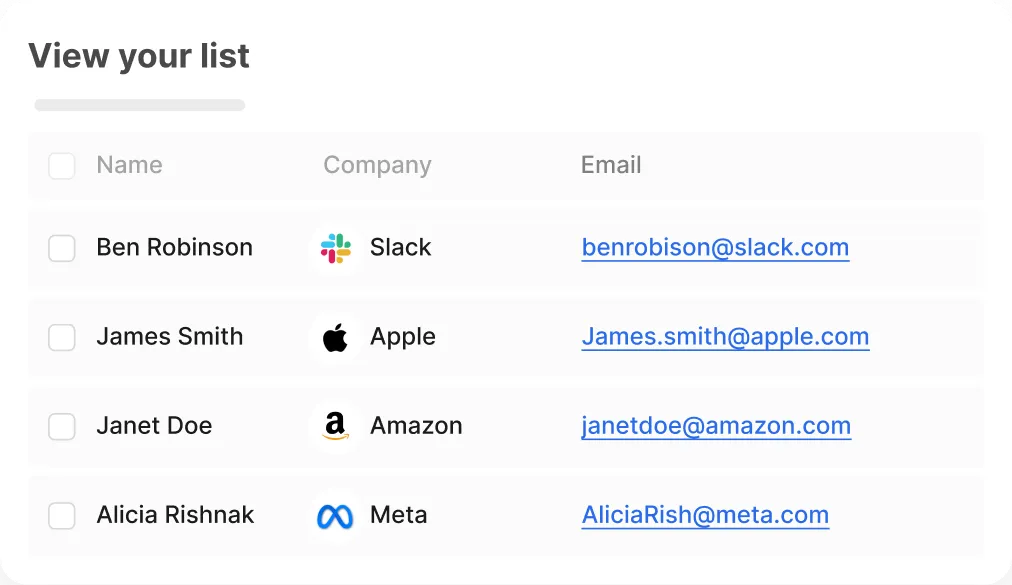
Get enriched results
Your file is enriched with verified emails, job titles, company size, industry, and more. Export to Excel or CSV, or upload directly to your CRM.
Frequently Asked Questions
B2B data enrichment is the process of adding missing business information — like verified emails, job titles, industry, revenue, and company size — to raw contact data for better targeting and outreach.
You upload a CSV or Excel file with names, companies, or domains. Skrapp automatically maps the fields, finds verified emails, enriches each record with company data, and gives you a clean, exportable file.
Yes. You can upload a list of company names or domains, and Skrapp will find decision-makers and return verified business emails along with enriched firmographics.
Enriched data helps sales teams personalize outreach, reach the right decision-makers, and reduce bounce rates by verifying email accuracy.
Yes. You can export contacts from your CRM, enrich the data in Skrapp, and reimport the verified, enriched list — perfect for updating old records or prepping segmented campaigns.
Skrapp can add verified business emails, job titles, industry type, revenue data, employee count, and company location to your existing contact lists.
Yes, Skrapp is optimized for bulk uploads and can process thousands of records quickly, making it ideal for data teams and outbound sales at scale.
Every email is validated in real time before it's returned. That means fewer bounces, better deliverability, and more reliable outreach results.
No. Skrapp is built to handle everything from small lists to high-volume enrichment — thousands of rows at a time.
Skrapp accepts .CSV and .XLSX files. Your file can be formatted loosely — Skrapp will auto-detect and map the right fields.
Have more questions? Visit our Help Center.
Start with Lead Names or Company Domains
Upload a CSV or Excel file of lead names and companies — or just company names and domains. Skrapp finds verified business emails and enriches every record with firmographic data, even when you don't have individual contact names.
Try it for Free