
10 Best Email Verification Tools We Picked for 2026
The best email verification tools in 2026 are Skrapp, Kickbox, and NeverBounce. Skrapp leads for B2B sales teams, combining lead generation and verification into one platform. Kickbox works best for developer and marketing teams that need reliable real-time API verification with clean ESP integrations. NeverBounce is the strongest pick for bulk list hygiene at scale.
With dozens of options on the market, picking the right one takes more than reading a feature list. I tested and shortlisted the top 10 based on real performance, user reviews on G2, Capterra, and Reddit, and independent benchmarks.
This guide breaks down each tool’s key features, integrations, pricing, and the biggest pros and cons based on real user feedback. It covers both standalone email verifiers and all-in-one platforms, giving you the information you need to make a more confident, data-driven decision.
Find verified email addresses for your lead list with Skrapp
Launch Skrapp| Tool | Why Choose It | Starting Price | Price per Verification (25K Tier) | Best Pick For |
|---|---|---|---|---|
| Skrapp | Combined email finder and verifier; 98% deliverability score | $29/mo | ~$0.006 | Sales teams who want email finder and bulk verification in one workflow |
| Clearout | AI-powered verdicts with 20+ validation checks and strong catch-all handling | $40 (PAYG) | ~$0.006 | Marketing teams needing deeper accuracy on catch-all domains |
| Emailable | Fastest processing speed on the market | $38 (PAYG) / $38/mo | ~$0.0057 | Agencies and teams running time-sensitive campaigns |
| Mailgun | Verification built directly into the sending infrastructure | $15/mo | ~$0.002 (plus subscription cost) | Developers and SaaS teams already using Mailgun for transactional email |
| BriteVerify | Part of Validity's enterprise deliverability ecosystem | Price upon request | ~$0.005 | Enterprise marketing teams already using Validity products | Kickbox | Developer-first API with per-address Sendex quality scoring | $5 (PAYG) | ~$0.006 | Developers embedding real-time verification into apps or internal tools |
| Email List Verify | Lowest cost per verification among full-featured tools | $7 (PAYG) | ~$0.0025 | High-volume senders on tight budgets |
| Bouncer | EU-based with SOC 2 and ISO 27001 certification | $8 (PAYG) | ~$0.006 | Teams with strict GDPR or compliance requirements |
| ZeroBounce | Spam trap detection, blacklist monitoring, email warmup included | $39/mo (PAYG) / $99/mo | ~$0.01 | Enterprise marketers who seek verification, deliverability monitoring, and inbox health |
| Hunter | Email verification and outreach in one tool | $49/mo | ~$0.007 | Small teams launching cold outreach campaigns |
1. Skrapp
Skrapp combines email discovery and verification on a single platform. Unlike many email verification tools on the list that only validate the contacts you already have, Skrapp also helps you build a contact list from scratch.
The validator supports both individual email checks and bulk email verification. Skrapp’s email verifier delivers an average accuracy rate of 98% while providing clear deliverability statuses for every contact.
Ratings: Capterra 4.5/5; G2 4.5/5
Key Features:
- Email Verification: A multi-check email verifier that validates addresses and returns clear statuses (valid, catch-all, invalid, unknown, or pending), so you can target only deliverable contacts in your outreach campaigns;
- Email Verification API: Developer-friendly Email Verification API for automating validation inside existing tools and pipelines;
- CRM Integrations: Native integrations with HubSpot, Salesforce, and Pipedrive help you automatically sync and manage email verification at scale, keeping your CRM accurate and outreach-ready;
- LinkedIn Chrome Extension: If you don’t already have a list, Skrapp helps you build one from scratch by finding and saving verified email addresses directly from LinkedIn and Sales Navigator;
- Email Finder: Look up verified email addresses by name and company domain, individually or in bulk. Process large datasets by uploading CSV to find and enrich business emails.
Pricing: Free plan available with 50 credits to start. Paid plans start at $29 per month when billed annually and include 2,000 email credits. The cost increases to $74 per month for 5,000 credits and reaches $262 per month for 50,000 credits. Annual billing reduces prices by 25%.
What users like: G2 and Reddit reviewers regularly highlight how fast and seamless the LinkedIn Chrome extension is for getting and verifying contacts directly in the browser, and praise its user-friendly interface, which requires almost no onboarding time.
What users don't like: Customer support is generally helpful, though a handful of users mention response times could be faster during busy periods.
Choose Skrapp if you build outbound lists from LinkedIn profiles or target company domains and want high-accuracy email finding and verification (98% deliverability rate) in one workflow, with rollover credits and no charges for invalid results.
Start verifying your email list right now
Launch Email Verifier2. Kickbox
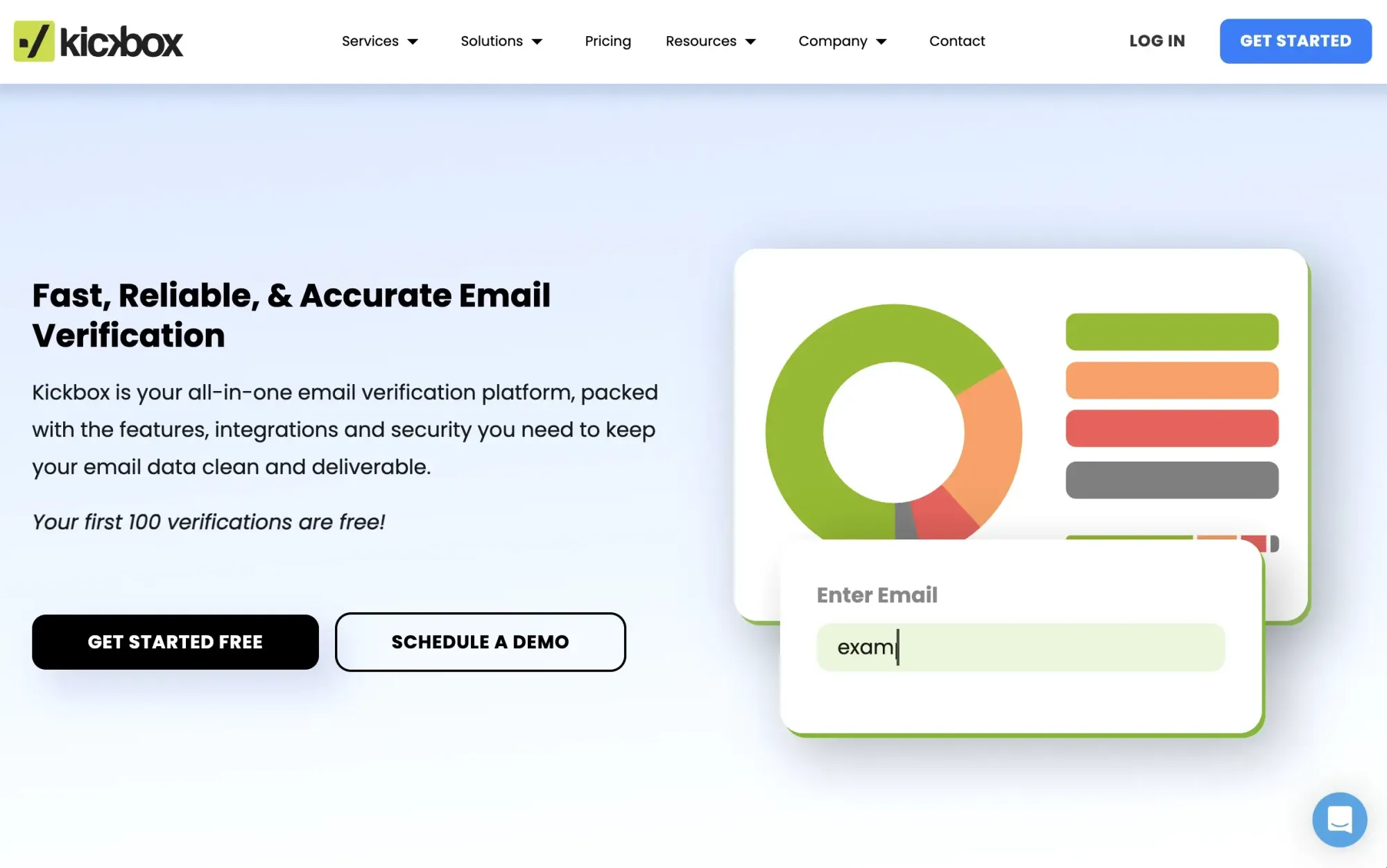
Kickbox built its reputation on API documentation excellence and ESP integrations, and that positioning holds in 2026. It connects natively with SendGrid, Mailchimp, ActiveCampaign, Constant Contact, and Marketo.
Ratings: Capterra 4.4/5 · G2 4.5/5
What users like: Reviewers constantly praise the ease of use and the quality of the API documentation. Developers note that Kickbox's integration materials are the clearest among the tools they tested, and users report consistent bounce rates under 0.5% after cleaning.
What users don't like: The most common criticism is the pricing at higher volumes. Some users feel the per-email cost becomes less competitive once you exceed 50,000 verifications, especially since credits expire after 12 months. Others also mention that catch-all email addresses are sometimes marked as “unknown,” while competing tools may provide a more definitive result.
Pricing: 100 free credits when you sign up, though there’s no ongoing free monthly plan. After that, verification is offered on a pay-as-you-go basis at around $10 per 1,000 emails, and purchased credits remain valid for 12 months.
Choose Kickbox if you need a real-time verification API that integrates cleanly with your existing ESP stack and want clear developer documentation, along with a quality score to help you segment borderline addresses.
3. Email List Verify
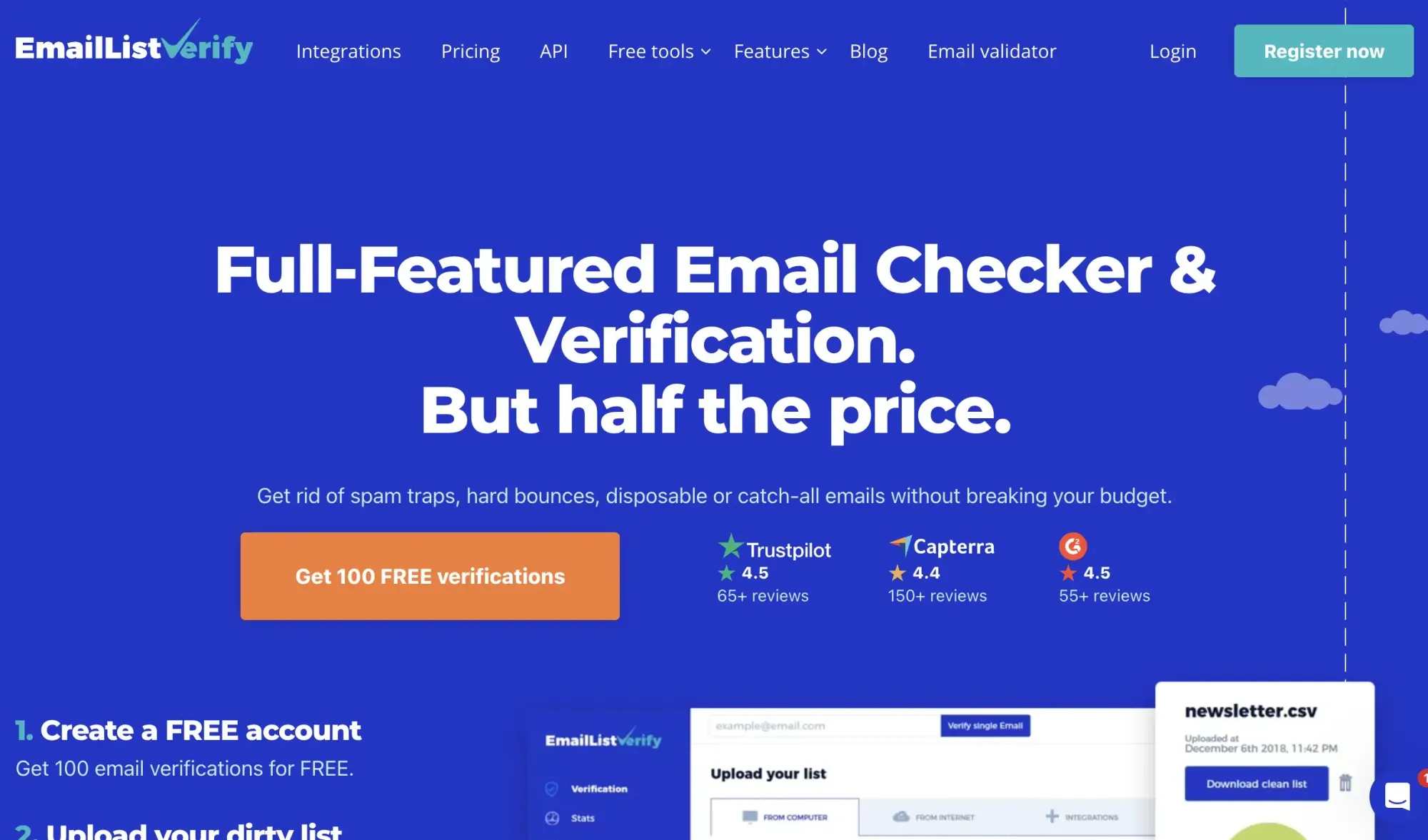
Email List Verify competes on price and is one of the lowest-cost options in the category. It covers the core checks: syntax, domain, MX records, spam trap detection, disposable email identification, and catch-all handling.
Ratings: Capterra 4.4/5 · G2 4.5/5
What users like: Reviewers consistently cite the affordable pricing and simple CSV workflow, calling it one of the better choices for verifying smaller batches, and note responsive customer support across multiple reviews.
What users don't like: Several users flag that the interface looks outdated and that bulk processing speed slows noticeably above 25,000 emails, where cheaper-per-email choices start to pull ahead.
Pricing: Pay-as-you-go starts at about $7 for every 1,000 verifications. If you run 100,000 verifications, it costs $199, and you get volume discounts.
Choose Email List Verify if budget is the primary constraint; you verify large lists occasionally rather than continuously, and you don't need a broad integration library or advanced deliverability features.
4. Clearout
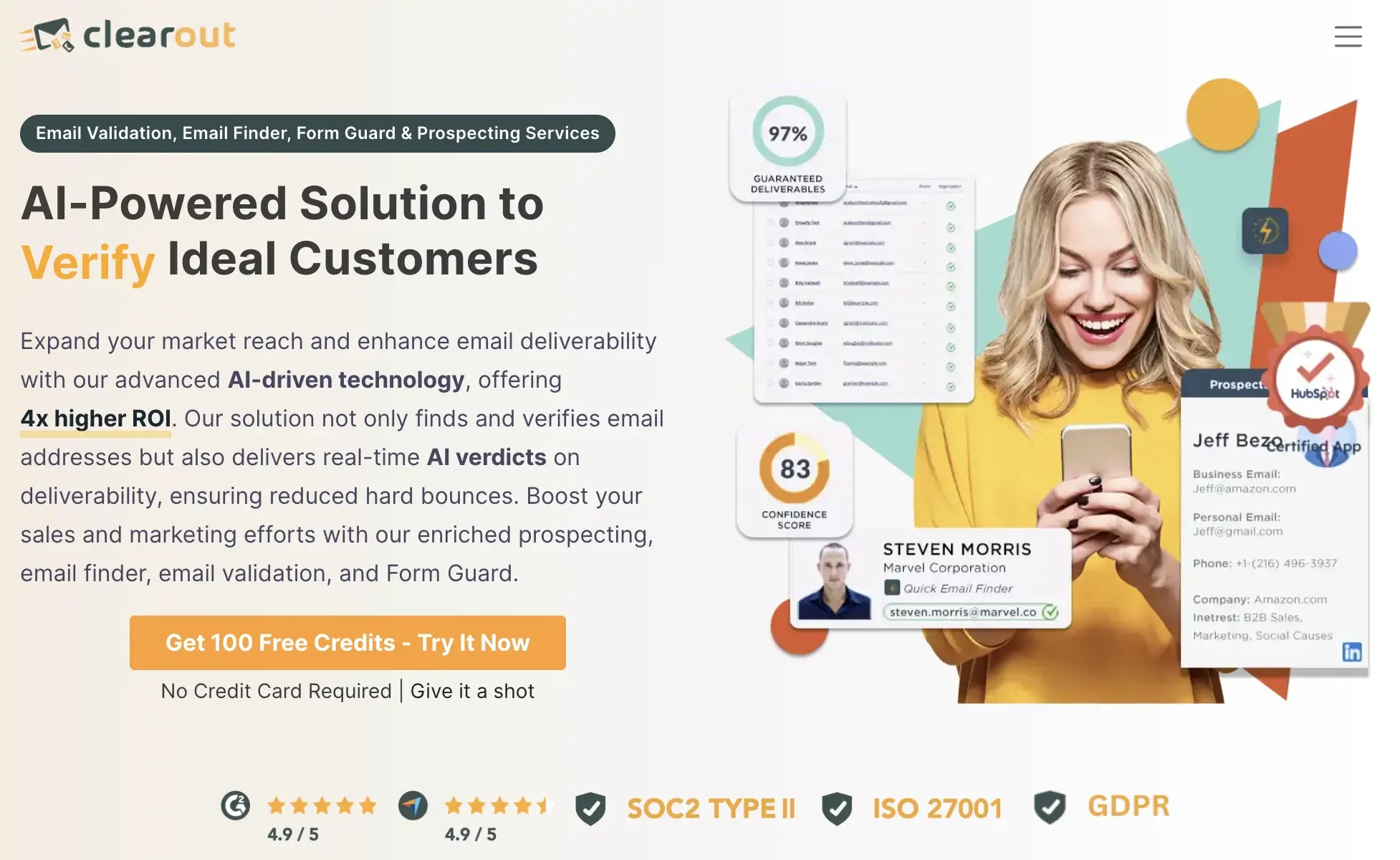
Clearout’s main differentiator is its multi-module workspace, which combines email validation, an email finder, Form Guard (form protection), and LinkedIn prospecting. If you use more than one of these features daily or weekly, the credits become much more cost-effective.
Ratings: Capterra 4.7/5 · G2 4.6/5
What users like: Reviewers highlight that Clearout's advanced catch-all handling returns risk-graded results rather than a generic "unknown," helping teams make smarter send/suppress decisions on borderline addresses.
What users don't like: Some users note that the interface is less polished than competitors', and a few report that the accuracy of the email finder (prospecting) module doesn't meet the verifiers' standards.
Pricing: Free plan includes 100 credits per month. Paid plans start at $25/month, or pay-as-you-go at ~$0.006 per credit for a 25K tier commitment.
Choose Clearout if you need verification, email finding, and form protection under a single account, and if enterprise regulatory certifications matter to your team.
5. Emailable
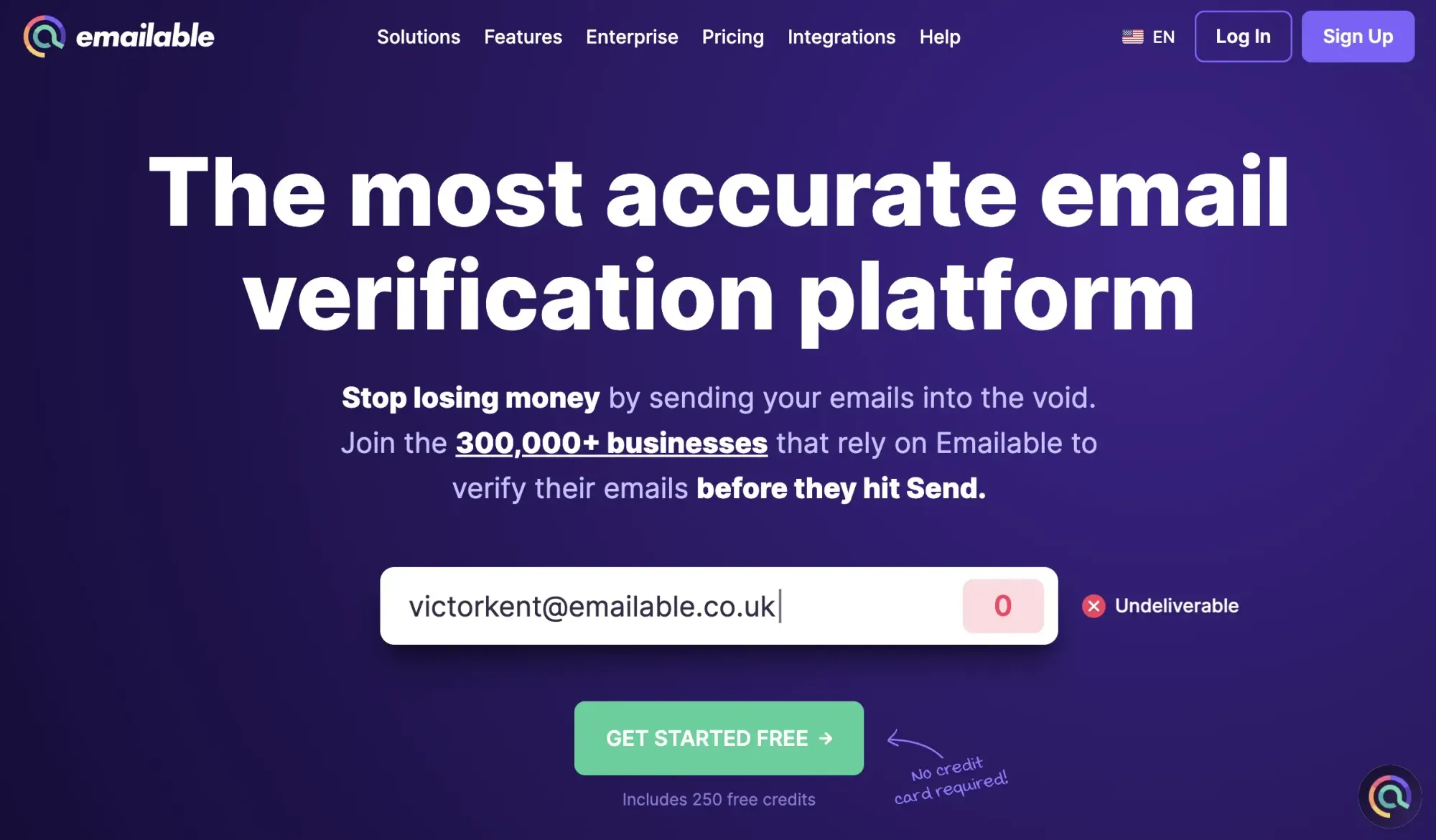
Emailable positions itself as fast email verifier, claiming verification at 30,000 emails per minute, putting it among the fastest tools in the category. It runs the standard validation stack and returns results in five buckets: deliverable, undeliverable, risky, unknown, and duplicate, with no charges for unknowns or duplicates.
Ratings: Capterra 4.7/5 · G2 4.8/5
What users like: Reviewers repeatedly highlight the processing speed and clean interface as standouts, with several noting it outperformed tools like Kickbox, Bouncer, and ZeroBounce on both pace and UI when tested side by side.
What users don't like: A handful of users report that the support team can be inflexible in handling billing disputes, and that pricing at higher volumes draws criticism from smaller teams who find it less competitive than budget alternatives.
Pricing: Paid plans start from $38/month for 5,000 validations, with pay-as-you-go credits also available. Volume discounts apply at higher tiers.
Choose Emailable if you need to clean large lists fast, want a modern interface with broad integration support, and primarily work with consumer or newsletter audiences rather than B2B prospect databases.
Start verifying large email lists with Skrapp’s bulk email verification tool
Open Bulk Verifier6. Bouncer
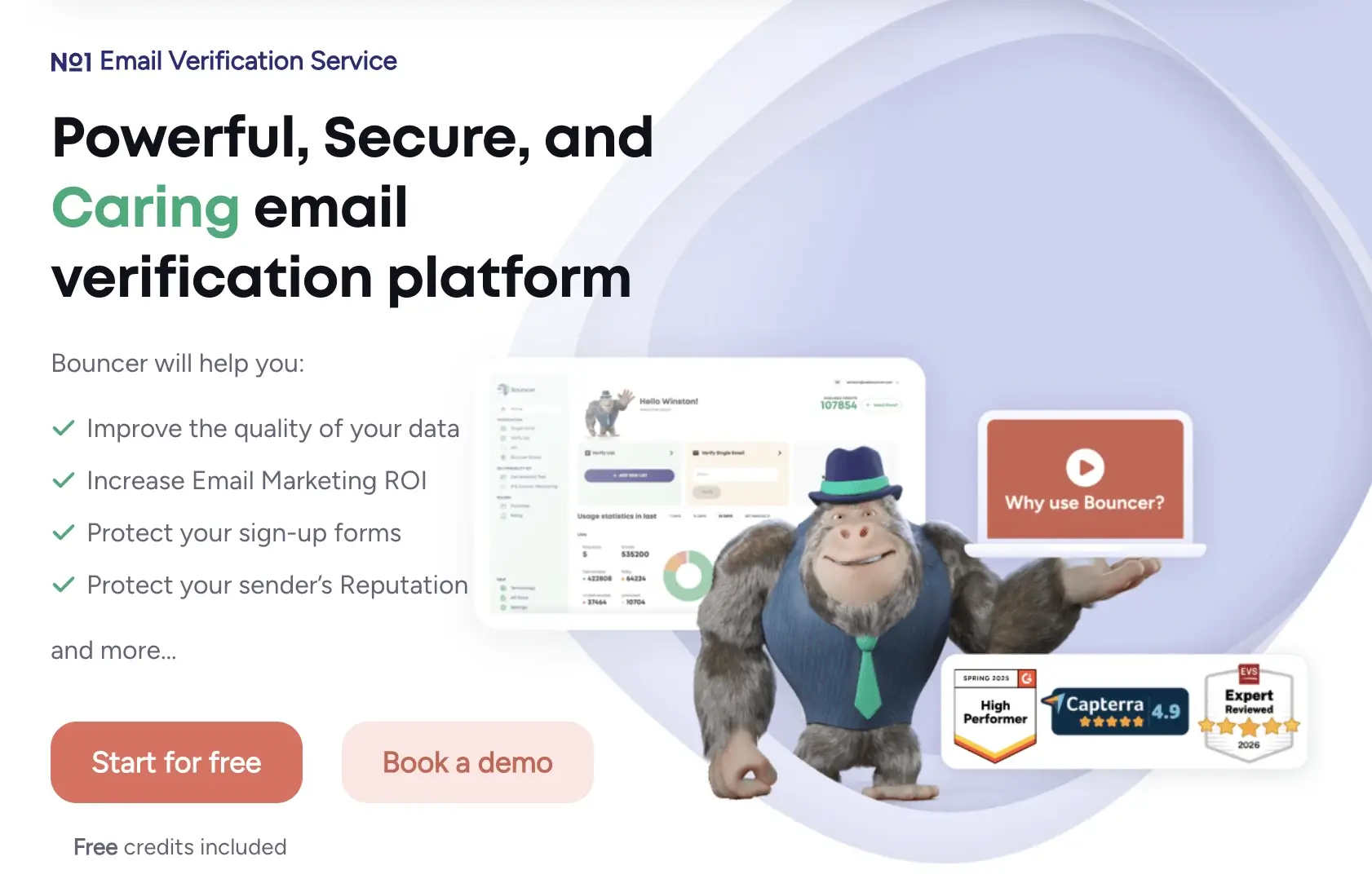
Bouncer is a dedicated email verification platform. It processes large lists quickly and claims 99%+ accuracy, which earns it strong review scores. It lacks an email finder, prospecting workflow, and LinkedIn integration. So, teams that need to build lists before cleaning them will still require another tool.
Ratings: Capterra 4.9/5 · G2 4.8/5
What users like: Reviewers highlight how fast and accurate the results are, with many noting that the risk-based email detection helps them send only to deliverable addresses, driving real reductions in bounce rates.
What users don't like: A recurring complaint is that pricing feels high at low volumes compared to budget alternatives, and some developers find the API documentation less detailed than Kickbox's.
Pricing: Pay-as-you-go from $8 per 1,000 credits, scaling to $2 per 1,000 at 1 million credits.
Choose Bouncer if accuracy and speed are your primary criteria, and you already have a list of emails to verify, as Bouncer doesn’t offer lead-finding options.
7. ZeroBounce
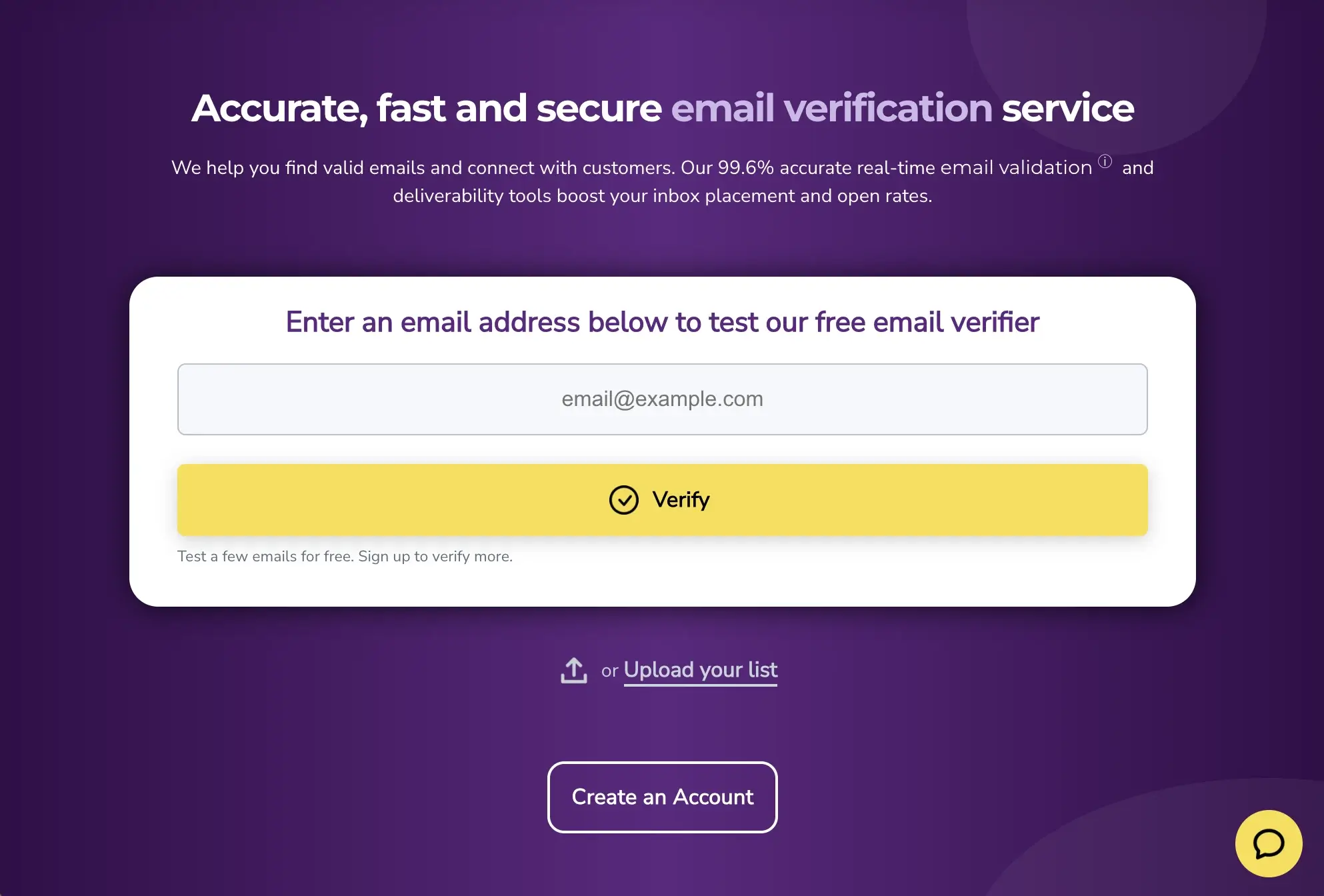
ZeroBounce includes spam trap detection, disposable email identification, catch-all handling, blacklist monitoring across 200+ providers, DMARC reporting, and a built-in warmup tool on top of the core verifier.
For teams seeking deliverability management within a single subscription, this tool offers clear value. It also leads the category in native integrations, with 45 direct connections, including HubSpot, ActiveCampaign, GetResponse, Brevo, and Shopify.
Ratings: Capterra 4.8/5 · G2 4.7/5
What users like: Users often cite detailed reporting and the ability to see exactly why an email failed, which helps them make smarter decisions about what to keep on the list.
What users don't like: The pricing model draws consistent criticism at scale, with small credit blocks that often lead to paying more than you need, and the dashboard can feel cluttered and difficult to navigate for first-time users.
Pricing: Free plan includes 100 verifications per month. Pay-as-you-go from $39 for 2,000 credits. Subscription plans are available at higher volumes with better per-email rates.
Choose ZeroBounce if you want verification, warmup, DMARC, and blacklist monitoring under one subscription, and you value the widest integration library in the category.
8. Hunter
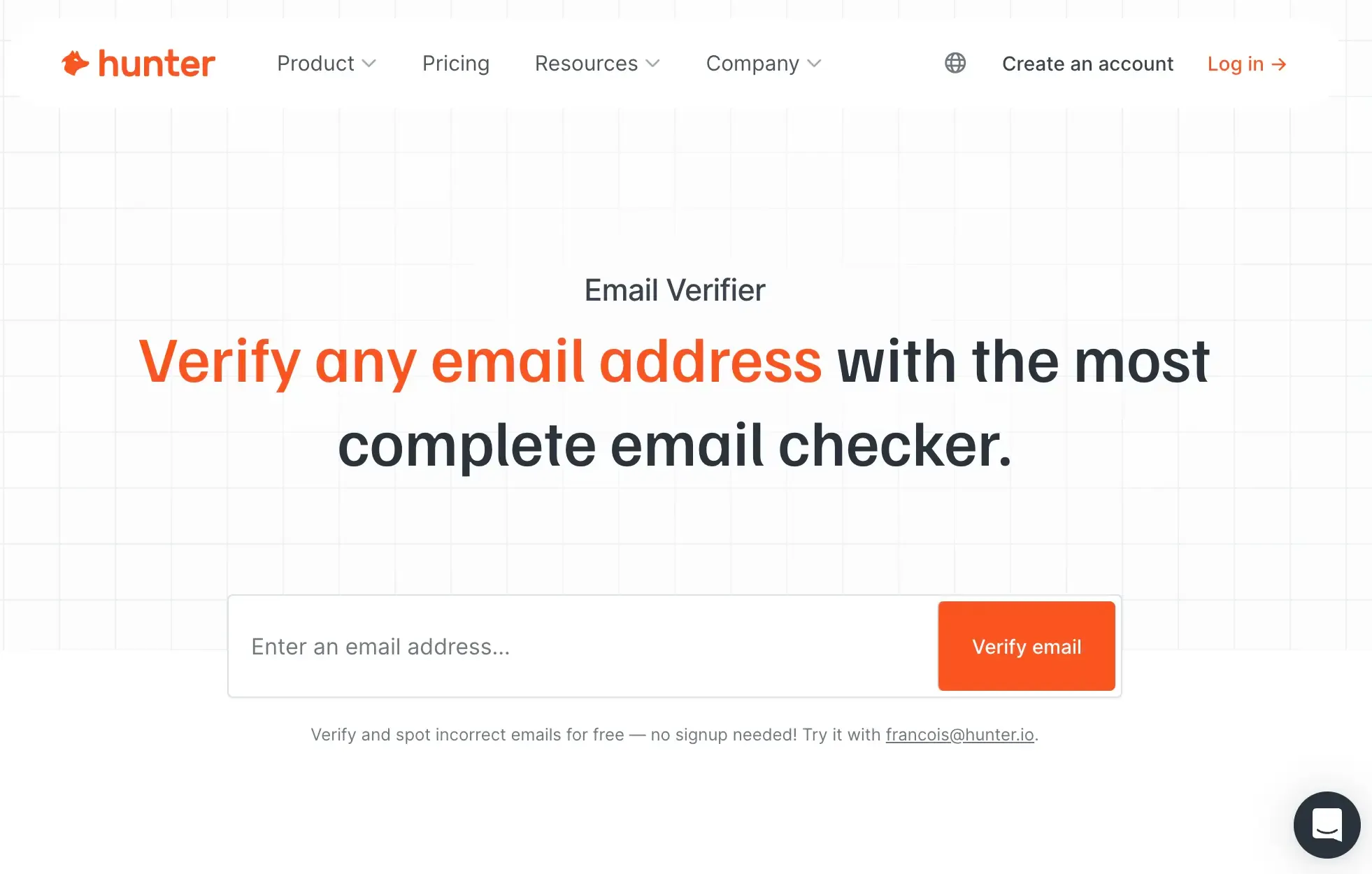
Hunter combines email scrubbing tool with a broader prospecting toolkit that includes domain search, email discovery, and outreach management. Instead of using separate tools to find and validate contacts, teams can manage most of their outbound workflow from one dashboard.
Ratings: Capterra 4.6/5 · G2 4.4/5
What users like: Users commonly highlight the clean interface and the domain search workflow as prominent features, with many observing that the Google Sheets add-on alone saves significant time in prospecting and list-building.
What users don't like: Credit limits are the most common frustration. Finding and verifying share the same pool, which makes it expensive at real outbound volumes, and the tool is widely described as "pricey just for email validation" when used primarily as a standalone verifier.
Pricing: Free plan with 50 credits per month. Paid plans from $49/mo per 4,000 verifications, with annual discounts available.
Choose Hunter if you source prospects by target company domain, want to find and verify in one workflow, and plan to use the outreach features, not just the verifier in isolation.
9. Mailgun
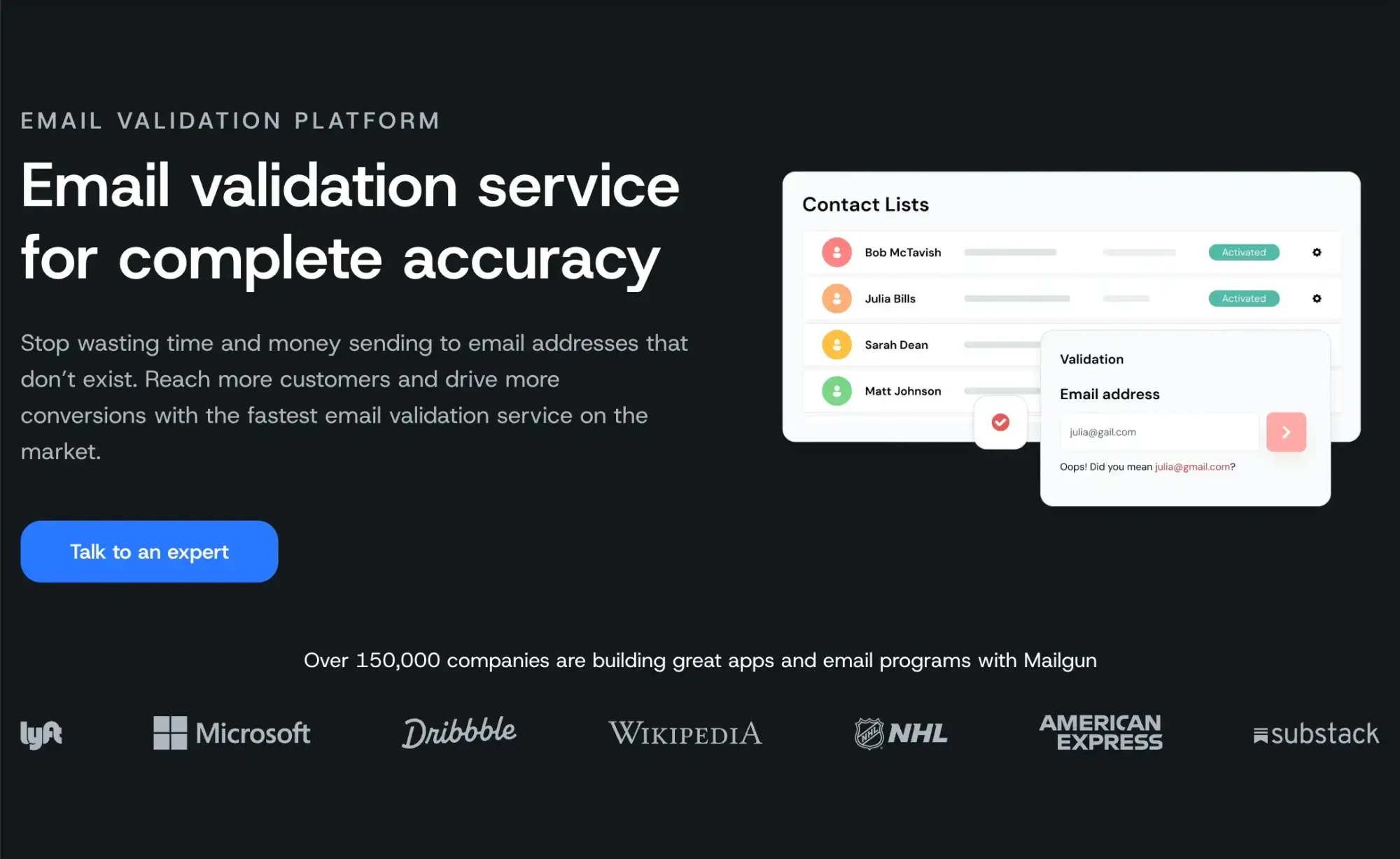
Mailgun is an API-first, developer-focused email-sending infrastructure platform. It offers email validation as a paid add-on rather than a core feature. Teams already using Mailgun to send transactional email can verify addresses within the same account, which reduces tool count.
Ratings: Capterra 4.3/5 · G2 4.2/5
What users like: Developers repeatedly praise Mailgun's API design and the reliability of its email delivery infrastructure, noting that the multi-domain SMTP credential management and detailed logs make debugging straightforward.
What users don't like: Pricing is the most cited complaint. Validation is billed separately on top of sending costs, and users report 20–40% price increases following the Sinch acquisition, with one G2 reviewer noting it is the top complaint category with 11 separate mentions.
Pricing: No free verification tier. Email validation service is billed separately at $1.80 per 1,000 emails on the Basic plan, which starts at $15/month. Pricing scales based on email volume, while additional emails and verification credits are available as paid add-ons.
Choose Mailgun if your team already uses Mailgun for transactional email, has developer resources to work with the API, and wants to consolidate verification on the same platform rather than adding a separate tool.
See how email finding and verification work together in one tool
Explore Skrapp10. BriteVerify from Validity
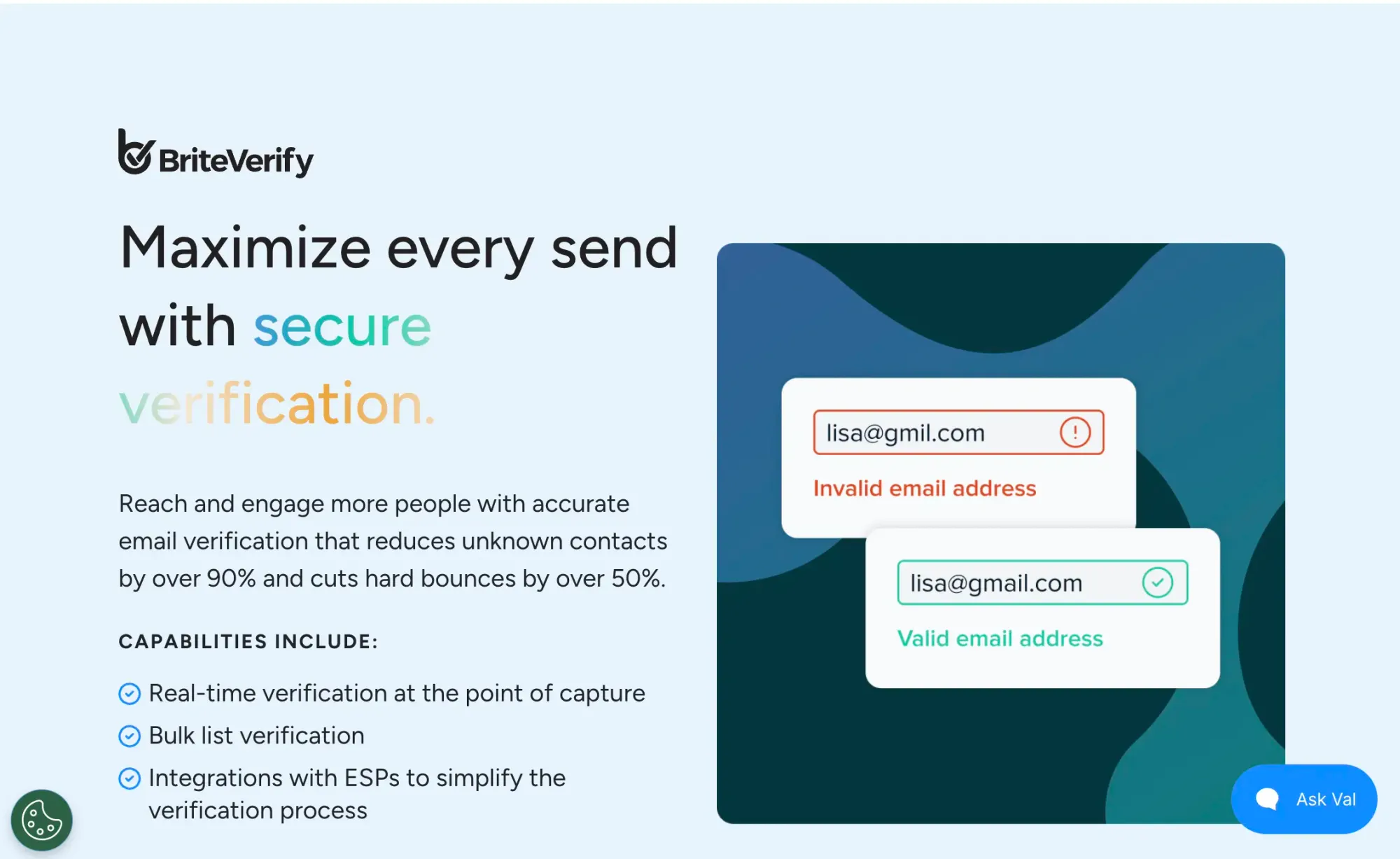
BriteVerify is Validity's standalone email verification product, positioned for enterprise teams managing data quality, as included in a broader CRM or revenue operations motion.
Ratings: Capterra 4.5/5 · G2 4.3/5
What users like: Enterprise users cite the native Salesforce and HubSpot integrations as the primary reason for choosing BriteVerify, noting that embedding verification into the CRM workflow eliminates manual steps and maintains data quality without additional tooling.
What users don't like: Pricing is the most consistent criticism, at approximately $10+ per 1,000 verifications and no free trial, it is significantly more expensive than alternatives with similar accuracy, and most reviewers outside the Validity ecosystem find the cost hard to justify.
Pricing: Pricing is available upon custom quote
Choose BriteVerify if your team works in Salesforce or HubSpot, and you want verification natively embedded in your data quality workflow, and the premium over alternatives is acceptable under your existing Validity contract.
How to Choose an Email Verification Tool?
With so many tools offering similar feature sets, the right choice comes down to your specific use case. Before deciding, map out what you already use, how often you verify, and at what volume.
Picking the wrong tool at scale will cost you more than just the subscription fee. Use the criteria below to find the right fit for your specific workflow and volume.
Verification Accuracy
A good tool doesn't just check whether an email looks right. It runs multiple checks: is the format valid, does the domain exist, is the mail server live, and does the mailbox actually exist? Look for tools that advertise 97%+ accuracy and are transparent about their testing methods.
Bulk vs. Real-Time Verification
Bulk email verification means uploading a list of email addresses and receiving a cleaned version. It’s useful when you already have a database you want to scrub. Real-time verification checks emails the moment someone submits a form on your website, preventing bad data from even entering your system. Knowing which one you need helps you avoid paying for features you won't use.
Spam Trap Detection
Spam traps are fake email addresses set up by email providers to catch senders who aren't maintaining their lists. Hitting even a few can damage your sender reputation and push your emails into spam. Better tools identify and flag these, along with disposable email addresses and catch-all domains that accept any email without confirming that a real inbox exists. If deliverability matters to you, this feature is worth looking at.
Integrations
The total number of integrations doesn’t matter much if the platform doesn’t connect with the tools your team already relies on. The best tool is usually the one that fits into your existing workflow. Check whether it connects natively with your CRM (HubSpot, Salesforce), email platform (Mailchimp, ActiveCampaign), or outreach tool. If not, API access or a Zapier integration can resolve the issue.
Pricing: Pay-As-You-Go vs. Subscription
Pay-as-you-go works well if you clean your list occasionally. So you buy credits and use them when needed. Subscription models make more sense if you verify regularly or use real-time API calls. Watch out for tools that charge separately for bulk verification, API access, and real-time checks, as the real cost is often higher than the headline price suggests.
Result Transparency
After verification, you want clear, actionable categories: valid, invalid, risky, disposable, catch-all. Vague "deliverable/undeliverable" outputs make it harder to decide what to do with borderline addresses. Better reporting means smarter decisions about who stays on your list.
GDPR and Data Privacy
If you have any contacts based in Europe, this matters. Check whether the tool stores the email addresses you submit, for how long, and under what terms. Any credible provider will have a clear privacy policy and a Data Processing Agreement (DPA) available on request.
In most cases, accuracy and integrations must be your priorities. Everything else, like speed, pricing structure, and reporting depth, is worth comparing once you know the tool actually works for your team's way of operating.
What's the Best Email Verifier Out There?
The best email checker depends on what you actually need it for. The tools in this list serve different workflows: some are for finding and verifying contacts from scratch, while others are purely for cleaning lists you already have.
Here's where each one lands based on hands-on testing and verified user feedback.
- Skrapp is the best choice for B2B sales teams that prospect on LinkedIn and want finding and verification under one set of rolling credits. The combination of an integrated LinkedIn extension, no charges for invalid lookups, and month-over-month credit rollover makes it the most useful tool for outbound SDR workflows where you're building prospect lists as you go.
- ZeroBounce should be your choice if you want verification and deliverability management bundled together: warmup, blacklist monitoring, DMARC reporting, and 45 native integrations at the cost of some speed and a higher per-email cost for the broadest feature set in the category.
- Hunter makes the most sense for marketers who work by company rather than by list. Teams that start with a target account, search the domain, and need to verify what they find before getting in touch. You’ll find its all-in-one dashboard useful when you want to see the whole outreach workflow in one place.
- Kickbox is a popular choice among developers thanks to its well-documented API, smooth integrations with major email platforms, and its Sendex quality score, which gives more insight than a simple valid-or-invalid result.
- Email List Verify is worth serious consideration if budget is the binding constraint and you're cleaning lists periodically rather than running continuous checks.
If you're still unsure, run a sample of 100–500 emails through two shortlisted tools and compare the result categories side by side.
Most top tools perform similarly in terms of accuracy. Where they actually differ is in catch-all and borderline address handling, the specific integrations your workflow depends on, and how the credit model works. Because monthly-credit plans can cost more in practice than the per-email price suggests.
FAQs: Best Email Verifier
What is email verification?
Email verification checks whether an email address actually exists and can receive messages. The process runs several technical checks, such as syntax checks and domain lookups, and returns a status: valid, invalid, catch-all, or unknown.
What is an email verification tool, and when should you use it?
It's software that checks whether email addresses on your list are deliverable. Use one before launching any campaign or cold outreach sequence, before importing contacts into a CRM, or any time you're working with a list that's been untouched for 90+ days. An example of such software is Skrapp, which combines an email finder and verifier, or Kickbox, which connects natively with platforms like SendGrid and Mailchimp.
How do I validate if an email address is valid?
Run it through a verification tool like Skrapp or Bouncer that performs multi-step checks: formatting, domain/MX record existence, and an SMTP-level ping to confirm the mailbox is active. Better tools also use AI models to cross-check results against known email patterns at a given domain, which catches things a basic SMTP check misses. Sending a test email manually isn't a viable approach at any meaningful scale, as it burns your sender reputation.
Which email checker tool is the best?
Depends what you need. If you also need to find contacts and not just verify the ones you have, then Skrapp and Hunter handle both in a single workflow. For pure email validation, Bouncer leads independent benchmarks, with particularly strong catch-all detection. For speed and integrations, Emailable is hard to beat.
What is the best method for verifying an email's legitimacy?
The most reliable way to verify an email’s legitimacy is to use an email verification tool that checks multiple signals, such as syntax, domain validity, MX records, and mailbox existence.
Tools like ZeroBounce and Skrapp are commonly used for this. They can identify whether an email is valid, risky (e.g., catch-all), or invalid before you send any outreach.
For best results, it’s recommended to combine real-time verification (at the point of capture) with periodic list cleaning to maintain high deliverability and reduce bounce rates.
Which is the cheapest email verification tool?
Clearout is one of the most affordable options, with 98%+ accuracy and pricing starting at around $0.007 per email, according to independent tests. If you’re looking for a trusted bulk email validator and email finder in a single dashboard, Skrapp's pricing starts at $0.006 for high-volume usage.
What is the most accurate email verification service?
ZeroBounce claims 99% accurate email verification, and Skrapp email verification service ensures an average deliverability rate of 98%. But headline numbers don't tell the whole story, as vendor accuracy claims are based on their own test datasets, which may not reflect your list's makeup. The real test is to run a sample of your own data and compare bounce rates across tools.
What bulk email verifier should I choose?
For large lists, prioritize throughput, per-email pricing, and catch-all detection. Bouncer stands out for raw processing speed, while NeverBounce and ZeroBounce work well for enterprise teams with complex CRM setups.
Does email verification improve deliverability?
Yes, meaningfully. A list with 15% invalid addresses inflates bounce rates, damages your sender reputation with Gmail and Outlook, and corrupts your engagement metrics. Cleaning your list keeps bounces below the 2% threshold most ESPs flag. That said, verification alone doesn't guarantee inbox placement as authentication, sending behavior, content, and domain age are all important factors to add.
How often should I verify my list?
About 2% of email contacts expire each month due to job changes, abandoned accounts, and domain expirations. Quarterly verification is a reasonable baseline for most senders, with a re-check 24 hours before any major campaign.