
Best CMO Email List Providers for Clean and Verified B2B Data

A verified CMO email list is the foundation of successful B2B prospecting. Just like a building needs a solid foundation, your executive outreach campaigns need clean, accurate data to actually work.
Here's the thing about pre-built CMO email lists: they are outdated before you even download them. By the time you get the file, half those CMOs have probably switched jobs, their email addresses don't work anymore, or their inboxes are so flooded from everyone else who bought the same list that your message never stands a chance.
Email finder tools solve this by pulling fresh data and verifying it on the spot. I'm going to show you how I use Skrapp to find CMO emails, plus break down other tools I've tested that are actually worth your time.
1. Skrapp: Finding CMO Emails Through LinkedIn
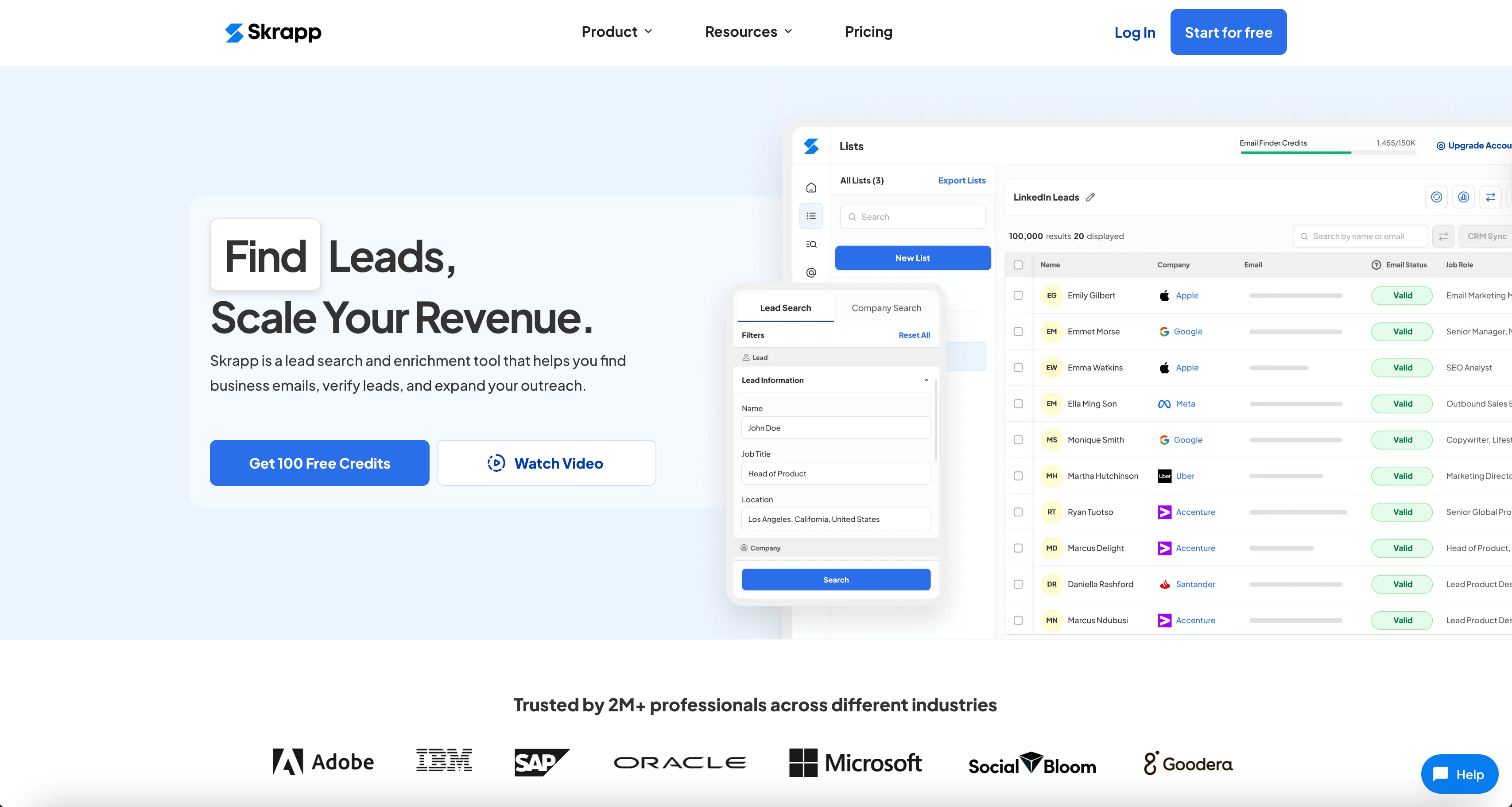
At Skrapp, we built our tool specifically to solve the problem I mentioned earlier: getting fresh, verified CMO contact lists without buying outdated databases. It's a Chrome extension that extracts contact info directly from LinkedIn profiles in real-time.
Here's how it works. You install the extension, go to a CMO's LinkedIn profile, click the Skrapp button, and it pulls their email with a verification status. Green means verified and safe to use, and yellow or red means proceed with caution.
What makes it useful:
- Works right inside LinkedIn while you're already researching
- Shows you immediately if an email is valid
- Search emails in bulk from LinkedIn and domain lists
- You’re charged only for valid contacts
A free plan gives you 100 email credits a month. If you need more, paid plans start from $30 monthly for 1,000 verified emails.
When I use it:
Mainly, when I'm building CMO lists from LinkedIn search results. You run your search on LinkedIn, and Skrapp grabs all the profiles with their verified emails and exports everything to CSV. You can also set it to automatically send connection requests to everyone on the list.
The other main use case is when you have specific companies you want to reach. Let's say you have 50 companies on your list. You can import the domains, and Skrapp finds the active contacts and verified emails for each one. This approach works really well for ABM campaigns or when you're doing targeted outreach to specific accounts.
How to Find CMO Email Addresses on LinkedIn (Step-by-Step)
Here is a detailed guide on how to find CMO email addresses, whether you’re doing a personal lookup or searching in bulk.
Step 1.
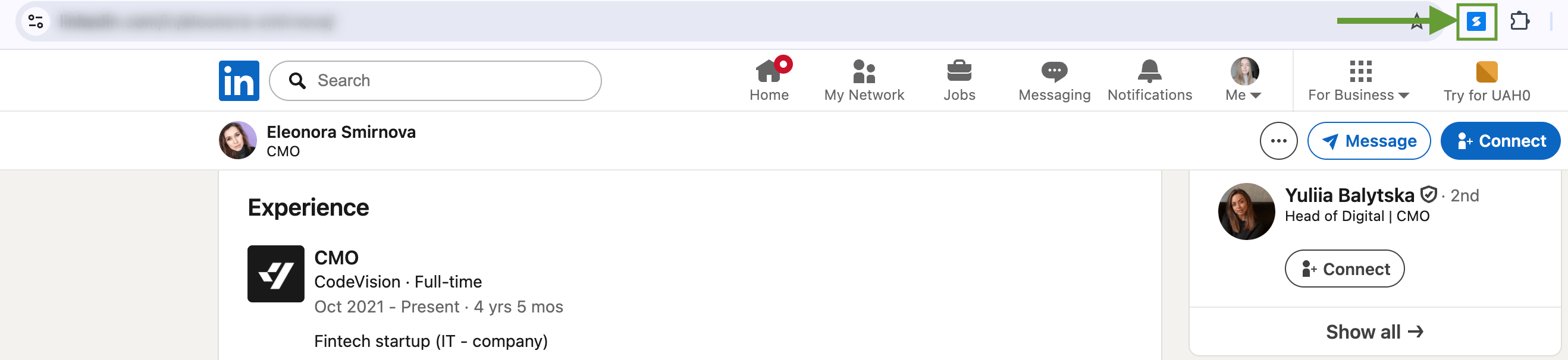
Install the Skrapp Chrome extension and open LinkedIn. The blue Skrapp icon should appear in the top right corner.
If the icon isn't visible, open the extensions tab and pin Skrapp to the toolbar so it's easily accessible with one click.
Step 2.
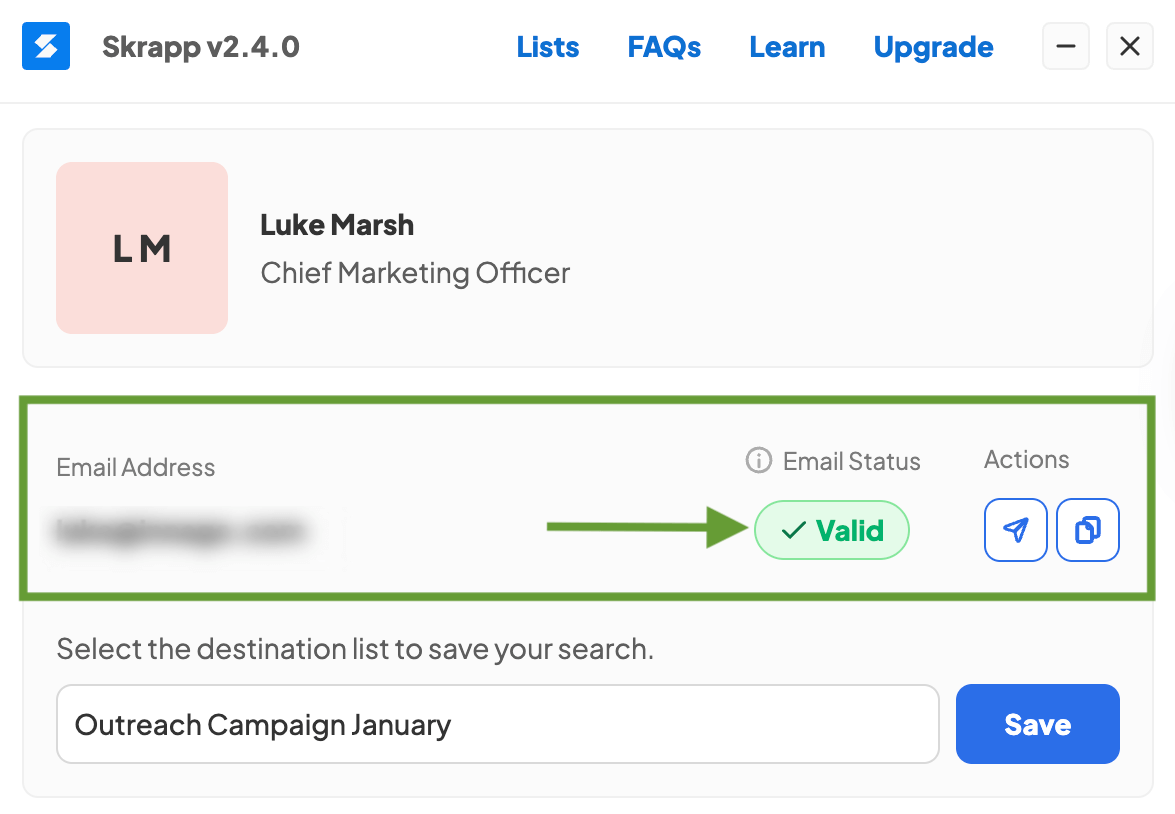
For individual lookup, open a CMO's LinkedIn profile and click the Skrapp icon. That's it!
The tool will return an email address with a verification status. If the email is valid, you'll see the status in green as shown in the image. This is a verified CMO email you can safely use for outreach.
Step 3.
For bulk CMO email searches, you'll need to export data from LinkedIn search results or Sales Navigator.
Search for CMO roles and filter by country. In the Skrapp dashboard on the right side of the screen, select the contacts and number of pages you want to enrich, choose your destination list, and click the Enrich button.
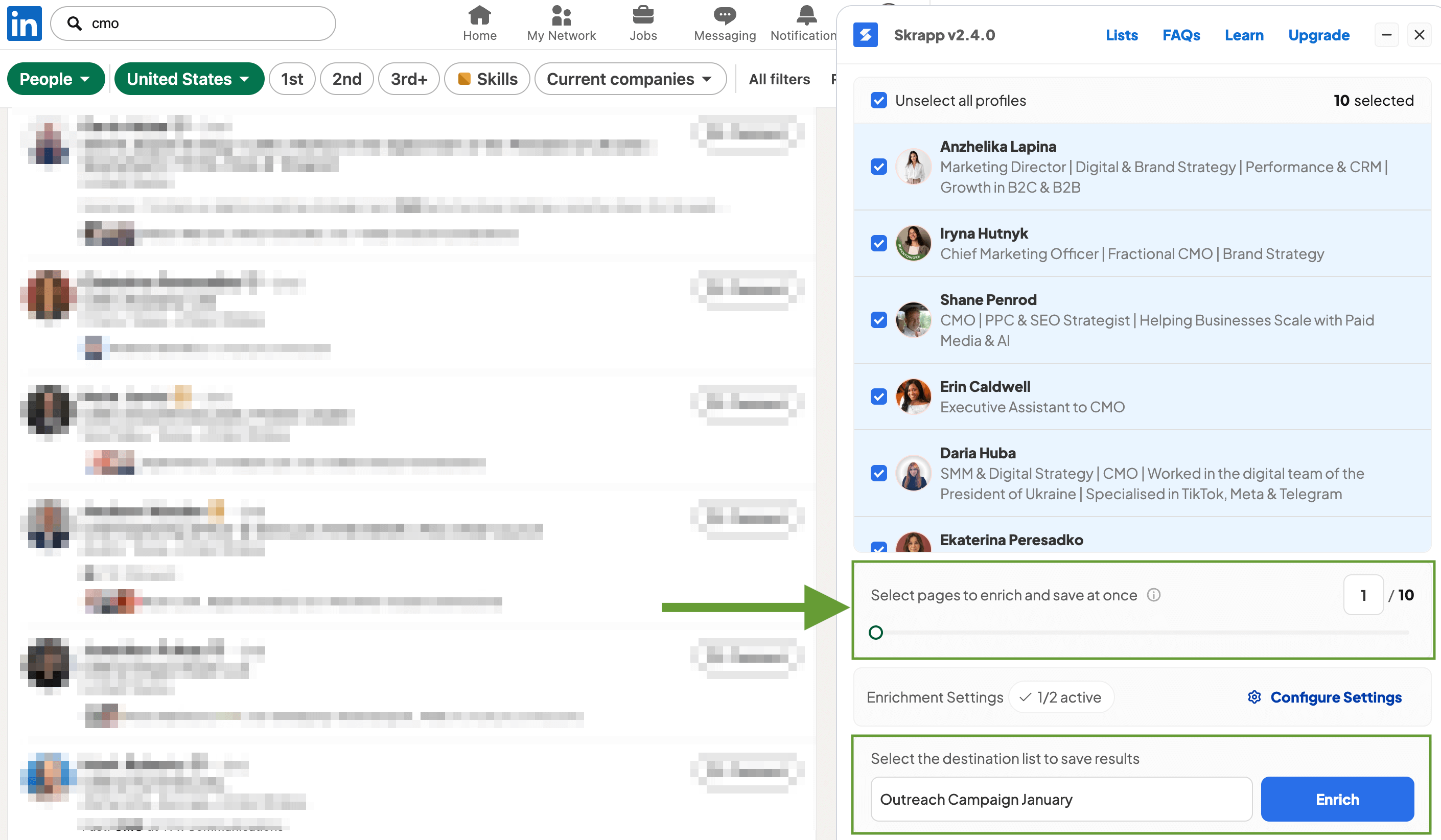
Skrapp will create a list with enriched data for the selected contacts that you can use for your outreach campaigns.
How to Find CMO Emails Using a Domain List
Below, you’ll find the exact steps I follow when I already have a list of target companies and need to find verified email addresses for CMOs and marketing directors at those organizations.
Step 1.
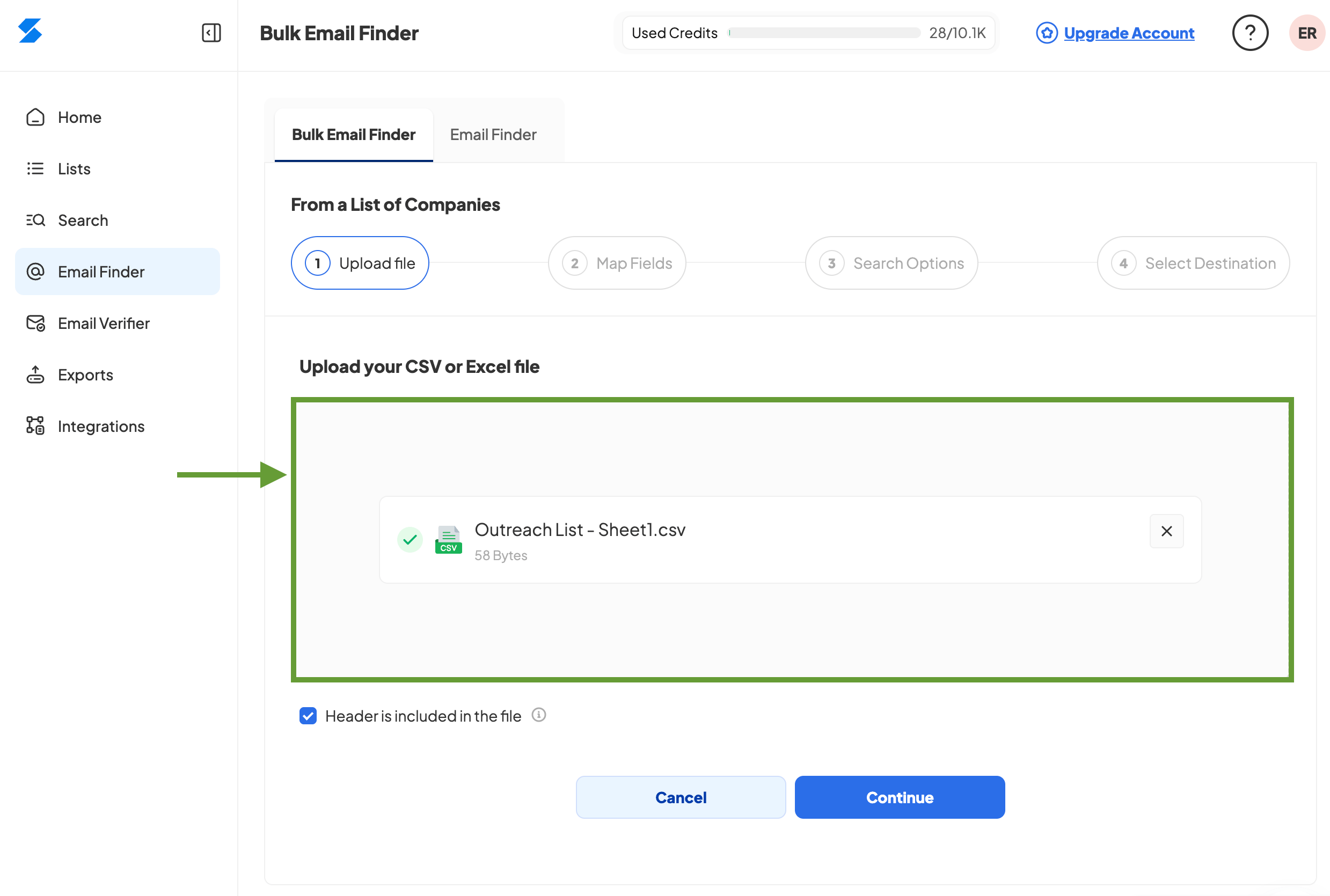
Go to the Skrapp dashboard and open the Bulk Email Finder tool.
To look up CMO emails from a list of domains, select From a List of Companies and upload the CSV file containing your target domains.
Step 2.
Map your fields and choose how many contacts you want to find per domain.
Set up filters to build a CMO-specific list and exclude irrelevant roles. Select titles like CMO, Chief Marketing Officer, Marketing Director, VP of Marketing, etc.
Once you're ready, start the search.
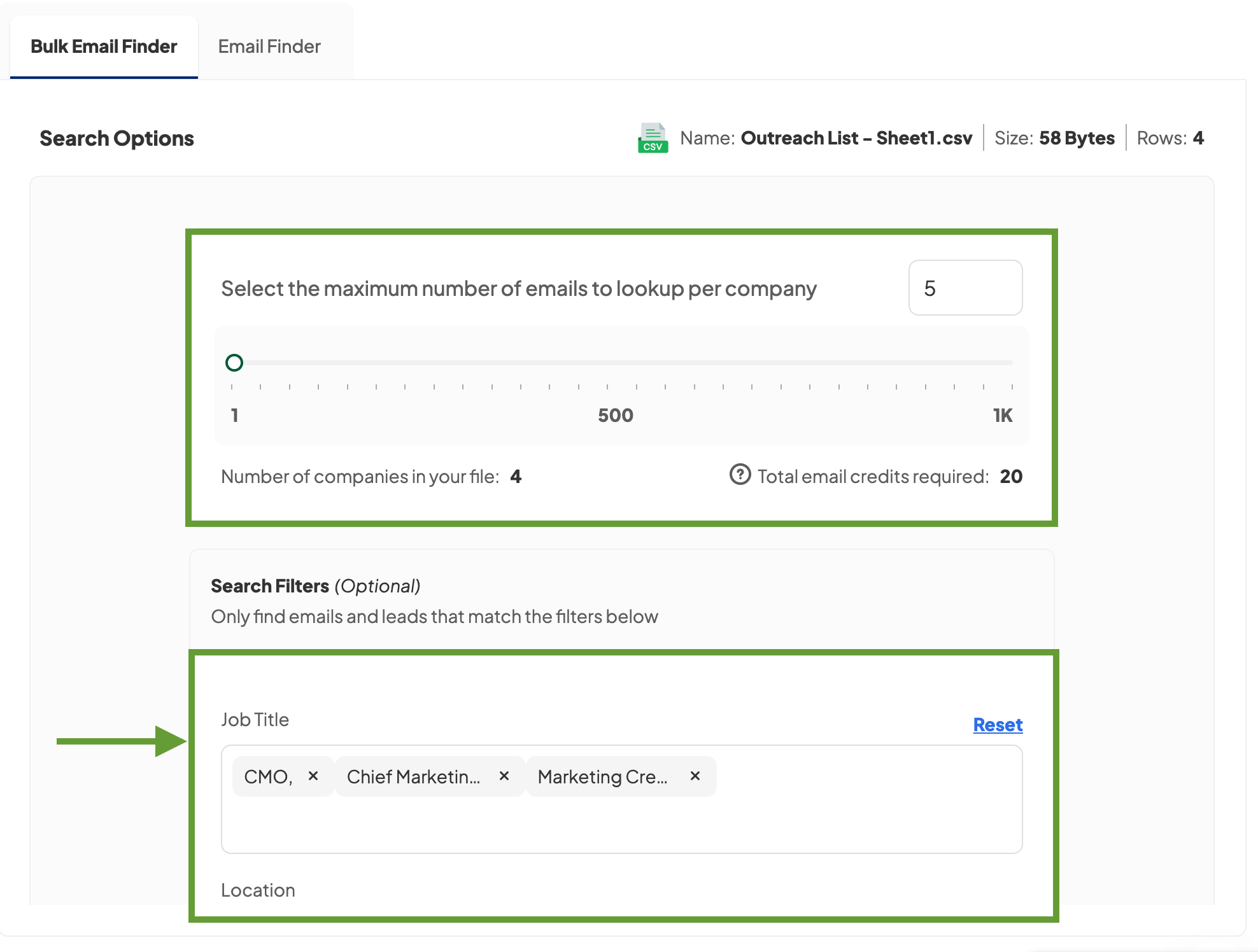
You'll get a list of CMO and marketing roles with enriched data and verified email addresses.
2. Kaspr: If You're Targeting Europe
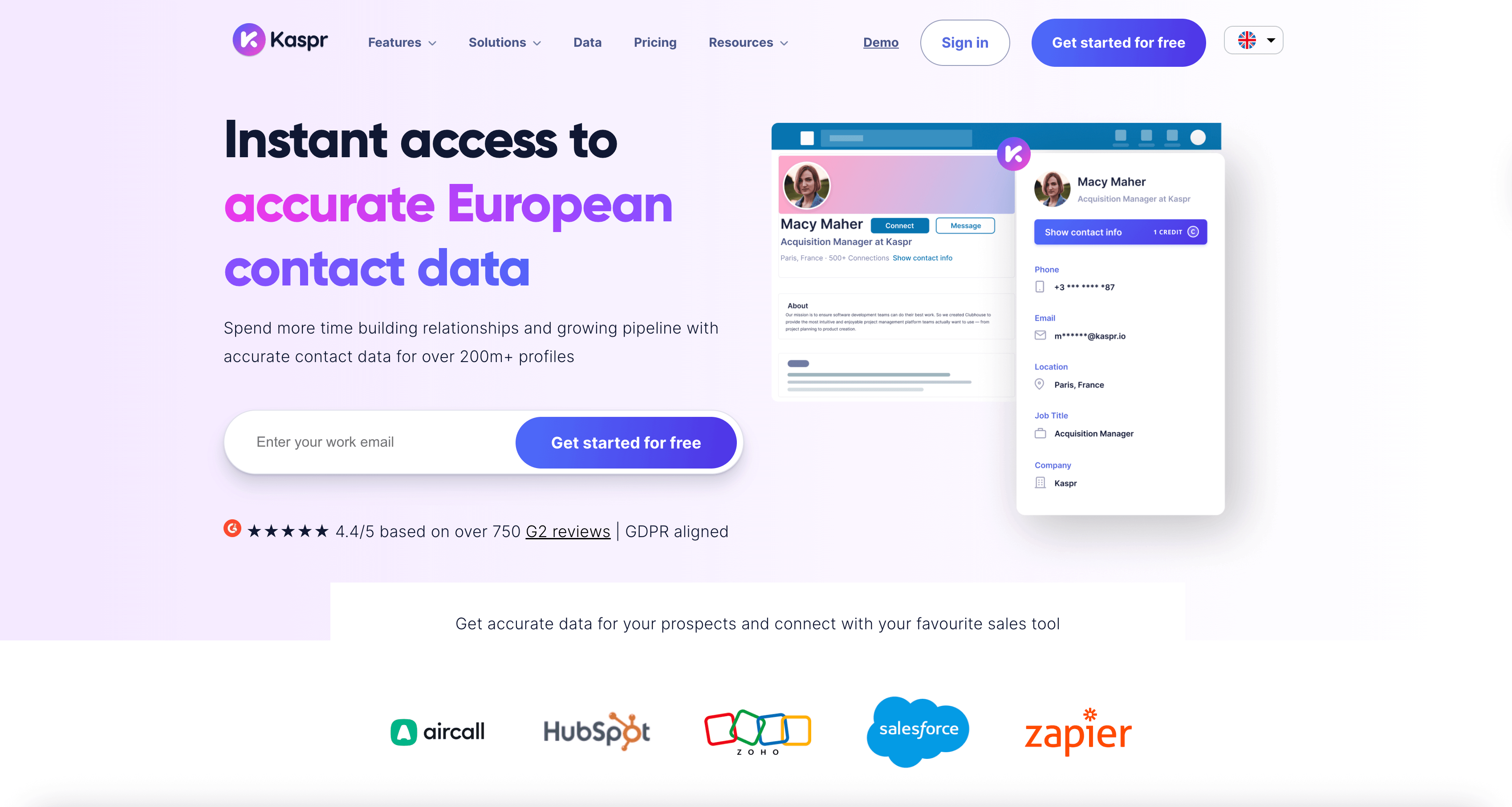
Kaspr is similar to Skrapp, but its strength is European contacts. If your target CMOs are in France, Germany, the UK, anywhere in the EU, really, Kaspr's database is stronger there.
They're also GDPR compliant, which matters if you care about staying on the right side of European privacy laws. The tool works as a LinkedIn extension just like Skrapp.
One thing Kaspr does that others don't: they include phone numbers. Both mobile and direct lines. So if you're doing multi-channel outreach (email plus calls), that's helpful.
Free plan gives you 5 phone credits, 15 B2B email credits, and 5 direct emails monthly. Paid starts at €45/month.
When to use it:
If you are targeting European markets as their US data is fine but not special. For Europe, they're one of the better options I've found.
3. LeadGenius: Custom CMO Data Enrichment
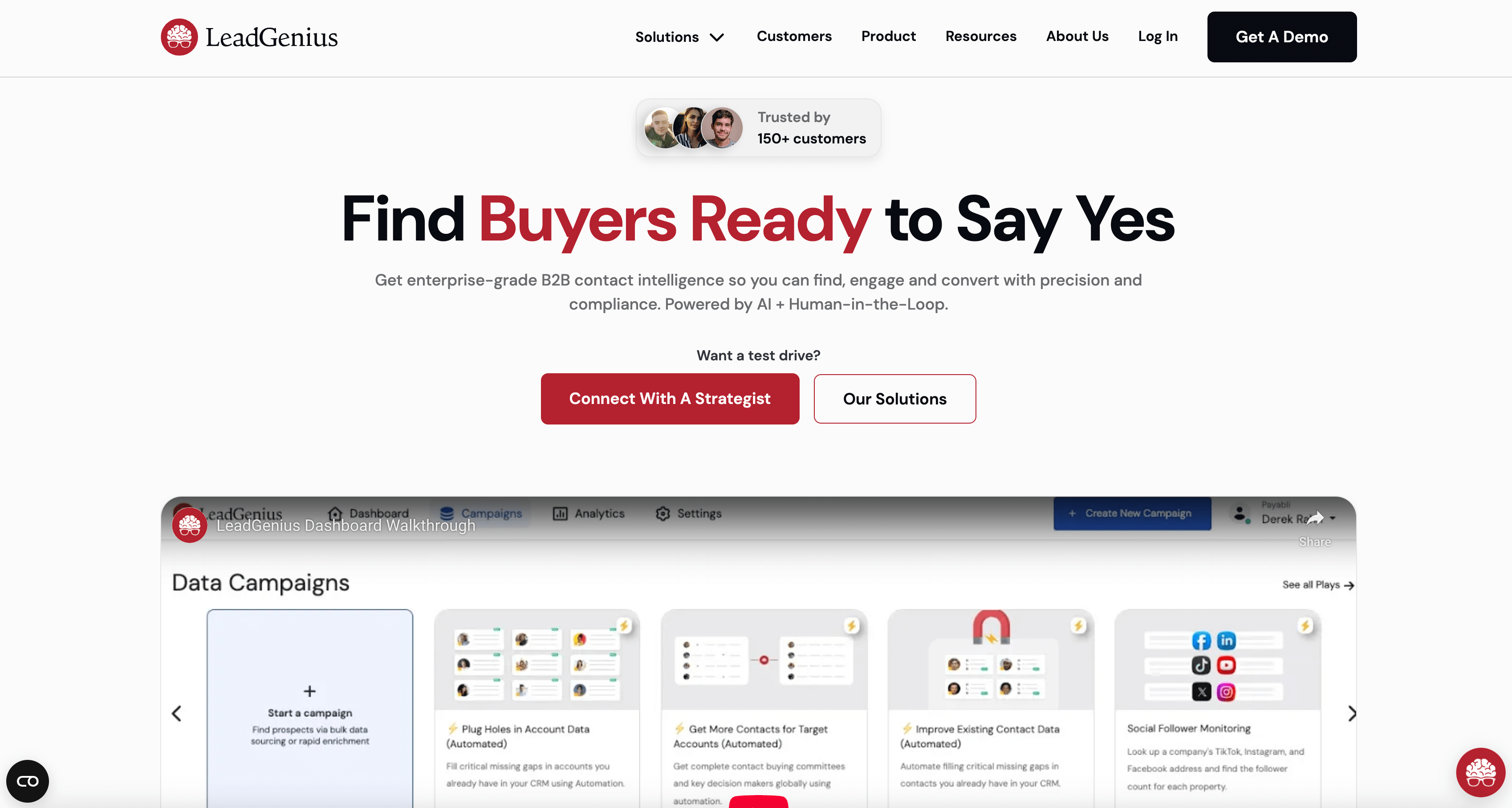
LeadGenius does things a bit differently. Instead of just scraping databases, they mix AI with actual human researchers who verify the contact info. If you're in a niche industry where the automated tools keep missing people, this might be what you need.
How it works:
You tell them that you are targeting CMO leads at certain companies or specific industries. Then their team researches and verifies the contacts. It's not instant like other tools because real people are checking the data, but that's the reason why it's more accurate.
Why it’s different:
- Contacts are verified through a combination of smart algorithms and real human researchers
- Custom research tailored to your specific requirements and ideal customer profile (ICP)
- More reliable results for hard-to-find contacts in niche markets
Custom quotes based on your data volume and research complexity. Pricing starts at $1,500/month for smaller teams.
When to use it:
This approach works best when you’re retargeting CMOs in specialized niches where standard tools fall short, or when accuracy matters more than speed. It’s also ideal if your criteria are highly specific, such as “CMOs at B2B SaaS companies with 50–200 employees in the fintech space.” Traditional filters struggle with this level of detail, but LeadGenius can handle it.
4. RocketReach: Large Database of Executives
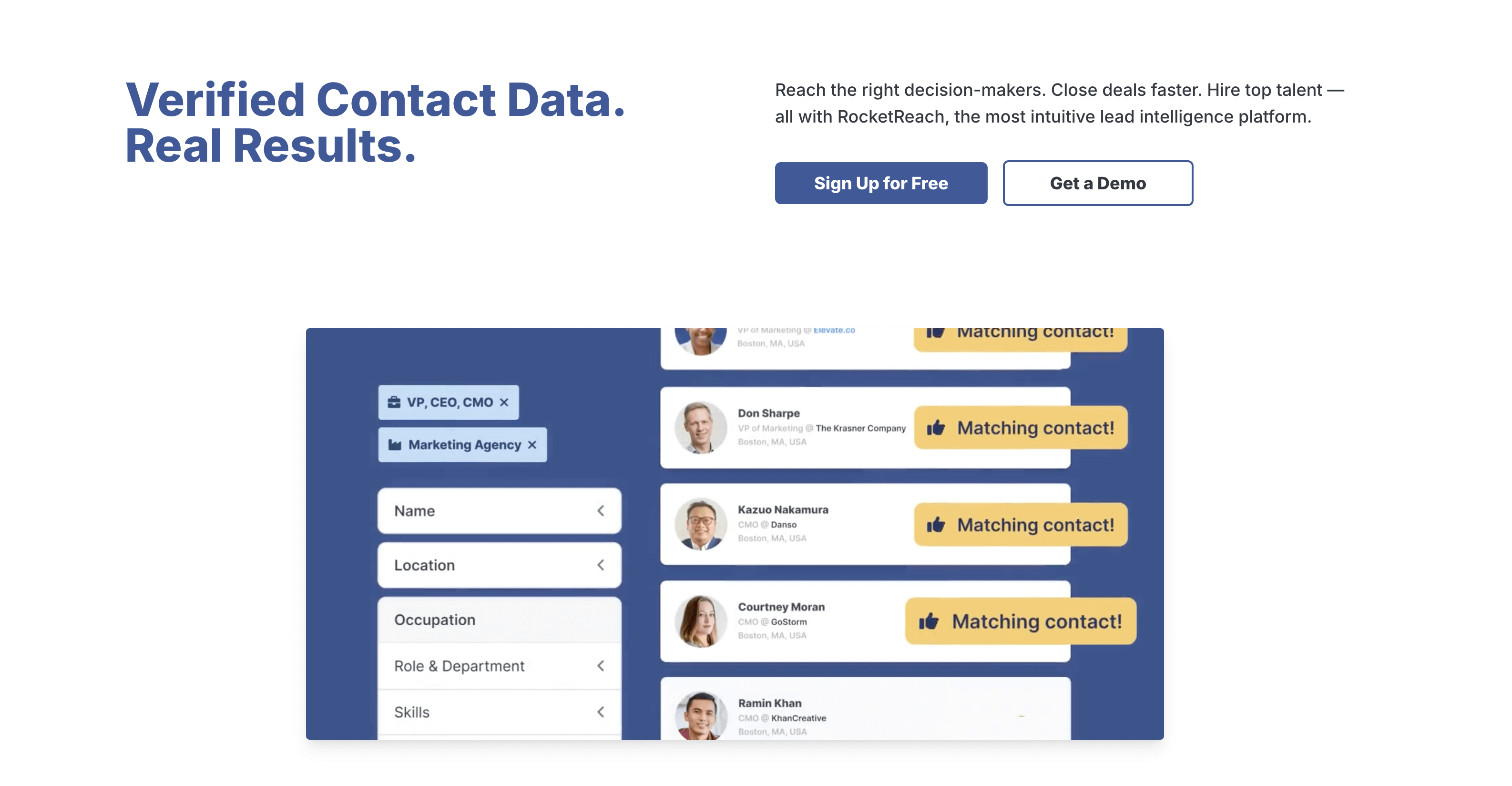
RocketReach has a large database with over 700 million profiles, so it’s a great option if you need scale and want to launch campaigns for large outreach lists.
You can search by job title, company, location, or industry, pretty much any filter you’d expect. It provides email addresses, phone numbers, and social profiles.
What stands out:
- Very large global database
- Strong filters for company size, revenue, and location
- Browser extension and bulk lookup options
- API access if you want to automate your workflow
Plans start at $33/month for email lookups only. Higher-tier plans include phone numbers, more credits, and team features.
Best use case:
RocketReach works best for large outreach campaigns, when you are contacting CMOs across multiple verticals. If you only need 50 CMO emails, cheaper tools might do the job. But if you need 5000, RocketReach is a good fit.
5. Hunter: When You Know the Company Domain
Hunter is really good at finding emails from a particular company domain.
You type in a company domain like "skrapp.io" and Hunter shows you all the public email addresses associated with that domain. It also figures out the email pattern the company uses, like if everyone follows firstname.lastname@company.com.
Features:
- Domain search to see all emails from a company
- Email pattern recognition
- Bulk domain search
- Separate verification tool
Free plan gives 50 searches monthly. Paid plans start at $49 for 2000 monthly searches.
When to use it:
When you know exactly which companies you want to target but need to find the specific CMO's email. If you are doing broader prospecting where you don't know companies ahead of time, other tools work better.
6. Lusha: Quick and Easy
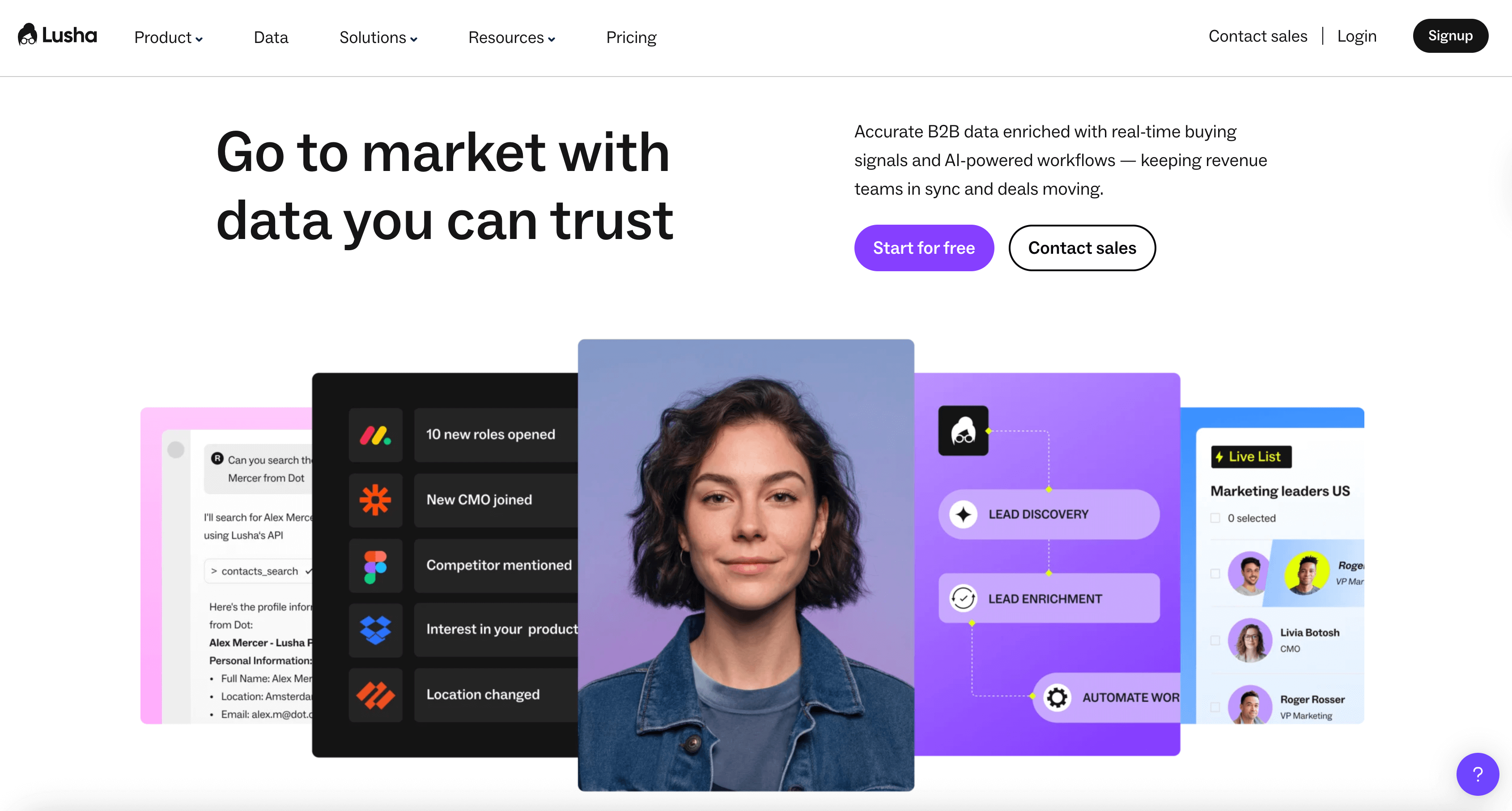
Lusha's perfect for when you need someone's email address right away. There's no complicated setup or workflows to deal with. Just install the extension, click a button, and you've got their contact info.
It's a Chrome extension that works on LinkedIn and company websites. Click it and you get the email and phone number instantly (if they have it in their database).
Key points:
- Super simple to use
- Direct dial phone numbers included
- Integrates with Salesforce and HubSpot
- Bulk enrichment available
Free plan gives 40 credits per month. Individual subscriptions begin at $37 per month.
Who it's for:
Ideal for sales reps prospecting on LinkedIn who want straightforward access to contact info.
7. Apollo.io: Everything in One Place
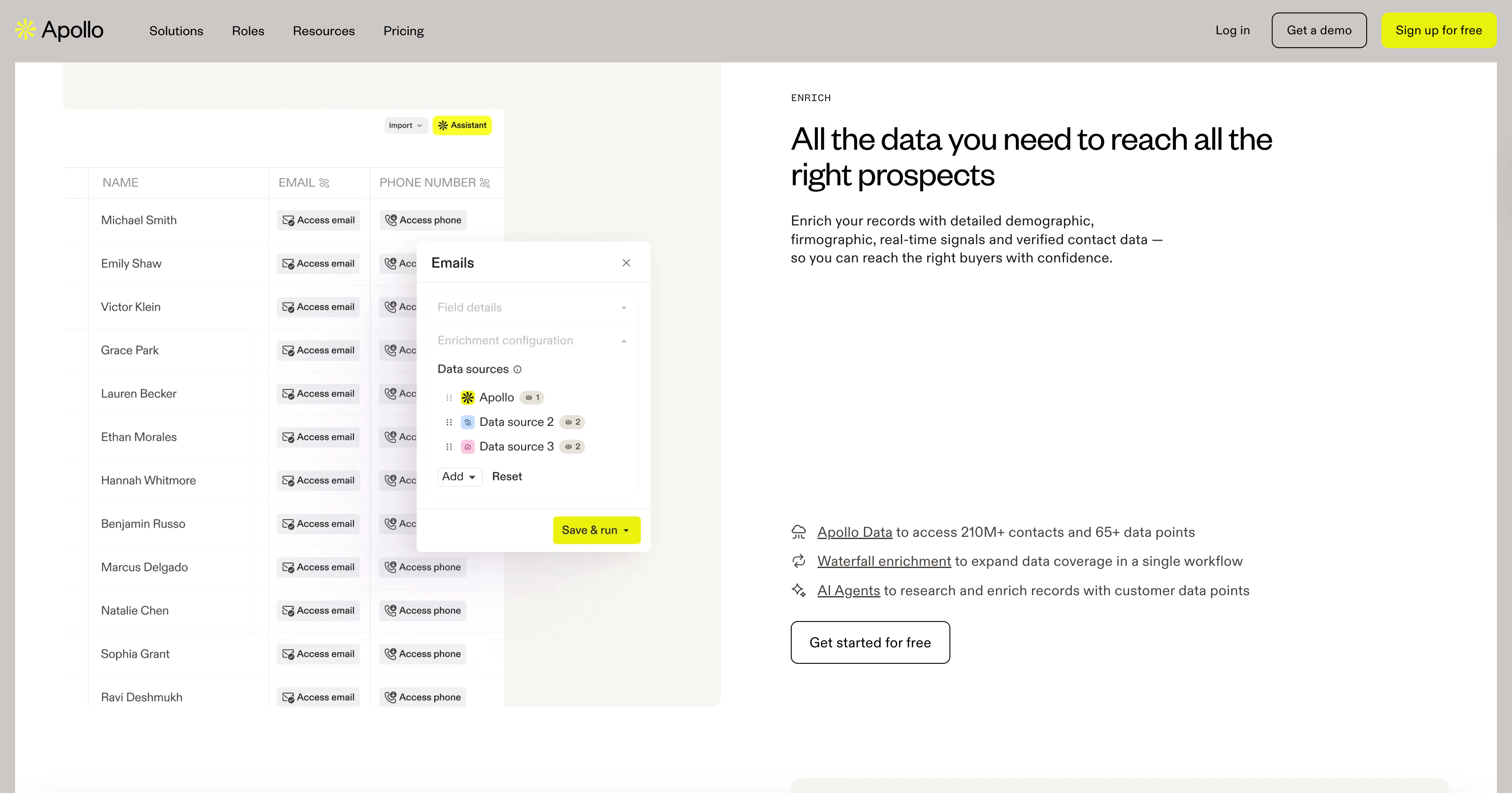
Apollo tries to be your entire prospecting system. Database, email finder, sequencing, engagement tracking, it's all there.
They have 275+ million contacts in their database. You search using filters like job title (CMO), industry, company size, location. Then you can launch email sequences directly from Apollo without switching tools.
What's included:
- Contact database with search filters
- Email sequencing and automation
- A/B testing for your outreach
- Meeting scheduler
- LinkedIn Chrome extension
Free plan available but limited. Paid starts at $49 per user monthly.
The appeal:
If you want one platform instead of juggling five different tools, Apollo does most of what you need. The downside is you're locked into their ecosystem. If their database doesn't have good coverage in your niche, you're stuck.
8. Findymail: High Verification Rates
Findymail focuses entirely on email accuracy. They claim 95%+ verification, which matters when you're emailing executives who you really don't want to bounce.
They use what they call "waterfall verification", basically checking the email against multiple data sources to confirm it's valid.
You can upload a list of names and companies, or search their database. Either way, emails get verified before you get them.
Features:
- Multiple verification sources for accuracy
- Guaranteed delivery rates
- LinkedIn integration
- API for bulk verification
Findymail lets you verify 10 emails for free. If you need more, you'll have to upgrade to a paid plan starting at $49 for 1,000 credits.
When to use it:
Campaigns where deliverability is critical. If you're pitching to key prospects and can't afford bounces, the extra verification is worth it.
9. LeadIQ: LinkedIn Straight to Your CRM
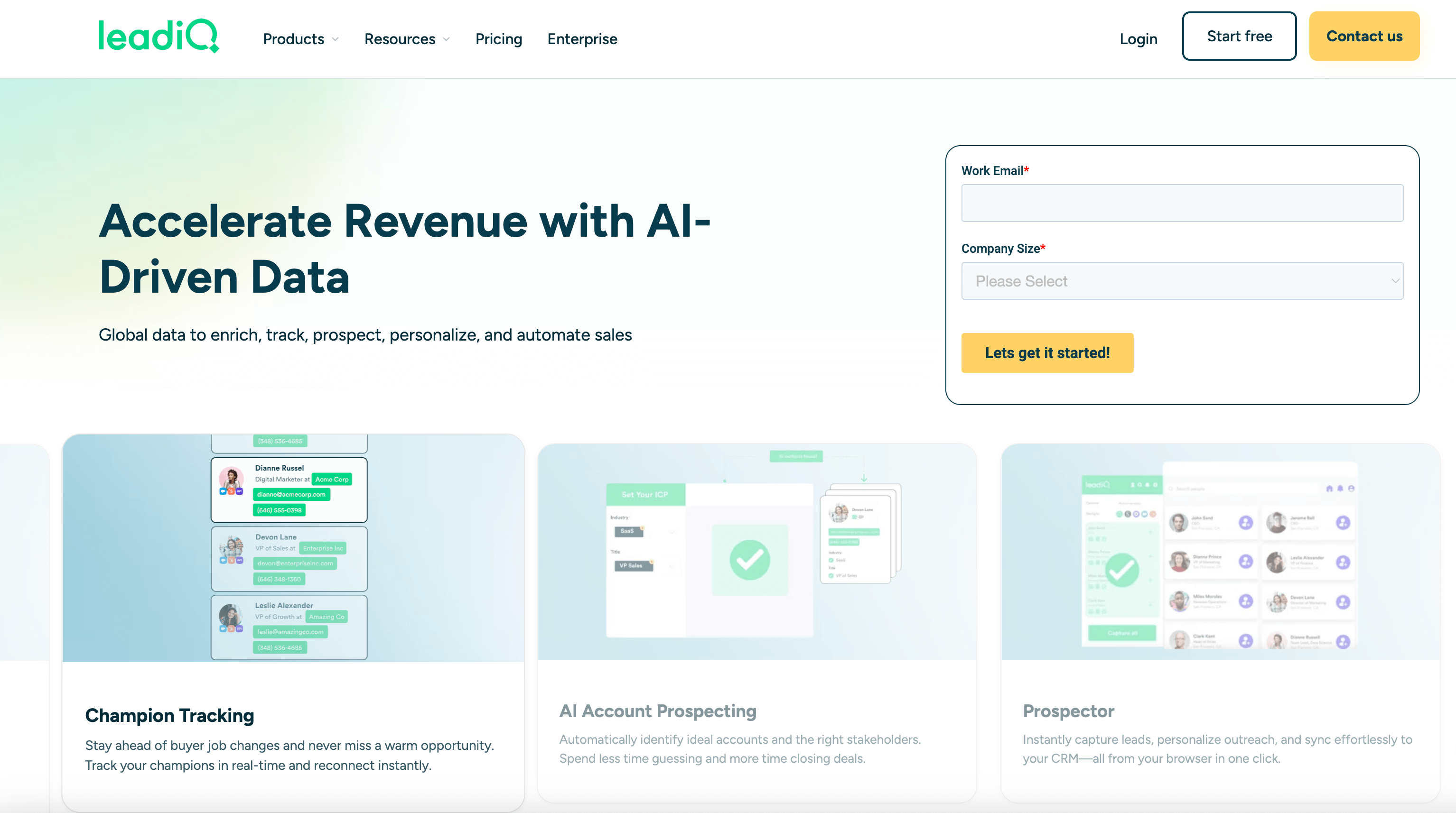
LeadIQ is built for sales teams who live in Salesforce or HubSpot and do most of their prospecting on LinkedIn.
You click the LeadIQ extension on a CMO's LinkedIn profile and it captures their info and pushes it directly into your CRM. No manual data entry, no copy-pasting.
What it does:
- One-click sync from LinkedIn to CRM
- Captures emails and phone numbers
- Workflow automation for prospecting
- Team collaboration features
Starts at $50 per user per 1000 credits monthly with discounts for bigger teams.
Best for:
Sales teams already using Salesforce or HubSpot who want to eliminate the busywork of manual data entry.
What Is a CMO Mailing List?
A CMO mailing list is just a database of contact information for Chief Marketing Officers. Usually includes their email, name, company, and sometimes phone numbers and LinkedIn profiles.
Why bother building one?
CMOs control marketing budgets. They decide which tools to buy, which agencies to hire, which platforms to invest in. If you're selling anything related to marketing, like software, services, consulting, or creative work, getting directly to the CMO skips the whole "let me run this by my boss" runaround.
The problem is CMOs get flooded with pitches every day and their inboxes are packed. That's why having accurate, up-to-date contact info matters so much. You need to reach them on the first try with something personalized, because you might not get another chance.
CMOs are valuable contacts if you sell:
- Marketing software or SaaS
- Agency services (SEO, content, ads)
- Analytics platforms
- Creative or production services
- Marketing consulting
The hard part is finding emails that actually work and reaching them with a message that doesn't sound like the 47 other pitches they received that day.
How to Pick a CMO Email List Provider
Here's what actually matters when choosing a tool:
- Data accuracy
Does the provider verify emails in real-time, or are you getting a database that was accurate six months ago? Tools pulling fresh data from LinkedIn tend to beat static databases.
- Coverage in your market
Some tools are great for US contacts but weak internationally. Others excel in Europe. If you're targeting CMOs in specific regions or industries, check that the provider actually has good data there.
- Integration with your stack
Can it push contacts directly into your CRM? Does it work with your email platform? The fewer manual steps between finding an email and actually using it, the better.
- Compliance requirements
If you're emailing people in Europe, GDPR compliance isn't optional. Make sure the provider follows the rules so you don't end up with legal headaches.
- Pricing structure
Some email finder services charge per contact, while others do monthly subscriptions. Some tools separate emails and phone numbers into different credit types. So when working on a CMO email database, figure out the real cost per verified email when you're comparing options.
- Bulk capabilities
If you need to grab hundreds of contacts, make sure the tool can handle bulk searches and export to CSV. Some providers only give you those features if you pay for their top-tier plans.
FAQs: CMO Email Lists
Where can I find a list of CMO email addresses?
You can use email finder tools like Skrapp or Hunter that pull CMO contact lists from company websites and LinkedIn. You can also pair LinkedIn Sales Navigator with tools like Skrapp, or check industry directories and association lists. The best approach is using tools that verify emails as they find them, pre-built lists you buy are usually outdated and unreliable.
Should you buy a pre-made CMO list?
Purchased lists get outdated quickly, you can't check accuracy before buying, and everyone else has the same contacts, so those CMOs are already getting flooded with emails. You'll see high bounce rates, more spam complaints, and potential legal issues with regulations like GDPR. Building fresh lists with email finder tools takes more time upfront, but it's worth it.
How do you verify the data is accurate?
Use tools with built-in verification like Skrapp or Findymail, upload your existing lists to verification services, spot-check contacts on LinkedIn to confirm they still have that role, and watch your bounce rates (anything over 3-5% means the quality is poor). Re-verify every few months since people change jobs and email addresses get deactivated.
How much does a CMO database cost?
If you need large contact lists for outreach campaigns, you'll need a subscription to an email finder tool. Free plans typically offer 10-100 emails monthly, entry plans run $29-49/month for 150-1,000 emails, mid-tier plans are $75-99/month for 1,000-5,000 emails, and premium plans start at $200+/month for high-volume searches. Calculate the actual cost per email to compare plans properly.
What info is in a CMO mailing list?
Basic lists include name, verified email, job title, and company name. Some providers add phone numbers, LinkedIn profiles, company size and revenue, industry, location, how long they've been in the role, and work history. Premium platforms include information about what technology the company uses, funding details, and employee counts. What you get depends on your provider and plan.