
10 Recruitment Automation Tools That Work in 2026
Recruiters face constant pressure to hire quickly with limited resources, yet spend about 35% of their time on repetitive tasks like scheduling and screening. Some companies have reduced hiring time by 60 to 75 percent using recruitment software while maintaining candidate satisfaction.
I tested dozens of tools across categories such as ATSs, sourcing automation, interview schedulers, CRMs, and email finders.
This guide highlights the 10 best recruitment automation tools for 2026 that save time and improve hiring quality. If you want to speed up hiring, engage candidates, and reduce administrative work, these platforms are worth exploring.
Fast Comparison: Features & Pricing of Top Tools
| Tool Name | Key Features | Starting Price | Best For | Notable Pros | Notable Cons |
|---|---|---|---|---|---|
| Skrapp | LinkedIn email finder, email verification | $39/mo | Teams sourcing candidates on LinkedIn | Chrome extension, connection requests automation | Skrapp is an email finder tool, not a full recruitment platform |
| Workable | Posts to 200+ job boards, AI sourcing, Mobile app | $360/mo | Mid-sized orgs with high-volume hiring | Easy collaboration, AI sourcing | Limited reporting, basic candidate tools |
| Manatal | 2,500+ channels, AI scoring, Profile enrichment | $19/user/mo | Small–mid businesses | User-friendly, full social data | Limited client portal, English-only AI |
| Paradox | Conversational AI, Text apply, Event automation | $1,500–2,500/mo | High-volume, hourly hiring | Fast rollout, Multilingual | Weak analytics, basic conversation AI |
| Zoho Recruit | Workflow automation, Multi-channel, AI tools | $25/user/mo | Recruitment agencies | Strong search, deep integrations | No dark mode, older UI |
| Fetcher | AI sourcing, Outreach automation, Pipeline analytics | $379/mo | Consistent recruiters | High-quality leads, saves hours | Pricey, annual plans |
| SmartRecruiters | AI agent, Matching engine, Chat assistant | $14,995/yr | Enterprises | Easy UX, handles volume | Hard setup, weak onboarding |
| SeekOut | Semantic AI, 800M+ profiles, Smart search | $799/mo | Tech hiring at scale | Top ratings, direct contacts | LinkedIn lag, higher cost |
| JazzHR | ATS, Job posting, Interviews | $110/mo | Small–mid teams | Real-time alerts, templates | No HRIS, basic reporting |
| TurboHire | Login-free, AI match, Social hiring | $40/mo | Multi-industry orgs | Strong workflows, page integrations | Speed lags, UI limits |
1. Skrapp
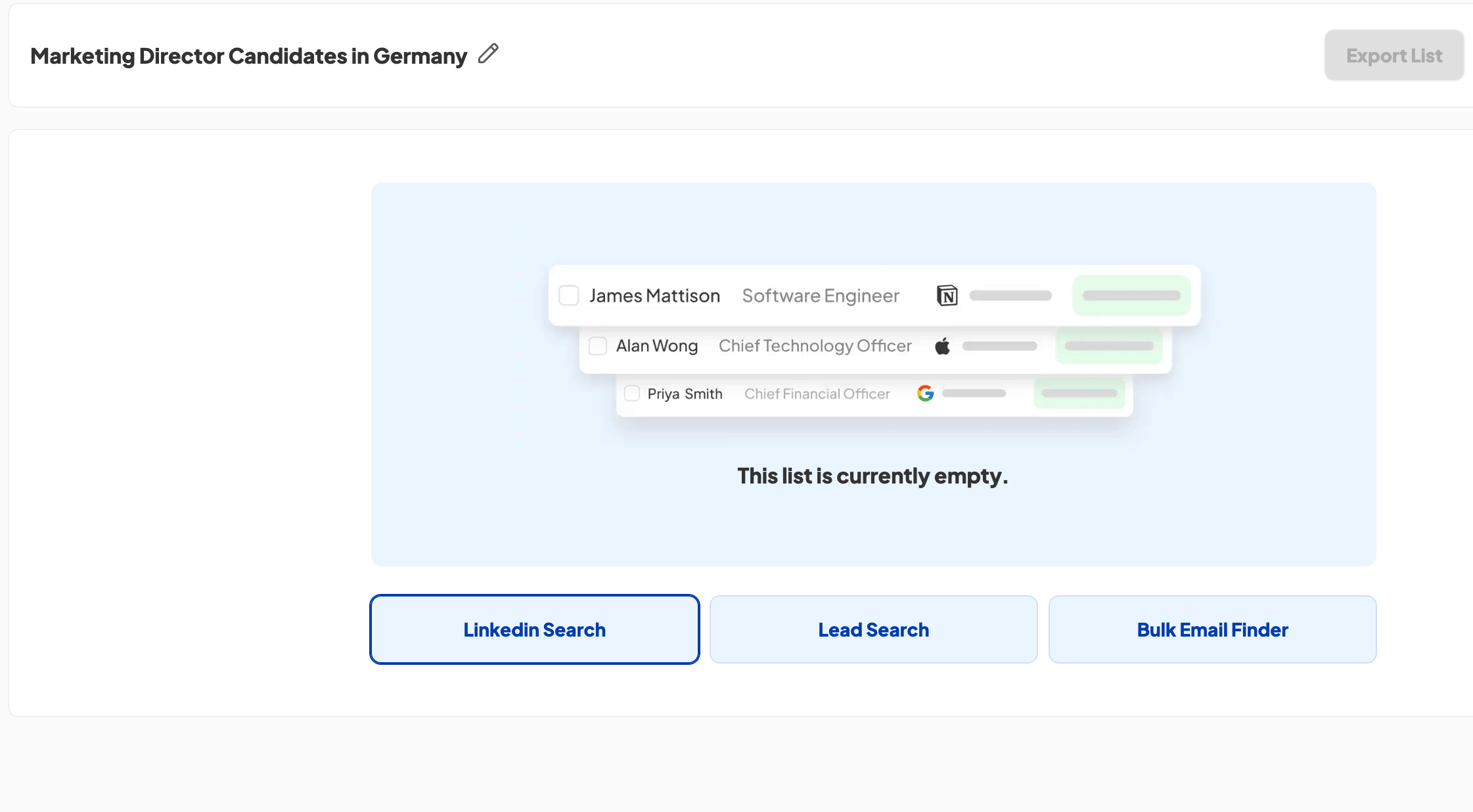
Skrapp is a LinkedIn email finder and outreach automation tool for teams sourcing candidates without dedicated recruitment software. It’s especially useful for hiring teams that rely on LinkedIn but lack scalable outreach infrastructure.
Skrapp Key Features
Skrapp automatically extracts verified candidate emails in bulk from your LinkedIn Search results or individually via its Chrome extension with a single click. Set up connection requests and intro messages once, and the tool sends them while you focus on screening. It's built-in email verifier ensures you contact only active addresses.
Skrapp Pros and Cons
Pros:
- Capture verified candidate emails in one click without leaving LinkedIn
- Extract an entire LinkedIn search page of candidate contacts in minutes instead of hours of manual sourcing
- Offers solo recruiters and small teams a lightweight outreach solution with minimal onboarding time
- Automated LinkedIn connection requests and intro messages maintain pipeline momentum
- Built-in email verification reduces bouncebacks and lowers the risk of your domain being flagged for spam
Cons:
- Lacks pipeline tracking, reply management, and interview stage features.
- Best used part of a broader toolset; high-volume recruiters managing multiple roles may find its capacity limited.
Skrapp Pricing
Skrapp offers a free plan with 100 email credits per month. Paid plans start at $30/month (billed annually) for 1,000 email credits. All plans include the Chrome extension, email verifier, and LinkedIn integration.
Skrapp Best For
Skrapp is ideal for hiring teams without dedicated recruitment platforms that actively source candidates on LinkedIn. Startups, small businesses, and lean HR teams use it to bypass complex enterprise ATS platforms and focus on direct outreach.
2. Workable
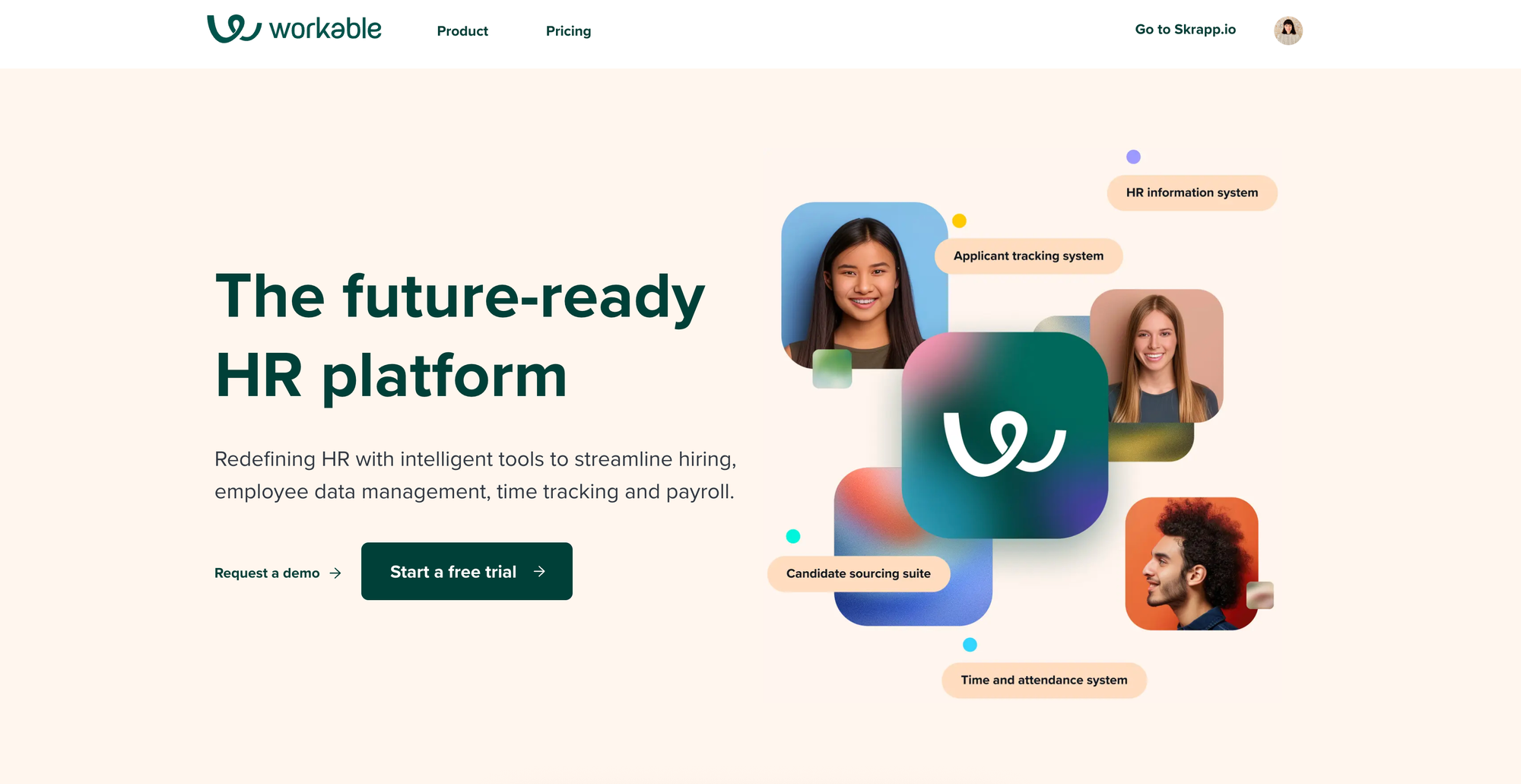
Workable is a detailed recruiting and HR platform that makes the hiring process smoother from job posting to onboarding. This all-in-one solution helps hiring teams save time with intelligent automation.
Workable Key Features
Workable's standout strength is its AI-powered sourcing engine, which searches 400 million passive candidate profiles and simultaneously posts to 200+ job boards, making it one of the most comprehensive candidate discovery tools available.
Pro Tip: For teams that need more robust post-hire workflows, comparing dedicated employee onboarding tools alongside your ATS helps you decide whether to use one platform for everything or split recruitment and onboarding into separate systems.
Workable Pros and Cons
Pros:
- Easy-to-use collaboration tools help hiring teams share feedback and make decisions
- AI-powered sourcing finds qualified candidates who haven't applied directly
- Customizable recruitment pipeline automates tasks at each stage
- Mobile app for iOS and Android lets you manage hiring on the go
Cons:
- Limited reporting capabilities compared to other applicant tracking systems
- Simple candidate-facing tools might not provide the most engaging experience
- Some users report slow customer support response times
Workable Pricing
Workable has three pricing tiers based on company size. The Standard plan starts at $360 per month ($4,320 annually) for companies with 1-20 employees.
Workable Best For
Workable shines especially for mid-sized companies needing a full-featured ATS. The platform suits organizations with high-volume hiring needs, thanks to its AI-powered sourcing and recruitment automation tools.
3. Manatal
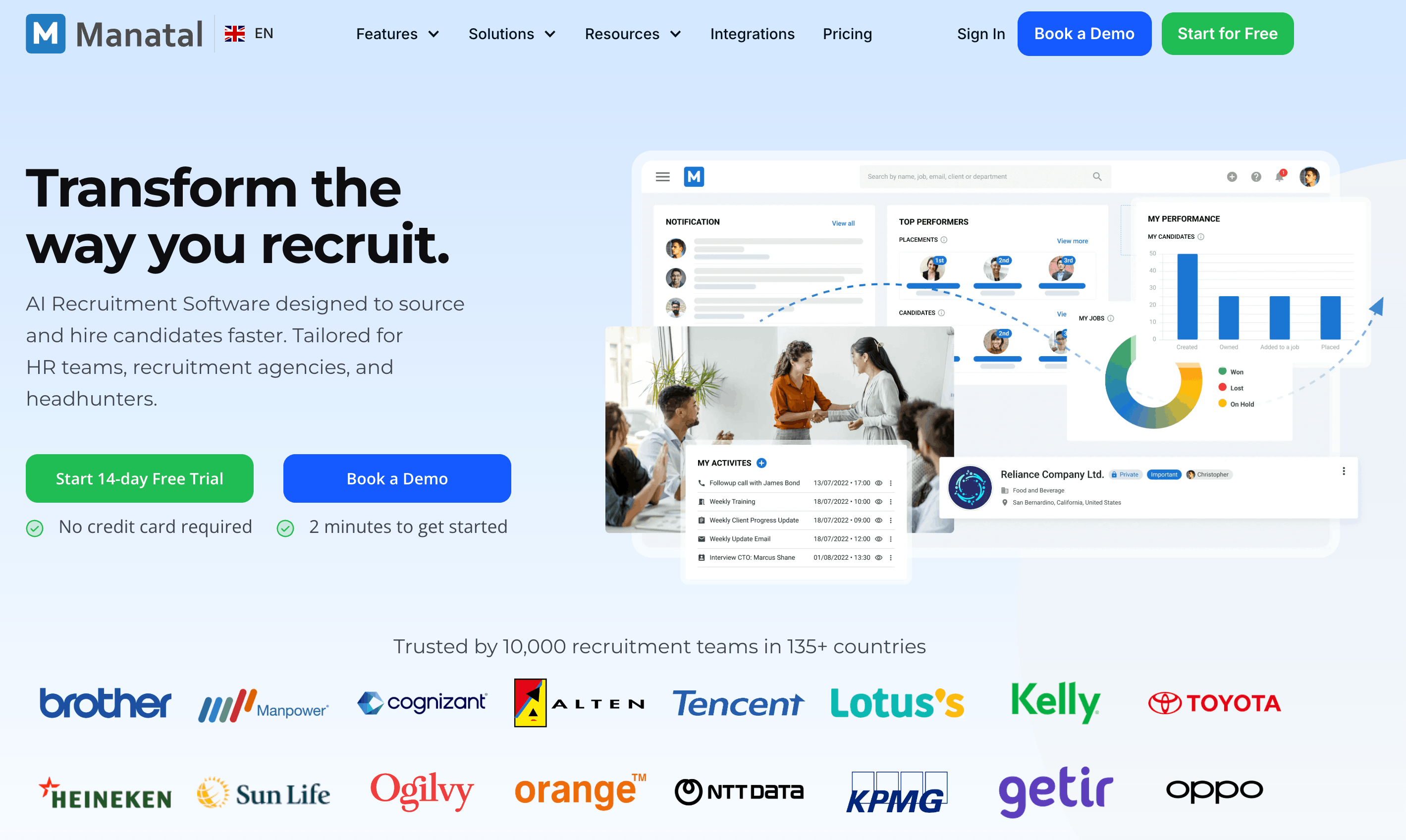
Manatal stands out as an AI-powered recruitment software with an accessible interface. HR teams and recruitment agencies use it to find quality candidates faster. The software needs minimal training but delivers excellent results.
Manatal Key Features
This platform's AI engine automatically scores candidates by analyzing experience, skills, and education while enriching profiles with data pulled from 20+ social platforms, giving recruiters a fuller, faster picture of every applicant.
Manatal Pros and Cons
Pros:
- Easy-to-use interface that needs minimal learning
- AI-powered candidate scoring and recommendations
- Complete social media enrichment for 360-degree candidate views
- A progressive mobile application to recruit anywhere
Cons:
- The client portal has limited personalization options
- AI recommendations work best with English resumes
- Social media enrichment tools sometimes face integration issues
- Basic reporting tools compared to enterprise solutions
Manatal Pricing
The platform has straightforward pricing tiers, starting at $15 per user per month on an annual plan ($19 per user per month on a month-to-month plan). This entry-tier supports up to 15 jobs and 10,000 candidates, with pricing that scales as hiring needs grow and more advanced features are added.
Manatal Best For
Manatal works best for small and mid-sized businesses that hire regularly, especially tech startups and consulting firms that rely on social media as part of their recruitment process. One company managed to cut its hiring cycle from 45 to 27 days after adopting it.
4. Paradox
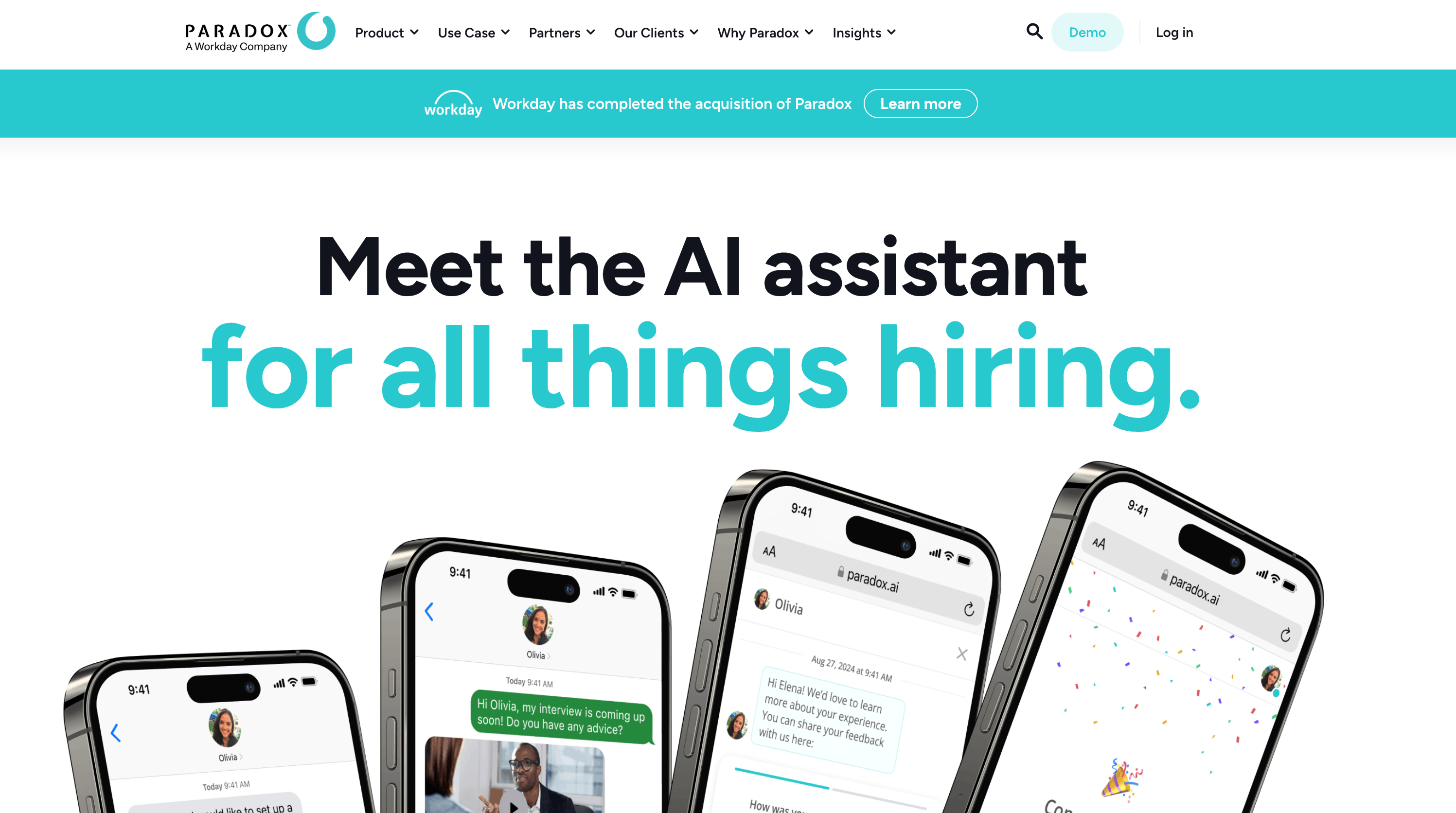
Paradox transforms recruitment through its AI assistant, Olivia, which automates repetitive hiring tasks. This AI-powered solution stands apart from standard platforms and handles candidate screening to interview scheduling. Recruiters save countless hours in their daily work.
Paradox Key Features
Paradox's core differentiator is its conversational AI assistant, Olivia, which lets candidates apply, screen, and schedule interviews entirely through text messages, eliminating forms and email back-and-forth from the hiring process.
Paradox Pros and Cons
Pros:
- Quick implementation with responsive customer support that fixes issues within the same day
- Response time drops substantially from 7 days to under 24 hours
- Natural AI interactions with manual override options when needed
- Global recruitment support in over 100 languages
Cons:
- Basic analytics tools limit deep data analysis
- AI conversations sometimes lack subtle understanding
- No public pricing information available
- Setup and customization can take considerable time
Paradox Pricing
The platform uses custom pricing based on hiring volume and company size. Monthly costs typically start between $1,500 to $2,500. Companies pay between $30,000 and $100,000+ per year, depending on features and scope. Complex integrations can add setup fees from $5,000 to $20,000+.
Paradox Best For
Paradox was built for organizations that hire large numbers of people quickly in the retail, restaurant, and service industries, managing multiple locations. The results speak for themselves: Chipotle went from 12 days to 4 days to hire, and GM shrunk interview scheduling from 5 days down to 29 minutes, saving $2 million a year in the process.
5. Zoho Recruit
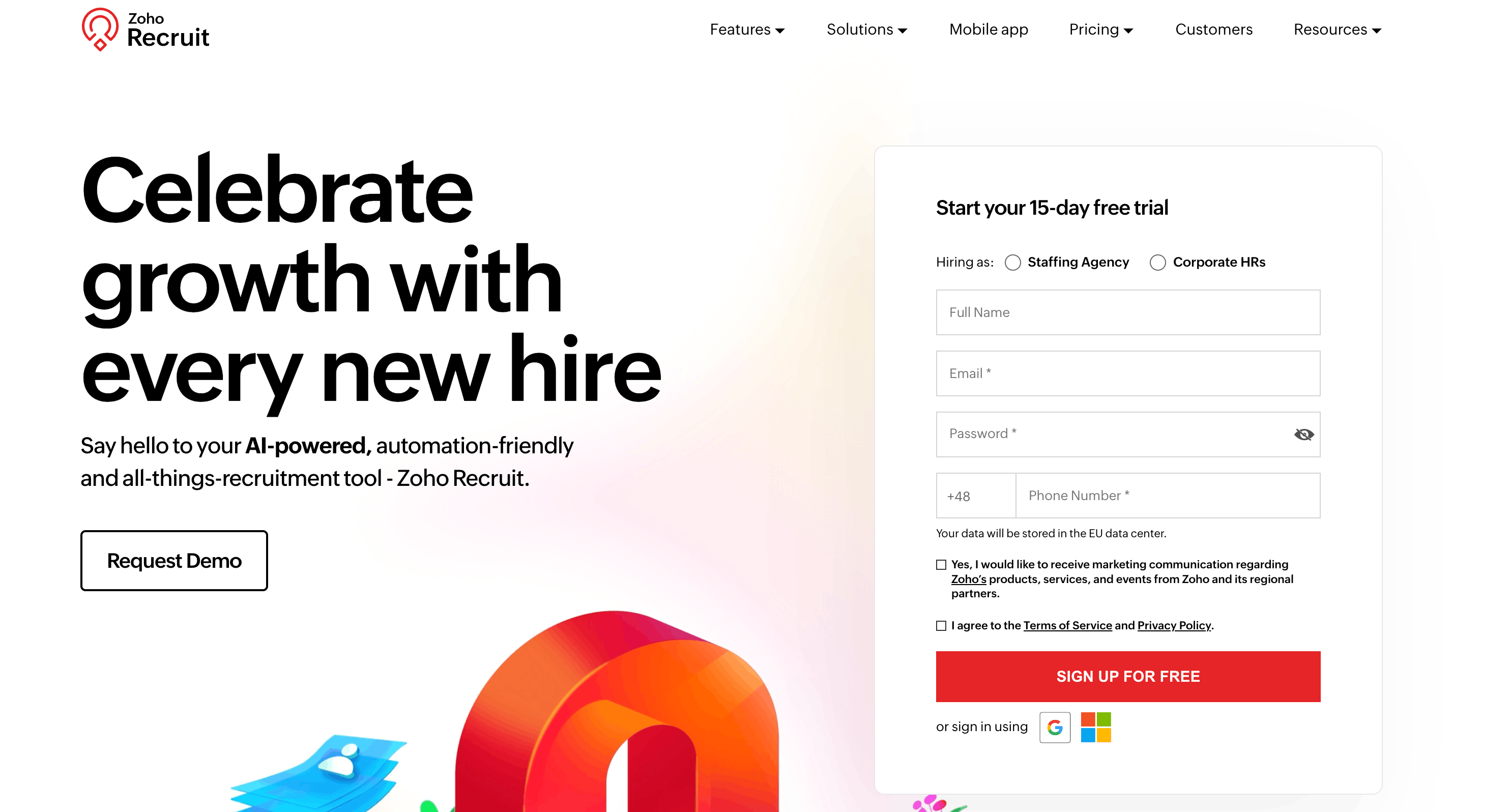
Zoho Recruit brings your entire hiring workflow together with a reliable applicant tracking system. The platform manages candidate data, job postings, and client details from one dashboard. This recruitment automation software makes complex hiring processes simple through smart automation features.
Zoho Recruit Key Features
Zoho Recruit's Blueprint workflow automation defines clear recruitment stages that trigger routine actions automatically, streamlining the entire hiring pipeline while its AI assistant, Zia, intelligently matches candidates to roles based on skills and experience.
Zoho Recruit Pros and Cons
Pros:
- Excellent search capabilities and customization options to track recruitment projects
- Strong integration ecosystem with other Zoho applications and external tools
- Mobile app offering continuous connection for recruiting on the go
- Blueprint feature guides users through each applicant's required steps
Cons:
- No dark mode option for users with visual sensitivity
- Customer support quality problems reported by some users
- The interface looks dated compared to newer recruitment platforms
- Features can overwhelm small businesses
Zoho Recruit Pricing
Zoho Recruit offers a free plan covering one active job with basic features. The Standard plan costs $25 per user per month, billed annually, and supports up to 100 active jobs. Pricing increases from there depending on the number of active jobs needed or the addition of more advanced features like Forecast and Semantic Search.
Zoho Recruit Best For
Zoho Recruit serves recruitment agencies that manage large volumes of candidates. Tech companies needing customized workflows and detailed candidate tracking find it particularly useful. Healthcare organizations benefit from its compliance-tracking and credential-verification capabilities. Companies already using other Zoho products gain significant advantages through seamless integration.
6. Fetcher
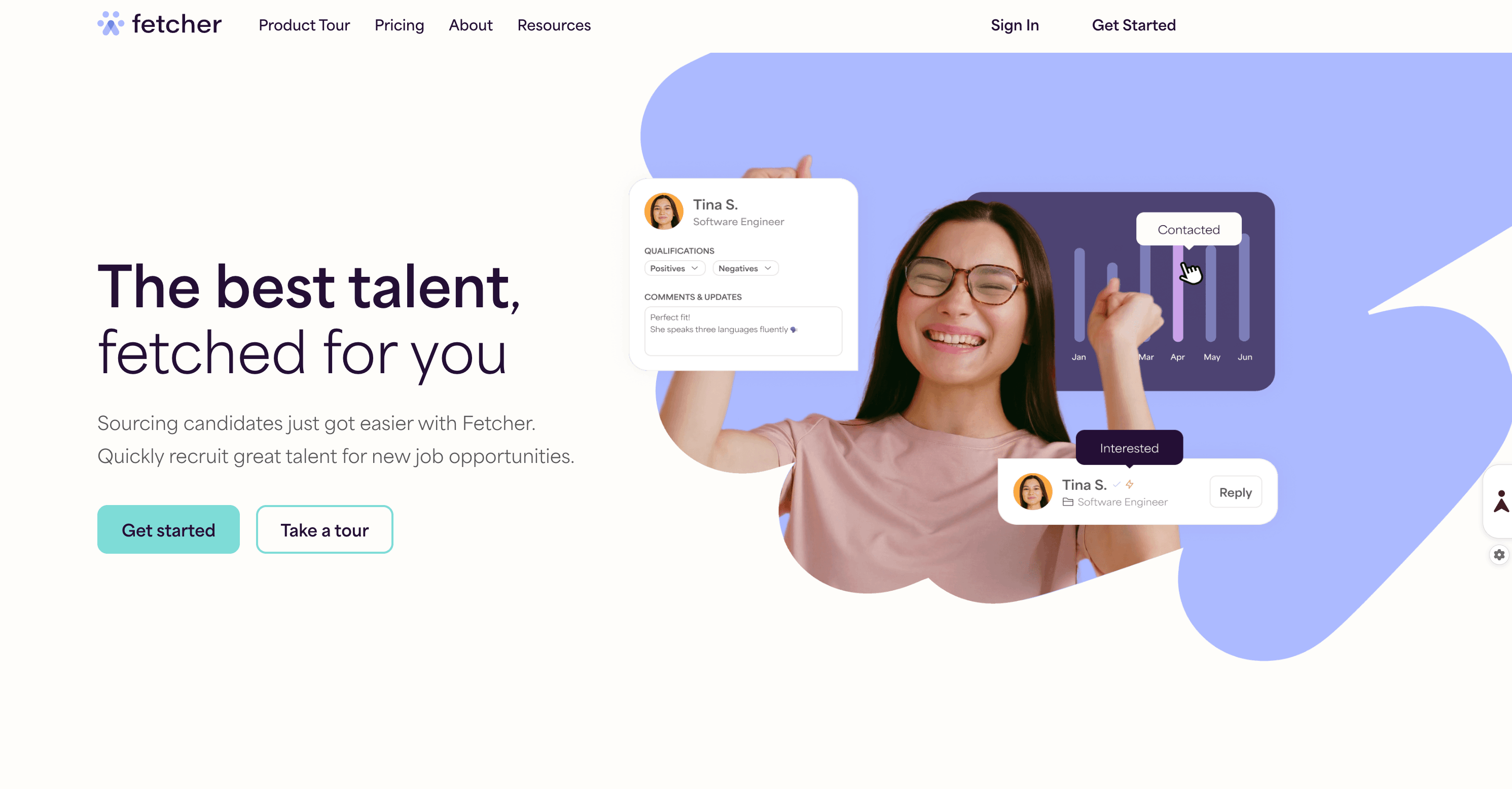
Fetcher combines AI technology with human expertise to improve talent sourcing. Recruiters can now focus on candidate experience rather than searching databases. This approach brings quality candidates while helping teams save valuable time during recruitment.
Fetcher Key Features
This platform's most compelling feature is its Automated Personalized Outreach, which uses customizable email sequence templates to consistently achieve an average response rate of 40%, significantly improving engagement with passive candidates.
Fetcher Pros and Cons
Pros:
- Users save about 17 hours per role
- AI delivers better matches as it learns over time
- Tools help organizations meet inclusion goals
- Users spend just 23 seconds to vet candidates
Cons:
- Small companies might struggle with the higher price point
- A year-long contract might not suit seasonal hiring needs
- Some candidates don't meet essential requirements
- AI needs time and feedback to optimize recommendations
Fetcher Pricing
The platform offers three pricing tiers with annual payment discounts. The Growth Plan at $379 monthly lets you source up to 500 candidates yearly and review 2,500 applicants. The Amplify Plan costs $649 per month and includes up to 1,000 sourced candidates, 5,000 applicant reviews, and a dedicated sourcer for 4-6 roles. Enterprise solutions come with custom pricing and 2,000+ sourced candidates annually. Each plan gives access to a 500M+ candidate database and email integration.
Fetcher Best For
Organizations with regular hiring needs in competitive fields benefit most from Fetcher. Tech companies, startups, and growth-stage businesses that need to build teams quickly find great value in the platform. Companies looking to improve the diversity of their talent pipelines see exceptional results. Teams competing for talent who need automation tools to grow have reported the most success.
7. SmartRecruiters
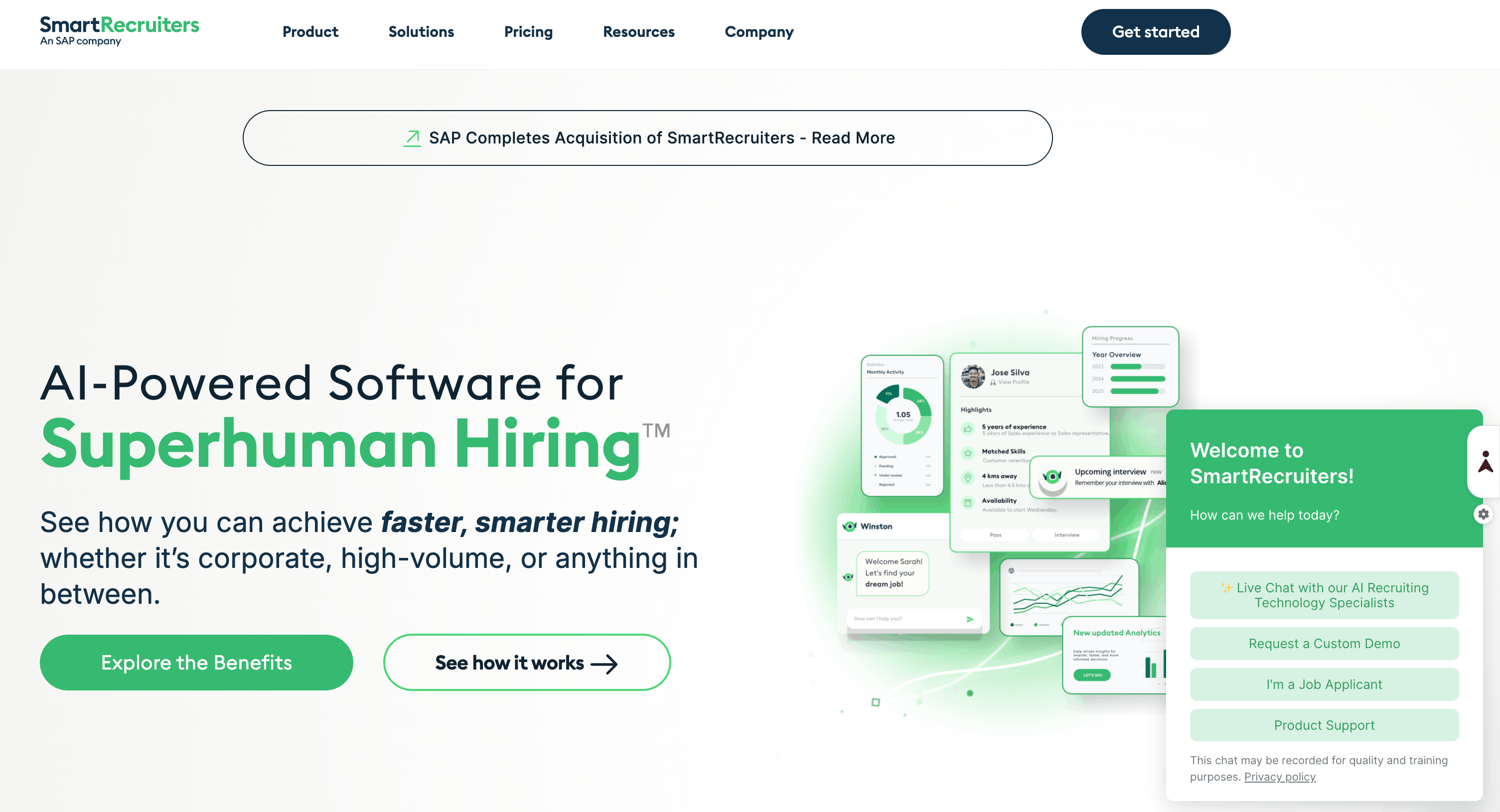
SmartRecruiters serves as a complete talent acquisition suite that automates enterprise-level recruitment tasks. The cloud-based platform combines sophisticated features with a user-friendly interface similar to social networks.
SmartRecruiters Key Features
SmartRecruiters' AI-powered Hiring Agent automates repetitive recruitment tasks from screening to scheduling, while its Talent Matching Engine proactively surfaces ideal candidates, reducing manual effort across the entire hiring workflow.
SmartRecruiters Pros and Cons
Pros:
- User-friendly interface that requires minimal training
- Systematic AI processing handles large candidate volumes efficiently
- Rich integration options with leading HR platforms
- Powerful collaboration tools enhance hiring team communication
Cons:
- An enterprise-grade setup might overwhelm smaller teams
- Simple task completion and document signing limit onboarding functionality
- The platform lacks native video interviewing capabilities
- Response time from support depends on company size
SmartRecruiters Pricing
SmartRecruiters adjusts pricing based on company size and requirements. Annual plans begin at USD 14,995.00. Mid-sized and larger organizations can get custom pricing through the sales team. Monthly per-user costs range from USD 39.00 to USD 100.00. Most agreements start at USD 10,000.00 per year. Each tier comes with specific SMS messaging limits, job distribution capacities, and AI functionality levels.
SmartRecruiters Best For
The platform excels at high-volume hiring in retail, seasonal, hospitality, and healthcare sectors. Customer testimonials from brands like Starbucks and Deloitte show that companies with complex hiring needs and multiple locations get the most value from SmartRecruiters.
8. SeekOut
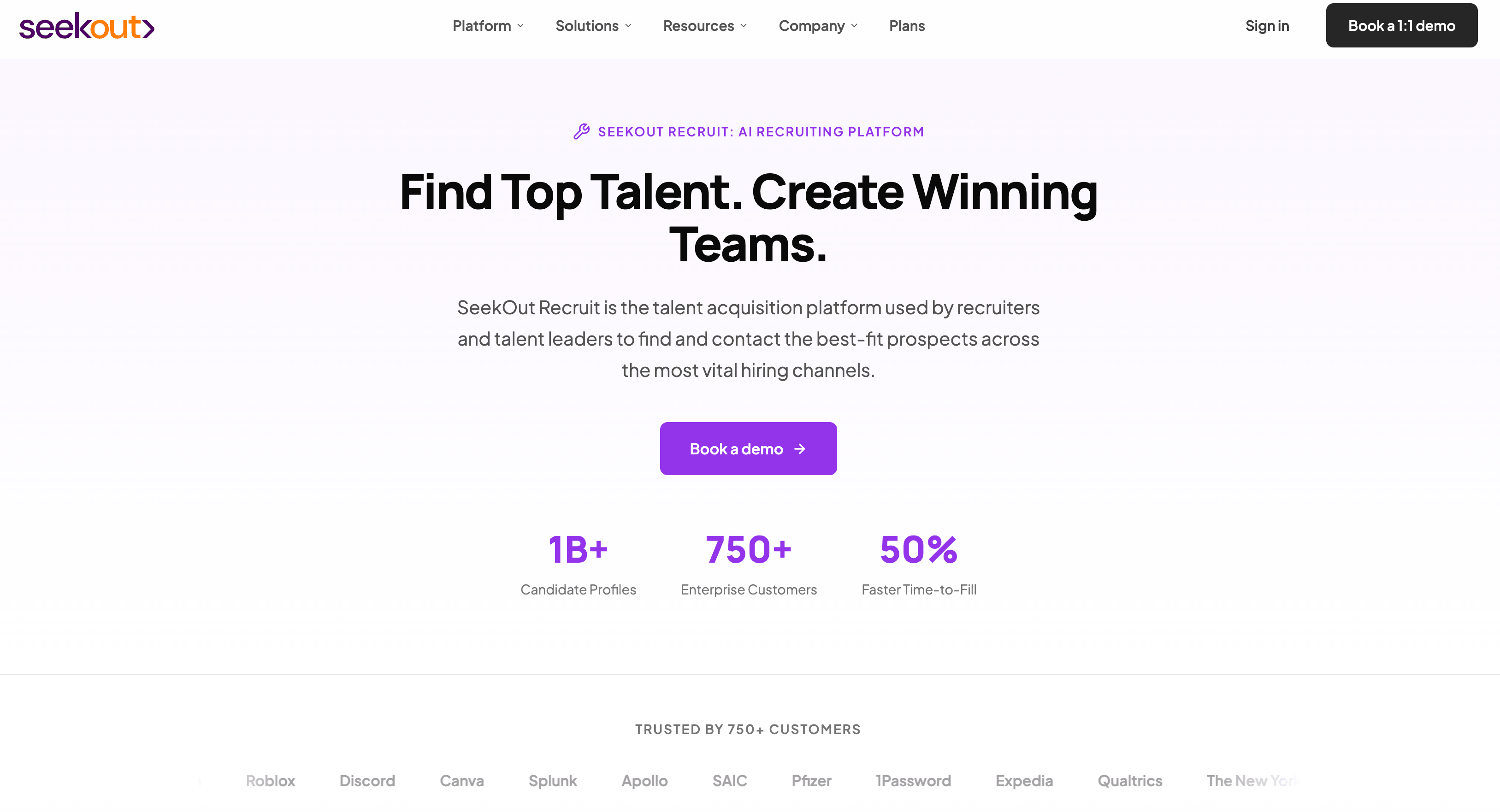
SeekOut enhances your recruitment process with AI-powered talent intelligence through a flexible dual offering system. The platform helps organizations find, grow, and retain talent by combining internal and external data with useful analytics that adapt to different hiring needs.
SeekOut Key Features
SeekOut's greatest advantage is its access to 800+ million profiles enriched with patents, publications, and GitHub contributions, paired with a ChatGPT-style conversational search that makes complex candidate queries simple without any Boolean expertise.
SeekOut Pros and Cons
Pros:
- Users give it an exceptional rating (4.7/5) for effectiveness
- Search options include custom filters and creative Boolean capabilities
- Candidate contact information is available for immediate outreach
- Reviews consistently highlight outstanding customer service
Cons:
- LinkedIn data lag requires extra verification of candidate's employment status
- Public LinkedIn profiles are 15-20% fewer compared to LinkedIn's own platforms
- Optimal results need advanced Boolean search knowledge
- Price points target enterprise-level organizations
SeekOut Pricing
SeekOut offers two distinct products at different price points. SeekOut Recruit is a self-service platform starting at $799 per seat per month, billed annually on a minimum one-year contract, giving recruiting teams direct access to over one billion candidate profiles with AI-powered search and outreach tools. SeekOut Spot is a fully managed recruiting service with custom pricing, available through three flexible models.
SeekOut Best For
Large enterprises that need specialized technical talent form SeekOut's core user base. The specialized filtering capabilities benefit companies with diversity initiatives. Talent acquisition teams can quickly review thousands of candidates while maintaining quality standards, demonstrating SeekOut's comprehensive value.
9. JazzHR
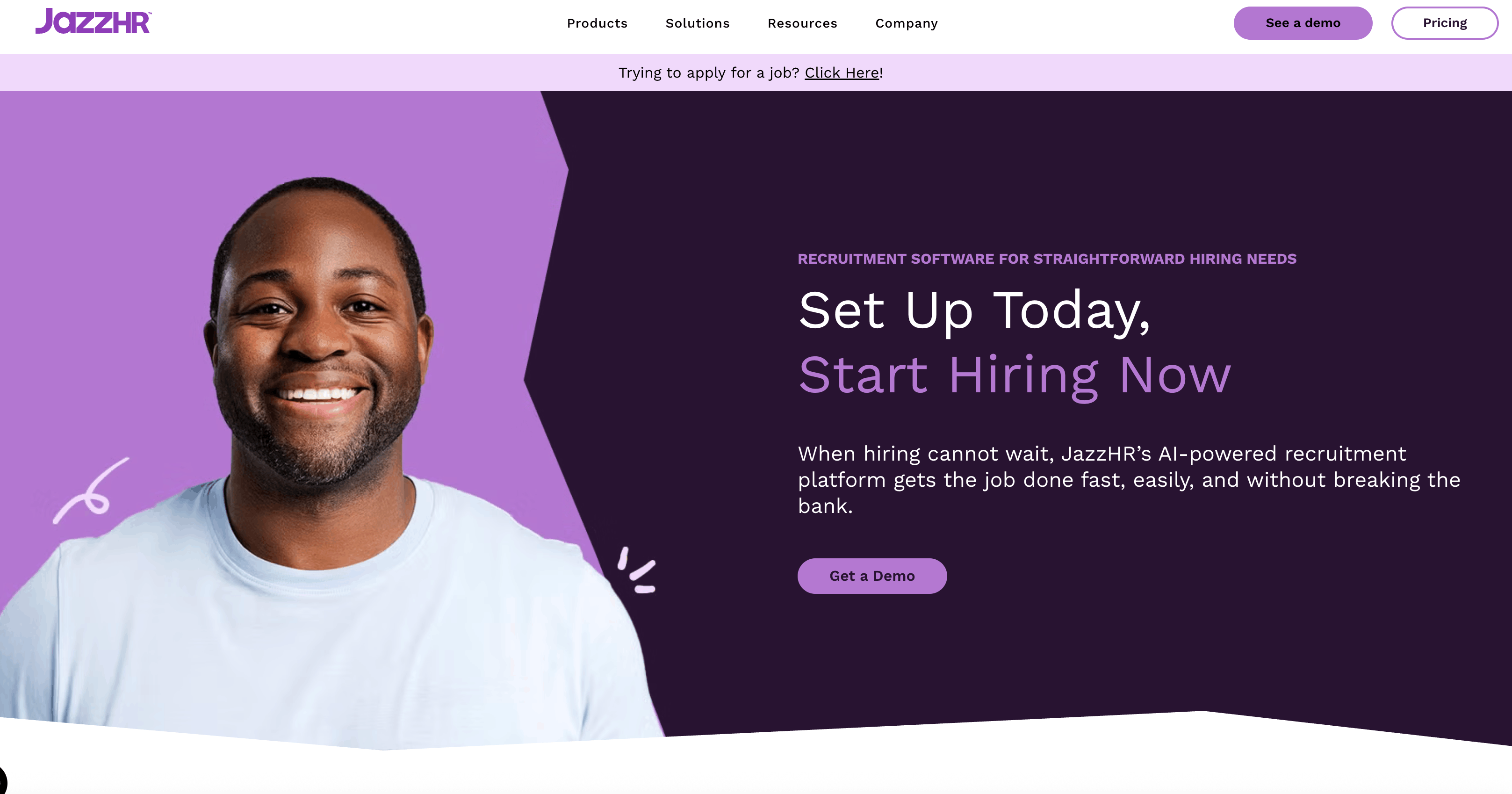
JazzHR simplifies the hiring process through its easy-to-use applicant tracking system for small to mid-sized businesses. Teams can manage job postings, resumes, interviews, and candidate relationships from a single platform with this recruitment automation tool.
JazzHR Key Features
JazzHR provides a straightforward applicant tracking system that lets teams manage candidates through customizable hiring stages, centralized multi-board job posting, and built-in offer letter management with e-signature functionality.
JazzHR Pros and Cons
Pros:
- Up-to-the-minute notifications for faster team communication
- Custom templates and permissions for greater workflow flexibility
- Easy-to-use interface with a clean dashboard design
- E-signatures support to make onboarding smoother
- Automated reminders to ensure no candidate gets overlooked
Cons:
- Limited integration with advanced HRIS platforms
- Variable customer support response times
- Simple reporting capabilities that might not work for larger enterprises
- Complex report extraction that makes data analysis difficult
- High-maintenance workflows that need regular updates
JazzHR Pricing
JazzHR's tiered pricing fits different business needs. The Hero Plan costs $110 per month with three open jobs. The Plus Plan costs $350 per month and includes up to 200 open jobs. The Pro Plan offers custom pricing and advanced visual reporting, e-signatures, workflow reports, and other features.
JazzHR Best For
JazzHR is geared toward small and mid-sized businesses stepping into their first hiring system. It's a good fit for retail and hospitality companies, or any team without a dedicated HR department that just needs a cleaner, more organized way to hire.
10. TurboHire
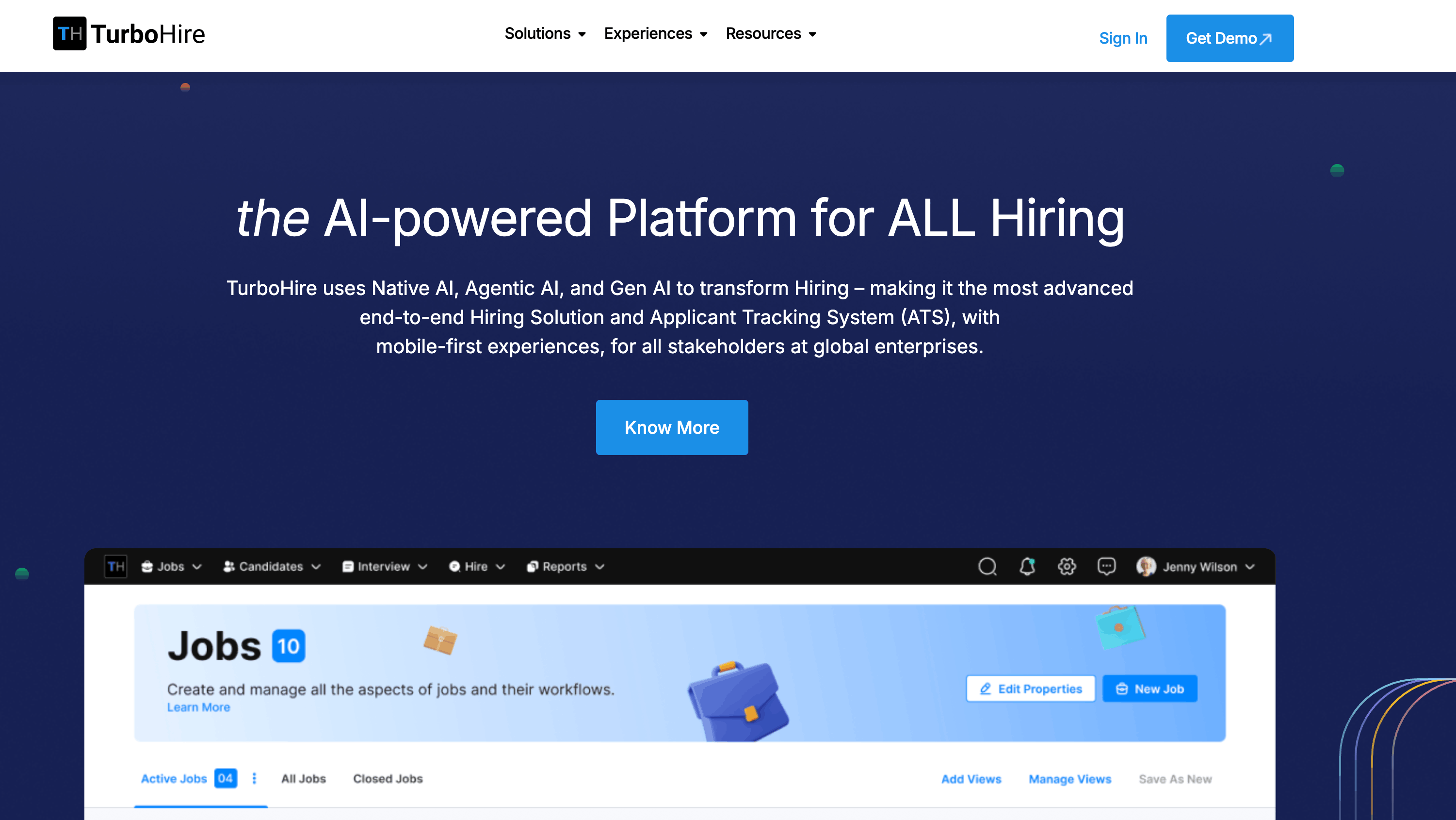
TurboHire brings all recruitment activities together through its AI-powered platform, creating tailored experiences for six key stakeholders in the hiring process. This award-winning system combines native AI, agentic AI, and generative AI to transform traditional hiring processes.
TurboHire Key Features
This platform's login-less, mobile-first design delivers tailored experiences for every stakeholder in the hiring process (from recruiters to interviewers) with AI-driven candidate matching and one-click social media job sharing built in.
TurboHire Pros and Cons
Pros:
- Career page integration makes resume uploads faster
- Excellent workflow processes save time on documentation and reports
- Job posting capabilities work with major recruitment sites
- AI-powered database helps leadership track and find resources
Cons:
- The system sometimes freezes during candidate and requisition searches
- Interface doesn't allow viewing multiple profiles at once
- Some users report slow loading times
- Customer service response times vary when solving problems
TurboHire Pricing
TurboHire comes in four pricing editions. The Basic plan costs $40 per month. The Pro plan is $59 monthly. Users who need advanced features can choose the Premium plan for $90 per month. The Enterprise plan at $134 per month includes complete recruitment solutions. New users get a 14-day free trial with all plans.
TurboHire Best For
TurboHire serves organizations in 15 major industries across 6 countries. The platform works best for enterprises that manage complex, non-linear hiring processes in multiple locations. The platform's automated processes help businesses move away from Excel sheets for tracking candidates and interviews.
Final Verdict: The Best Recruitment Automation Tools for 2026
The right recruitment automation tools can change how you find, attract, and hire top talent. The right AI recruiting tools can change how you find, attract, and hire top talent.
You've discovered 10 platforms in this piece that tackle different recruitment challenges and save your team valuable time. These solutions can slash hiring cycles by up to 60%, reduce time-to-hire by 70%, and substantially cut recruitment costs.
The value goes way beyond the reach and influence of efficiency metrics. These tools don't replace human recruiters. They eliminate repetitive tasks like resume screening, interview scheduling, and candidate communication. Your team can now focus on building relationships and making strategic decisions, things no algorithm can copy.
If you are relying on LinkedIn for hiring, Skrapp.io deserves special attention. Multiple G2 reviews highlight how its Chrome extension “saves hours each week” and delivers “high accuracy verified emails” directly from LinkedIn and Sales Navigator. Teams using Skrapp report cleaner pipelines, fewer bounce-backs, and faster outreach.
Our take: Choose a full-cycle ATS or CRM (like Workable, SmartRecruiters, or Zoho Recruit) if you need end-to-end hiring tech. If you only want to speed sourcing and outreach, add Skrapp to plug the email gap; it supports LinkedIn-based lead finding with real, verified results.
Setting up new recruitment software takes time and initial team adaptation. The long-term benefits are nowhere near these temporary challenges. The best approach is to identify your most time-consuming recruitment bottlenecks. Then pick a tool specifically designed to fix those pain points.
FAQs: Recruitment Automation Tools
What is recruiting automation?
Recruiting automation is the use of software and AI to automate time-consuming hiring tasks, like candidate sourcing, screening, follow-ups, and scheduling. These tools help recruiters work faster, reduce manual errors, and improve the candidate experience.
What is an ATS recruitment tool?
An ATS (Applicant Tracking System) is a recruitment tool that stores and organizes candidate information, resumes, and job applications. Many ATS platforms also offer automation features like resume parsing, interview scheduling, and collaboration tools.
Is Recruit CRM an ATS?
Yes. Recruit CRM is an ATS and CRM combined. It helps recruiters manage candidate pipelines, client relationships, job postings, and hiring workflows—all in one platform.
What are some examples of automation tools?
Popular recruitment automation tools include Greenhouse, Lever, Workable, Zoho Recruit, and SmartRecruiters. These platforms automate tasks like resume screening, interview coordination, and candidate communication.
Which recruitment automation tool is best for startups?
Tools like Skrapp and Manatal are great for startups. They’re affordable, easy to use, and offer automation features without the complexity of enterprise systems. Skrapp helps startups automate LinkedIn sourcing without requiring an ATS.
Are there free recruitment automation tools?
Yes, platforms like Zoho Recruit offer free tiers with basic automation features, ideal for small businesses or teams just starting to digitize their hiring.
What’s the difference between an ATS and recruitment automation software?
An ATS mainly tracks applicants, while recruitment automation software may include sourcing, outreach, candidate scoring, and AI screening, going beyond mere application management.
How can recruitment automation tools save time for hiring teams?
Recruitment automation tools can save significant time by streamlining tasks like resume screening, interview scheduling, and candidate communication. Many platforms use AI to match candidates to jobs, automate outreach, and provide insights, allowing recruiters to focus on relationship-building and strategic decision-making.
What are some key features to look for in recruitment automation software?
Important features include AI-powered candidate matching, multi-channel job posting capabilities, automated interview scheduling, customizable workflows, and analytics dashboards. Additionally, look for tools that offer seamless integration with your existing HR systems and provide a user-friendly interface for both recruiters and candidates.
Are these recruitment tools suitable for small businesses?
Yes, many recruitment automation tools cater to small businesses. Platforms like JazzHR offer affordable pricing tiers with essential features for streamlining the hiring process. These tools can help small businesses professionalize their recruitment efforts without requiring extensive resources or technical expertise.
How do recruitment automation tools impact the candidate experience?
Recruitment automation tools can enhance the candidate experience by providing faster response times, personalized communication, and a more streamlined application process. Features like chatbots and self-scheduling options give candidates more control and information throughout the hiring process, leading to improved engagement and satisfaction.
What are the potential drawbacks of using recruitment automation software?
While recruitment automation tools offer many benefits, potential drawbacks include initial setup time and learning curves for team members. Some platforms may have limited customization options or integration capabilities. Additionally, over-reliance on automation could potentially lead to missed nuances in candidate evaluation, making it important to balance automated processes with human judgment.