
10+ Best AI Sales Assistants to Double Your Lead Generation in 2026
The best AI sales assistants in 2026 now cover far more than a single narrow use case. The category includes tools for prospecting, email coaching, call intelligence, meeting capture, forecasting, and revenue visibility.
A common mistake many teams make is evaluating AI tools as if they solve the same problem. In reality, each category supports a different stage of the funnel, and performance depends on matching the tool to the right process.
In this guide, I’ll break down the main types of AI sales assistants by sales stage so you can quickly identify which tools improve prospecting, outreach, meetings, or revenue visibility, and where each one fits within a real sales workflow.
Start discovering qualified B2B leads with AI
Run AI Lead SearchBest AI Sales Assistants 2026: at a Glance
| Tool | Starting Price | Free plan/trial | B2B sales stage | Best for |
|---|---|---|---|---|
| Skrapp | Free; paid from $39/mo | Free plan | Prospecting/ lead search | Finding and verifying B2B emails |
| RingCentral ACE | $60/user/month | No (paid only) | Live calls and post-call coaching | Conversation intelligence and real-time agent guidance |
| Lavender | $29/mo | Free plan | Email outreach | Email coaching and personalization |
| Conversica | Custom | Demo | Lead qualification | Automated conversations and follow-up |
| Regie.ai | $180/user/mo (annual contract, 10 seats minimum) | Demo | Prospecting/ sequencing | AI prospecting workflows |
| Salesken | Custom | Demo | Discovery/ live calls | Real-time coaching |
| Otter.ai | $16.99/user/mo | Free plan | Meeting capture | Transcripts and summaries |
| tl;dv | $18/user/mo | Free plan | Meeting capture/ sales calls | Transcripts, multi-meeting insights, sales coaching |
| People.ai | Custom | Demo | Revenue intelligence | Activity capture and pipeline insight |
| Clari | Custom | Quote | Forecasting/ pipeline | Revenue forecasting and deal visibility |
| Beautiful.ai | $12/mo | 14-day trial | Sales content | Presentations and decks |
| Avoma | $19/user/mo | Free trial | Meetings/ onboarding | Notes, summaries, and CRM follow-up support |
| KrispCall | $15/user/mo | Free demo | Outreach & Follow-up | Growing sales teams needing unified calling, SMS & CRM sync |
| Chatbase | Free; paid from $40/mo | Free plan | Inbound lead capture / qualification | Conversational website agents for lead capture and demo booking |
| Botpress | Free; paid from $49/mo | Free plan | Inbound lead capture / qualification | AI agents that qualify leads and resolve requests |
1. Skrapp
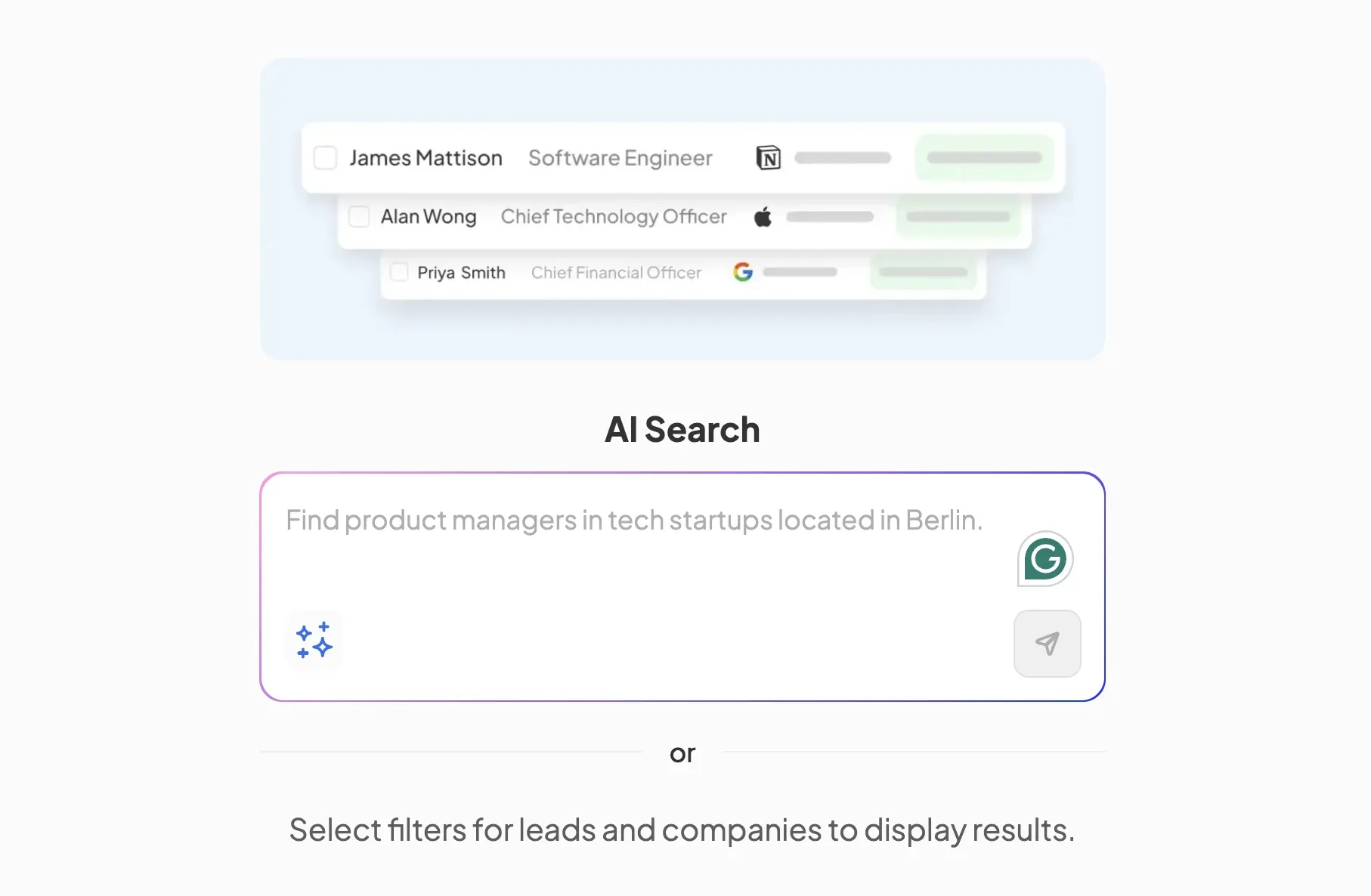
Skrapp.io is the clearest prospecting-first option in this list. It is not trying to be a forecasting engine or a call coach. Instead, Skrapp serves as a lead search and enrichment tool that helps users find business email addresses, verify leads, and expand their outreach.
How Skrapp Works
Skrapp lets you search for prospects using AI search of its B2B lead finder or by filtering leads by name, job title, location, company, or domain. It also supports lead discovery through LinkedIn and Sales Navigator workflows.
If you identify the right profiles separately via third-party lead databases or SEO tools, you can find and verify business email addresses with Skrapp's email finder and export them into a broader outreach stack.
In practical terms, Skrapp is an AI sales assistant that most clearly automates prospect research: it cuts out manual digging at the top of the funnel.
Key Features for Sales Teams
For sales teams, the most useful features are its email finder, email verifier, bulk search, LinkedIn and Sales Navigator support, browser extension, and lead list building.
The free plan includes 50 credits to test the tool, enough to run the workflow without a paid commitment. Skrapp maintains an average email search success rate of 92% and a verification accuracy of 97%.
Pros and Cons of Skrapp
Pros: focused value for prospecting, free plan available, useful LinkedIn workflow, and practical support for top-of-funnel lead generation.
Cons: not built for live call coaching, meeting summaries, or revenue forecasting.
My Verdict on Skrapp:
When you're evaluating the best AI sales assistants, Skrapp really stands out if your primary bottleneck is lead sourcing. Before you can even think about using tools to write better copy or forecast revenue, you have to answer a much more fundamental question: who exactly are we reaching out to?
If your team is struggling to find the right targets, validate contact data, and build new lists prior to launching your outreach, this is arguably the most practical starting point. It handles the foundational work so the rest of your stack can actually perform.
Build a highly accurate B2B lead list with Skrapp AI search
Try AI Lead Search2. RingCentral ACE
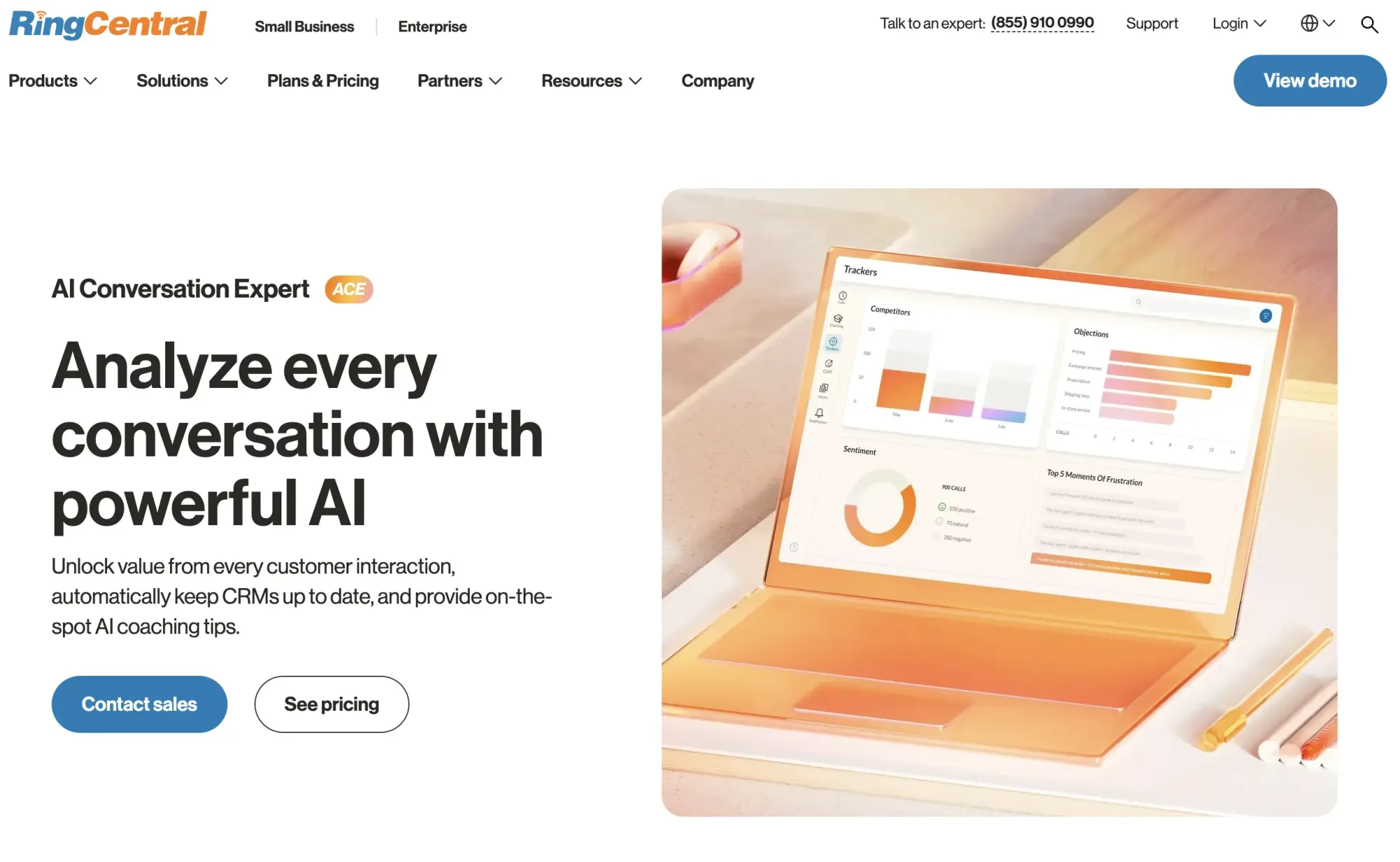
RingCentral AI Conversation Expert (ACE) is a conversation intelligence tool built for sales and support teams that need more than call recordings. It analyzes interactions in real time and turns them into coaching signals, quality data, and performance insights.
How RingCentral AI Conversation Expert Works
ACE listens to live conversations and surfaces real-time prompts and guidance for reps as calls unfold, without requiring a manager to be on the line. After the interaction, it automatically generates summaries, action items, and sentiment analysis.
On the leadership side, it aggregates trends across interactions to show where individual reps or whole teams are falling short and where coaching effort will have the most impact.
Key Features for Sales Teams
Its core capabilities include real-time agent guidance, automated post-call summaries, customer sentiment and intent analysis, compliance monitoring, and performance trend reporting across voice and digital interactions.
Pros and Cons of ACE
Pros: built for high-volume sales environments where manual QA can't keep up; surfaces coaching opportunities at scale rather than relying on spot-checks; works across both voice and digital channels natively inside RingCentral.
Cons: insight quality improves with higher interaction volume, so smaller teams may see limited value early on; it's not a prospecting or outreach tool.
The takeaway on RingCentral ACE
ACE is worth considering when your biggest sales challenge is inconsistent reps handling objections differently, managers coaching from incomplete data, or quality slipping as headcount grows. It's a strong fit for teams that already have a pipeline motion and need to improve what happens inside the conversation.
3. Lavender
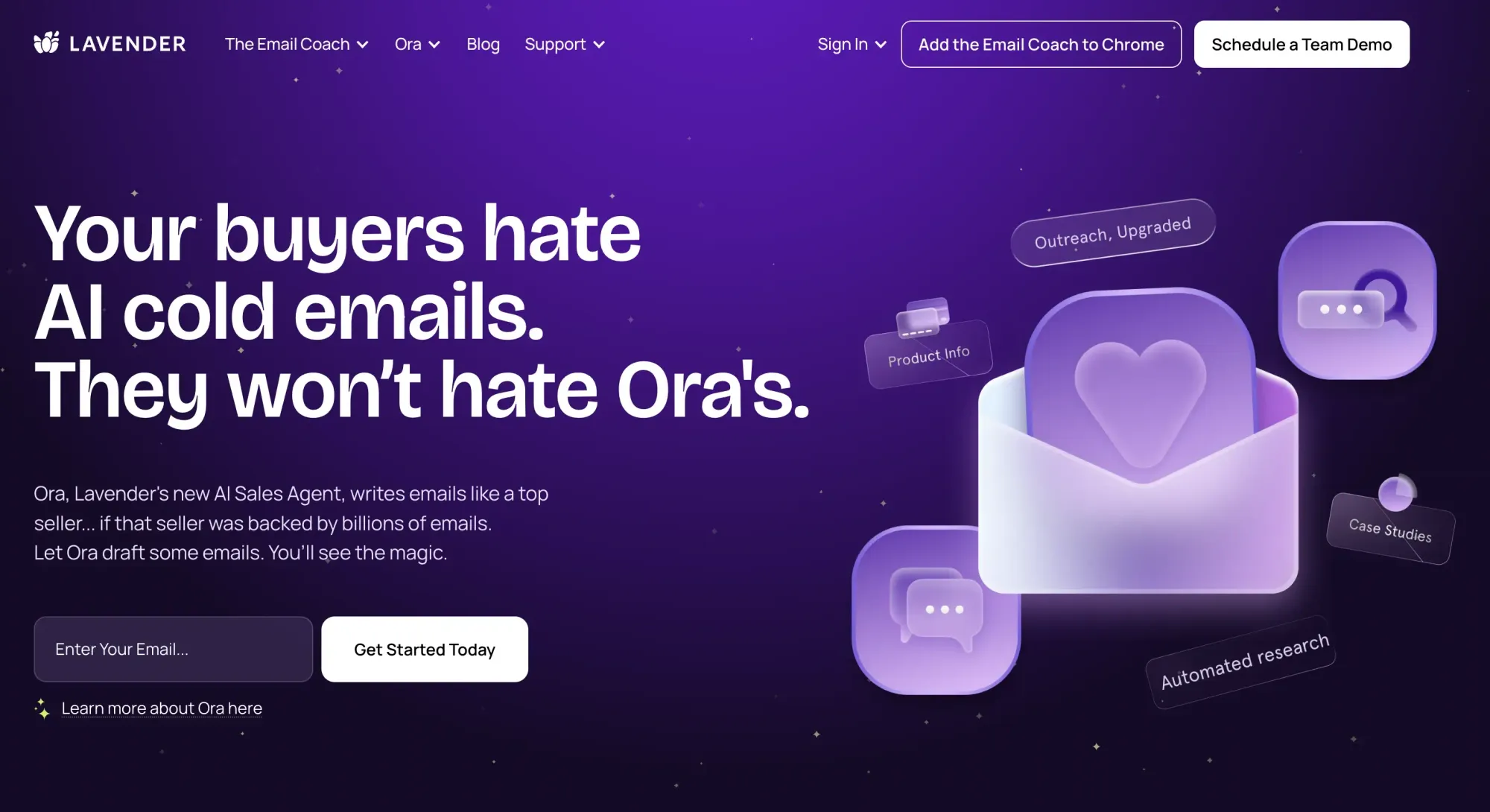
Lavender is one of the most recognizable AI assistants for sales reps who spend a large part of the day inside email. Its product positioning is simple: help sellers write better cold emails faster and get more positive replies.
How Lavender Works
Lavender works on outbound writing quality. It reviews draft emails and provides suggestions on clarity, readability, and personalization. This makes it much more of an execution tool than a sourcing tool. It helps once the rep already has someone to contact.
Key Features for Sales Teams
The main value comes from AI email coaching, writing guidance, and personalization support. Lavender’s public site highlights faster writing and better replies rather than contact discovery or CRM-level pipeline analytics.
Pros and Cons of Lavender
Pros: clear value for SDRs and AEs running outbound email programs.
Cons: it does not solve prospect sourcing or email verification.
The takeaway on Lavender
Lavender belongs among the best AI sales assistants in 2026 if your contact data is already in place and your real weakness is email quality. It is much less useful if your team still struggles to find the right leads.
4. Conversica
Conversica is built around AI-led conversations rather than manual rep productivity. Its site positions the product as a way to drive smarter conversations through AI agents.
How Conversica Works
Conversica handles conversations with prospects and customers, automatically follows up, and helps move contacts toward qualification or the next action. This makes it more relevant for nurture and qualification than for prospect research.
Key Features for Sales Teams
Its value comes from always-on engagement, follow-up automation, and support for qualification workflows. The official site routes interested buyers to a demo rather than a public self-serve plan.
Pros and Cons of Conversica
Pros: useful when teams have more inbound or warm leads than follow-up capacity.
Cons: not a classic prospecting or lead-finding tool.
Who Conversica is best for
Conversica is a better fit for teams that need more consistent follow-up and qualification at scale than for teams trying to solve top-of-funnel lead generation from scratch.
5. Regie.ai
Regie.ai has expanded from AI messaging into wider outbound workflow support. It is positioned around AI prospecting, sequencing, and sales execution.
How Regie.ai Works
Regie.ai helps teams build outbound workflows with AI-generated messaging, prospecting support, and sequence-level execution. It is designed to reduce the time reps spend drafting and structuring campaigns.
Key Features for Sales Teams
Key features listed publicly include static and dynamic sequencing agents, prompt-based steps, intent prioritization, AI messaging, call coaching, voicemails, CRM and SEP integration, and higher-tier research agents.
Pros and Cons of Regie.ai
Pros: stronger workflow depth than a lightweight email coach.
Cons: higher cost and stronger dependence on a team process that can support it.
Bottom line on Regie.ai
Regie.ai belongs on a list of top AI sales assistants for 2026 for teams that want AI woven directly into prospecting execution, not just writing help.
6. Salesken
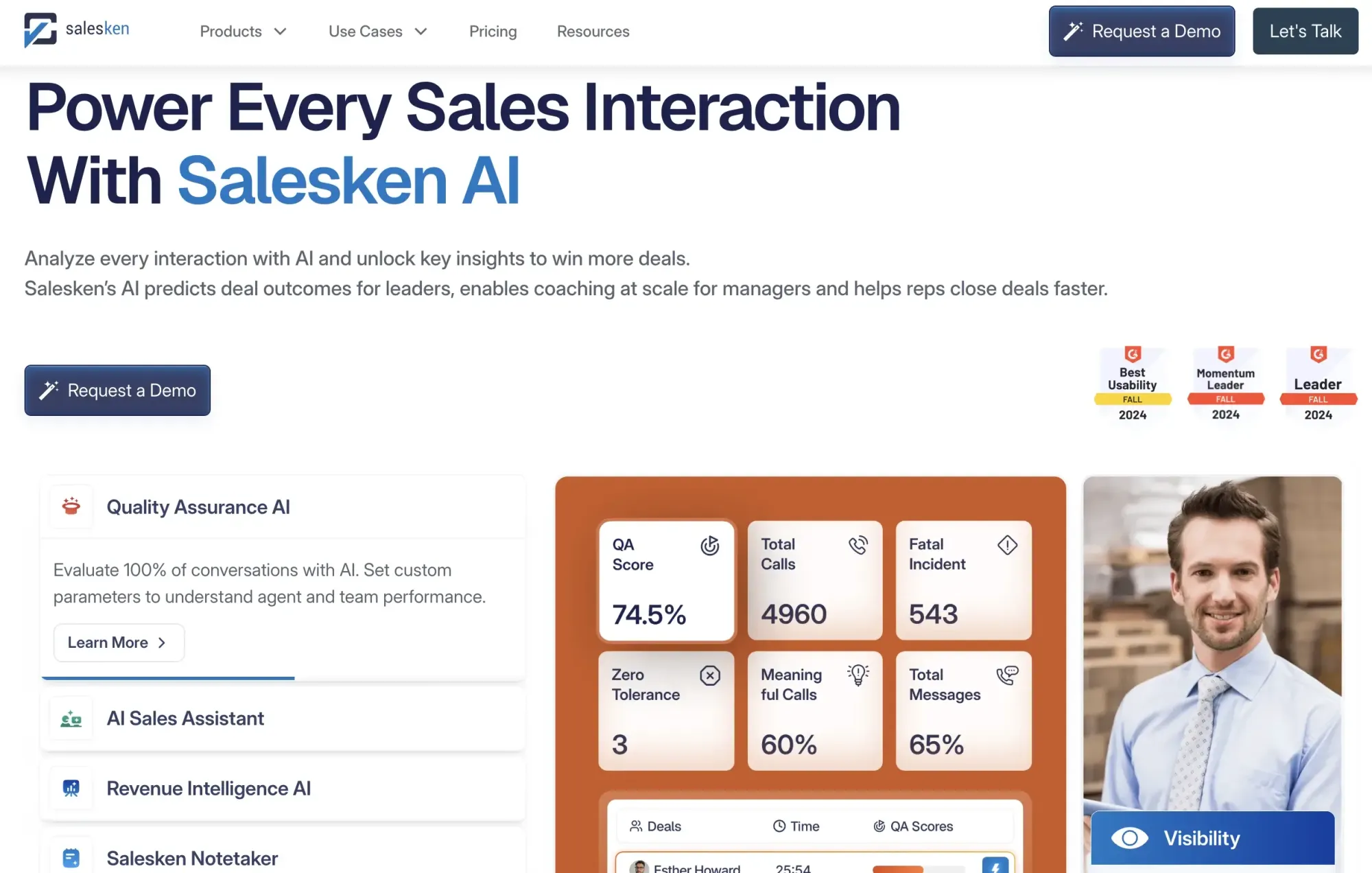
Salesken is a live-call assistant, not a prospecting tool. It's built for one thing: helping your reps perform better when they're actually talking to prospects.
How Salesken Works
The platform listens to your calls, delivers real-time coaching prompts, catches objections as they arise, and handles analysis and follow-up afterward. It's all about real-time coaching and AI sales assistance during live interactions.
Key Features for Sales Teams
Its main features include real-time coaching, objection handling, conversation intelligence, and sales support built around call performance.
Pros and Cons of Salesken
Pros: well-suited for call-heavy teams that want coaching during live conversations.
Cons: it does not help with contact sourcing or list building.
The takeaway on Salesken
Salesken is one of the most relevant AI-powered sales assistants when your biggest challenge happens inside the call, not before it.
7. Otter.ai
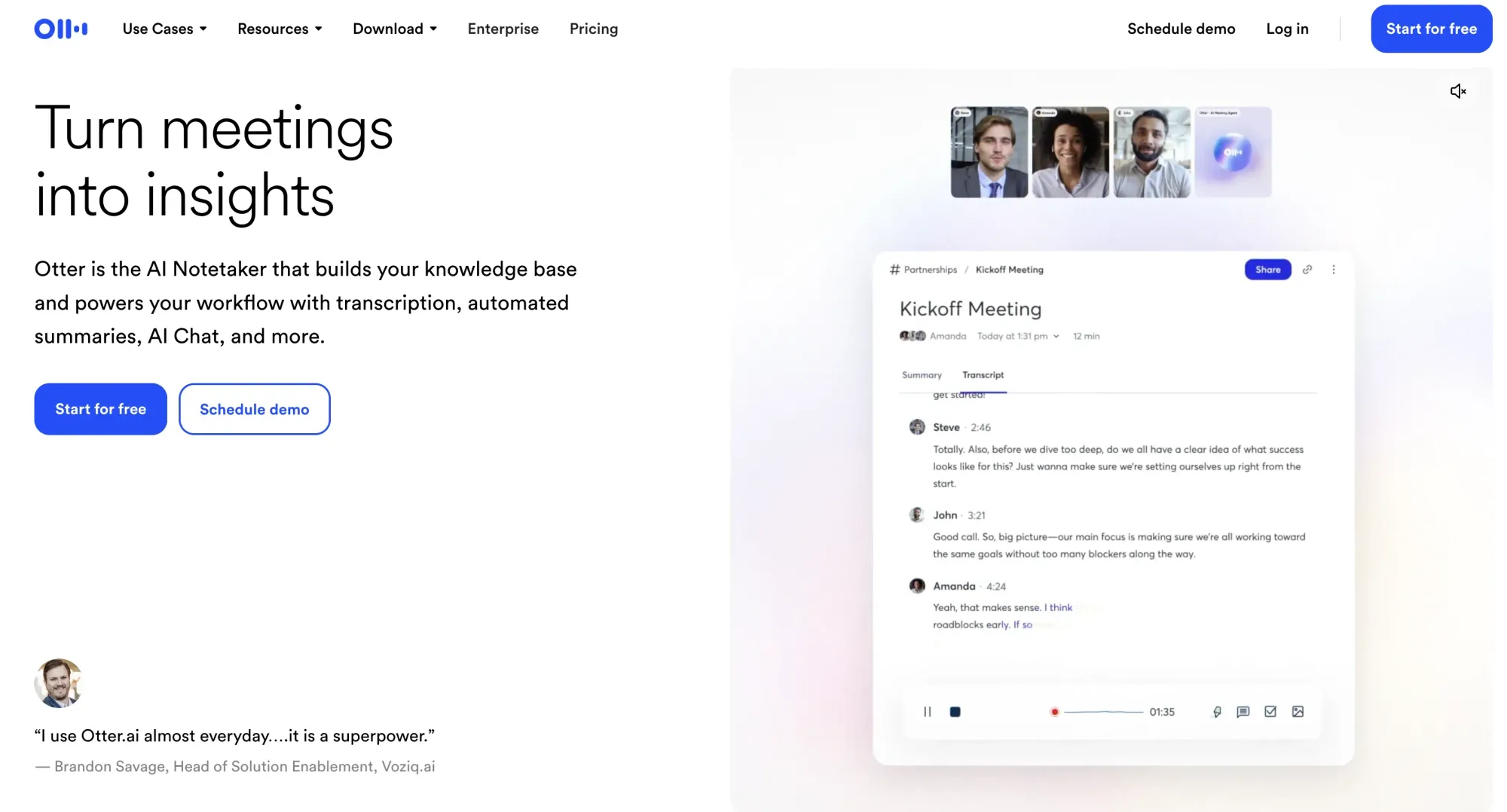
Otter.ai is one of the most accessible tools in the meeting-assistant category. While it is not deeply sales-specific by default, it is still useful for teams that need transcripts, summaries, and searchable meeting history.
How Otter.ai Works
Otter records meetings, creates live transcripts, and produces searchable notes and summaries. Its pricing page also lists keyword search and an advanced search by speaker and date range.
Key Features for Sales Teams
For sales teams, the main advantages are transcription, summaries, search, and, on higher tiers, integrations including Salesforce and HubSpot. That is enough to make Otter one of the more practical AI meeting assistants for sales teams, especially for simple note capture and recall.
Pros and Cons of Otter.ai
Pros: free plan, strong note capture, and search plus CRM-related integrations on higher plans.
Cons: less sales-native than tools built specifically for coaching or revenue workflows.
Who it’s best for
Otter.ai is one of the top AI meeting assistants for sales in 2026 for teams that want reliable call recordings without moving into a heavier revenue-intelligence stack.
8. tl;dv
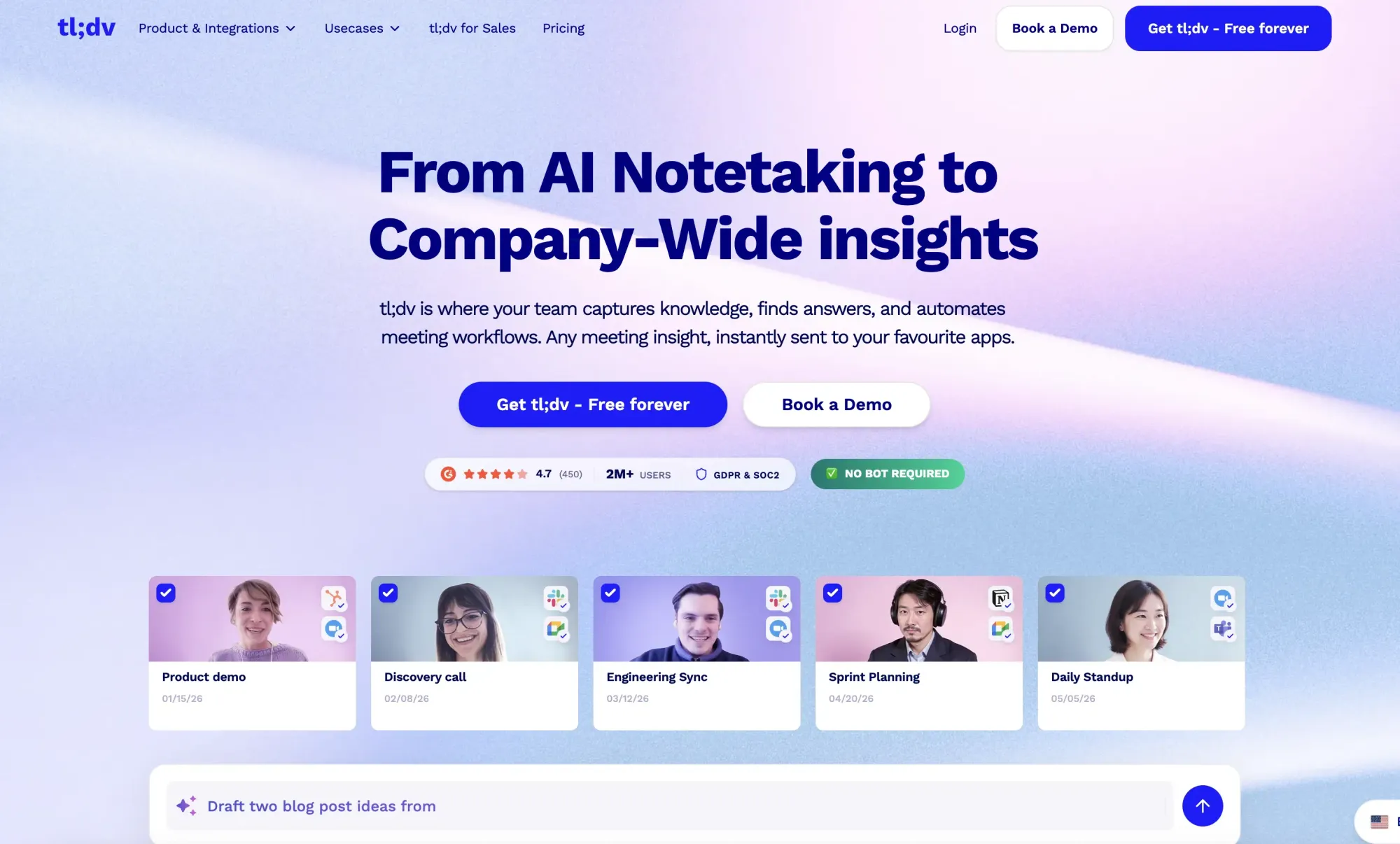
tl;dv is an AI meeting note taker built for sales teams running discovery, demo, and customer calls across Zoom, Google Meet, and Microsoft Teams. Unlike general transcription tools, tl;dv focuses on sales-specific workflows: CRM-logged summaries, sales coaching with playbooks, and multi-meeting insights that surface patterns across deals rather than treating each call in isolation.
How tl;dv Works
tl;dv joins calls (or records with bot or without a bot via its desktop app), transcribes in 30+ languages, and produces AI summaries with timestamped highlights. Reps can clip and share key moments, and team leads can search across calls to spot recurring objections, competitor mentions, or feature requests. Summaries and action items push into CRMs such as HubSpot, Salesforce, and Pipedrive, and the platform supports 5,000+ integrations via Zapier and its API.
Key Features for Sales Teams
The most useful features for sales are AI meeting summaries, multi-meeting insights, sales coaching and playbooks, timestamped clip sharing, multilingual transcription, bot-free recording, and CRM integrations. The free-forever plan includes unlimited meetings, making it easy to test before committing.
Pros and Cons of tl;dv
Pros: generous free plan, sales-native CRM workflows, built-in coaching, clip-sharing for handoffs, bot-free recording option, and cross-deal insights that span multiple calls.
Cons: less focused on revenue forecasting or deal-health scoring than tools like Clari.
The takeaway on tl;dv
tl;dv earns a spot among the best AI sales assistants for teams that live in sales calls and want notes, coaching, and cross-deal insights in one place without paying for an enterprise revenue platform.
9. People.ai
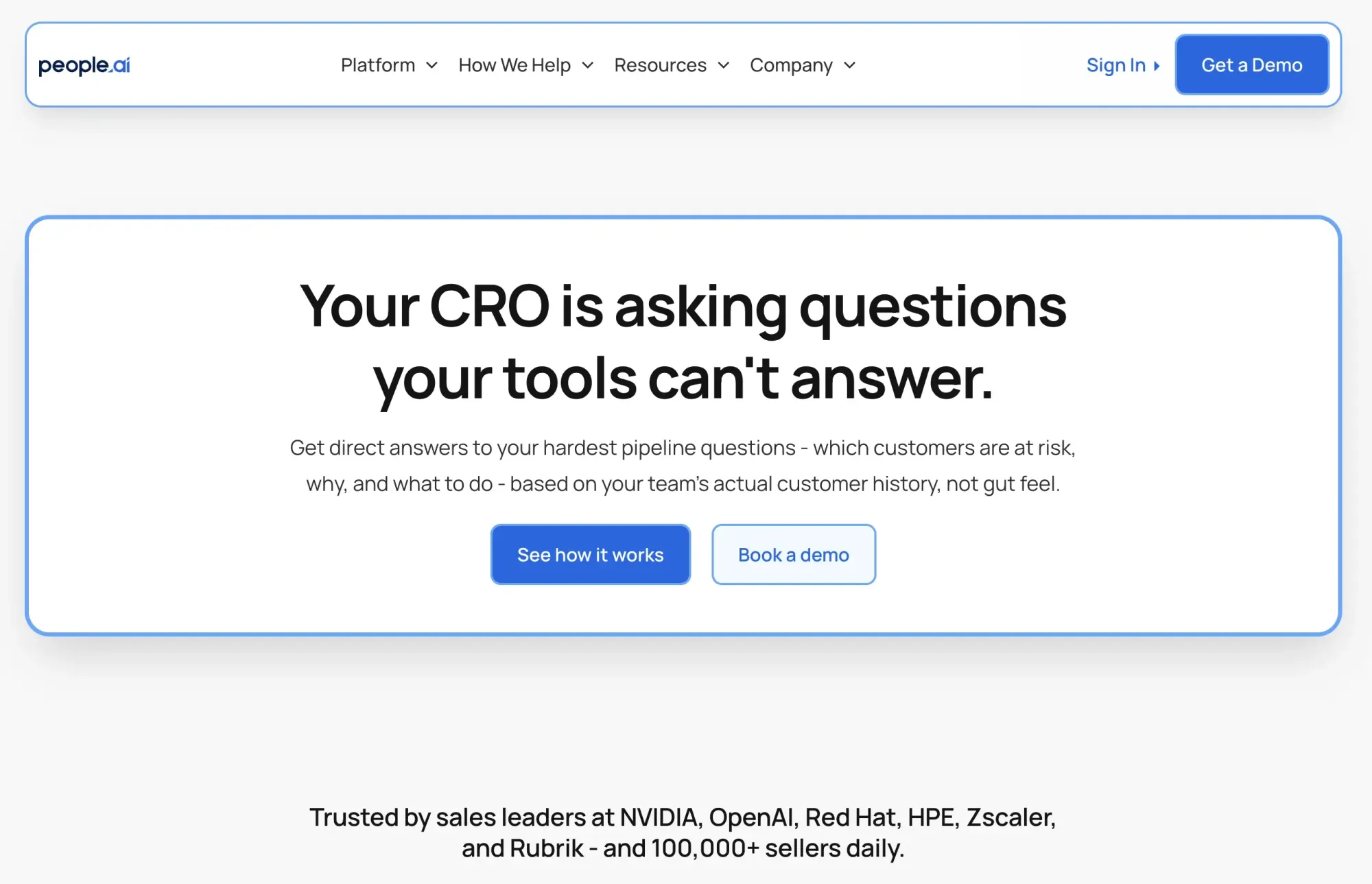
People.ai is a revenue intelligence platform, not a prospecting tool. Its official site says it captures every email, call, and meeting, maps activity to deals and accounts, and tells revenue leaders what to do next.
How People.ai Works
People.ai gathers sales activity data and connects it to the pipeline and account context. That makes it more about visibility and analysis than about rep-level messaging assistance.
Key Features for Sales Teams
The main strengths are activity capture, deal mapping, account coverage insight, and revenue-level analysis. In practical editorial terms, this is one of the cleaner examples of AI assistants for sales performance reporting in a broad sense.
Pros and Cons of People.ai
Pros: useful for managers and RevOps teams that need activity tied to accounts and deals.
Cons: not the right tool for lead generation or outbound copy.
Bottom line on People.ai
People.ai makes more sense for leadership visibility than for prospecting. It is a good fit when forecasting, reporting, and pipeline intelligence are the real priorities.
10. Clari
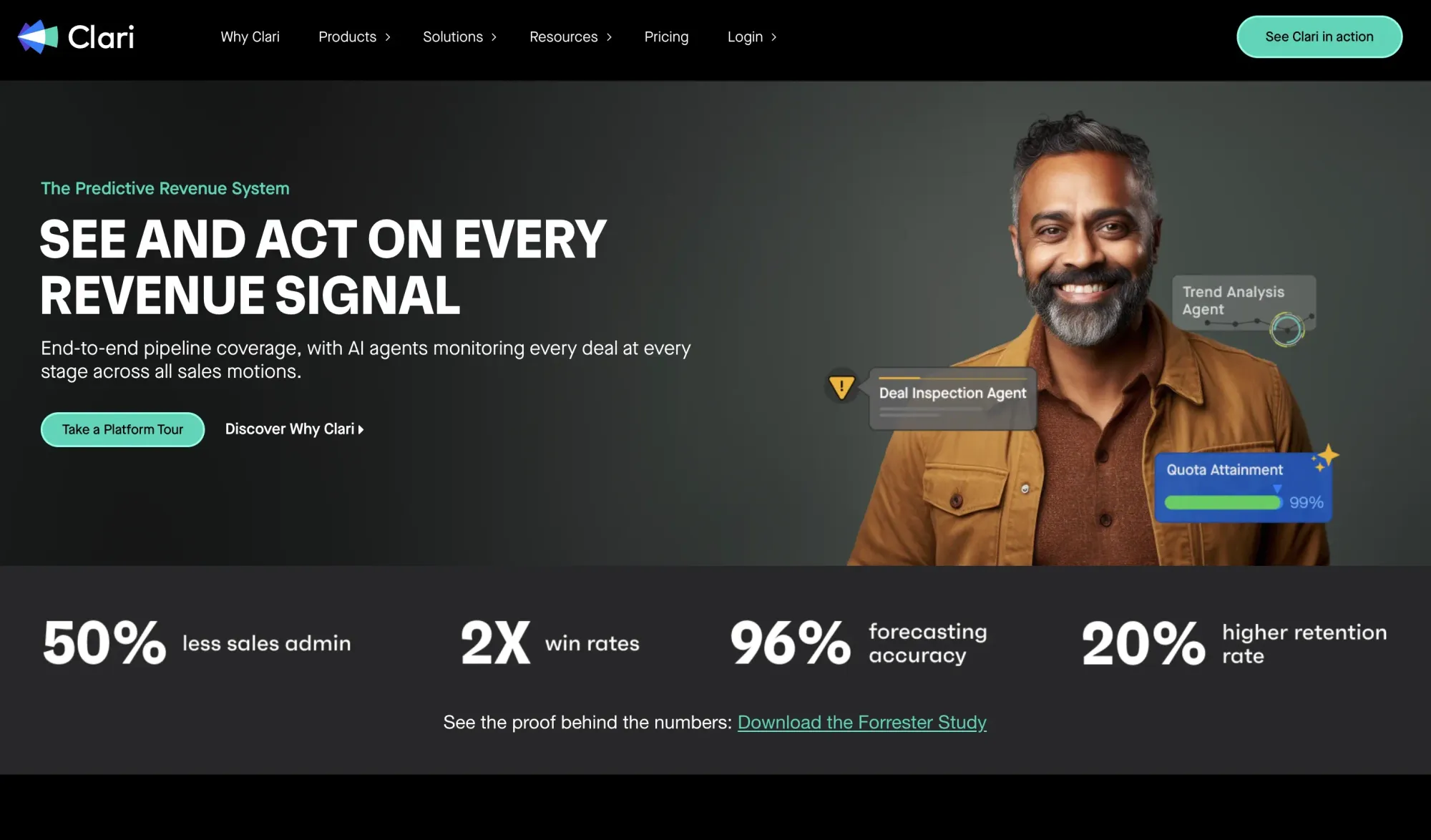
Clari sits squarely in the revenue orchestration and forecasting part of the market. Its pricing page highlights AI deal scoring, AI-driven forecasting, and workflow boosters.
How Clari Works
Clari collects pipeline signals and applies AI to help leaders assess deal health, forecast accuracy, and execution risk. The official framing is enterprise revenue visibility, not rep-level assistance.
Key Features for Sales Teams
The product highlights AI deal scoring, AI-driven forecasting, workflow boosters, and broader revenue-platform support.
Pros and Cons of Clari
Pros: strong for forecasting, deal inspection, and leadership visibility.
Cons: usually too far downstream to help if your real issue is still prospect sourcing.
The takeaway on Clari
Clari belongs among the best-rated sales AI assistants only in a broad workflow sense. For enterprise revenue teams, that makes sense. For small outbound teams, it is usually not the first buy.
11. Beautiful.ai
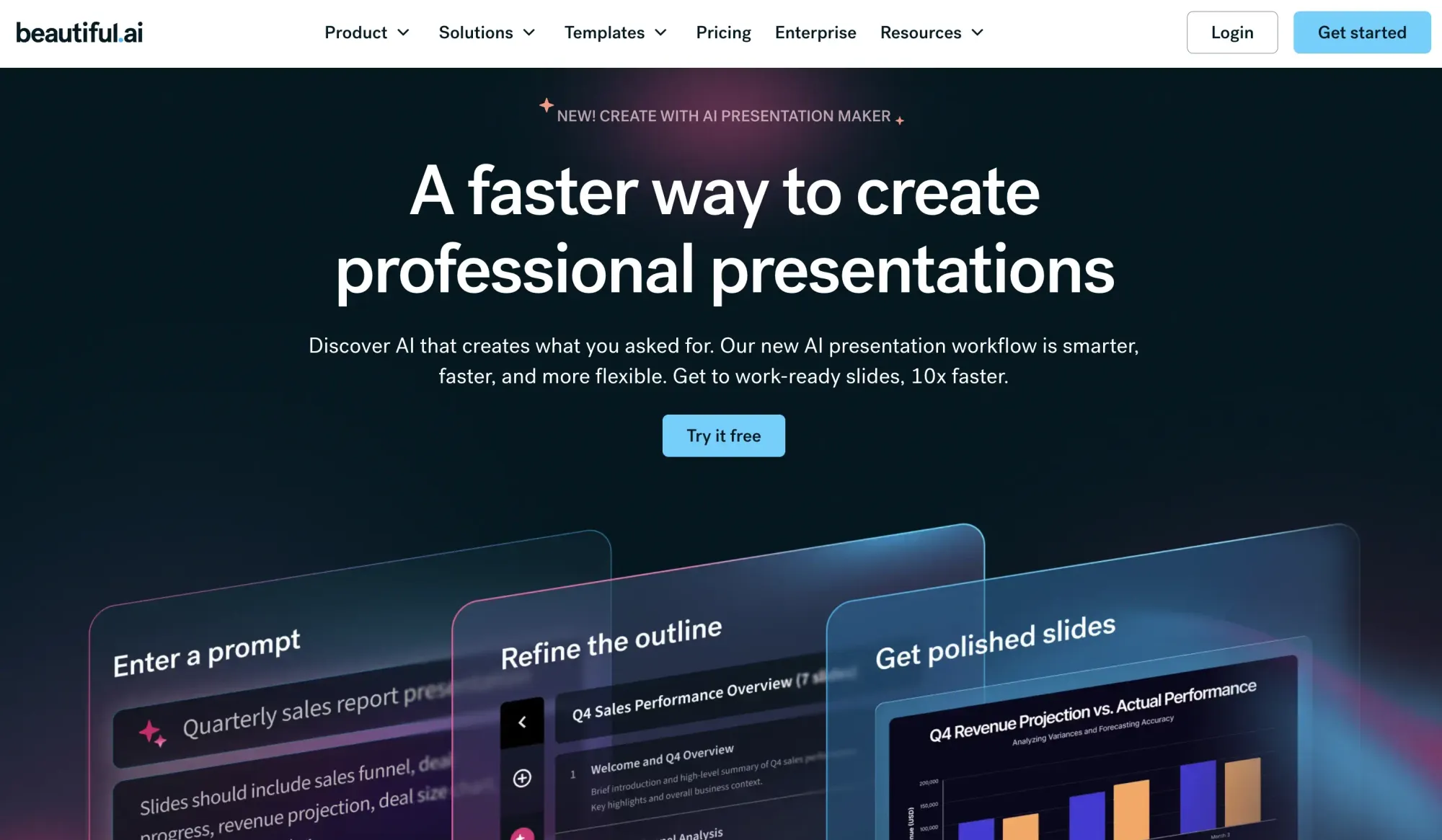
Beautiful.ai is not a classic sales assistant, but it is still useful for sales teams that spend time building decks, proposals, and presentation materials.
How Beautiful.ai Works
The platform uses templates and AI-assisted design logic to speed up presentation creation and maintain consistent output. Its official integration pages also show a Salesforce connection for sharing presentations, tracking views, and seeing engagement within Salesforce.
Key Features for Sales Teams
For sales use cases, the main benefits are template-based deck creation, faster slide production, and cleaner presentation output. That is still a narrower use case than prospecting, coaching, or forecasting.
Pros and Cons of Beautiful.ai
Pros: Saves time on presentations and proposals.
Cons: It does not directly improve prospecting, calls, or forecasting.
Bottom line on Beautiful.ai
Beautiful.ai is worth including because sales teams still spend real time building decks, and it can improve the efficiency of selling around customer-facing content.
12. Avoma
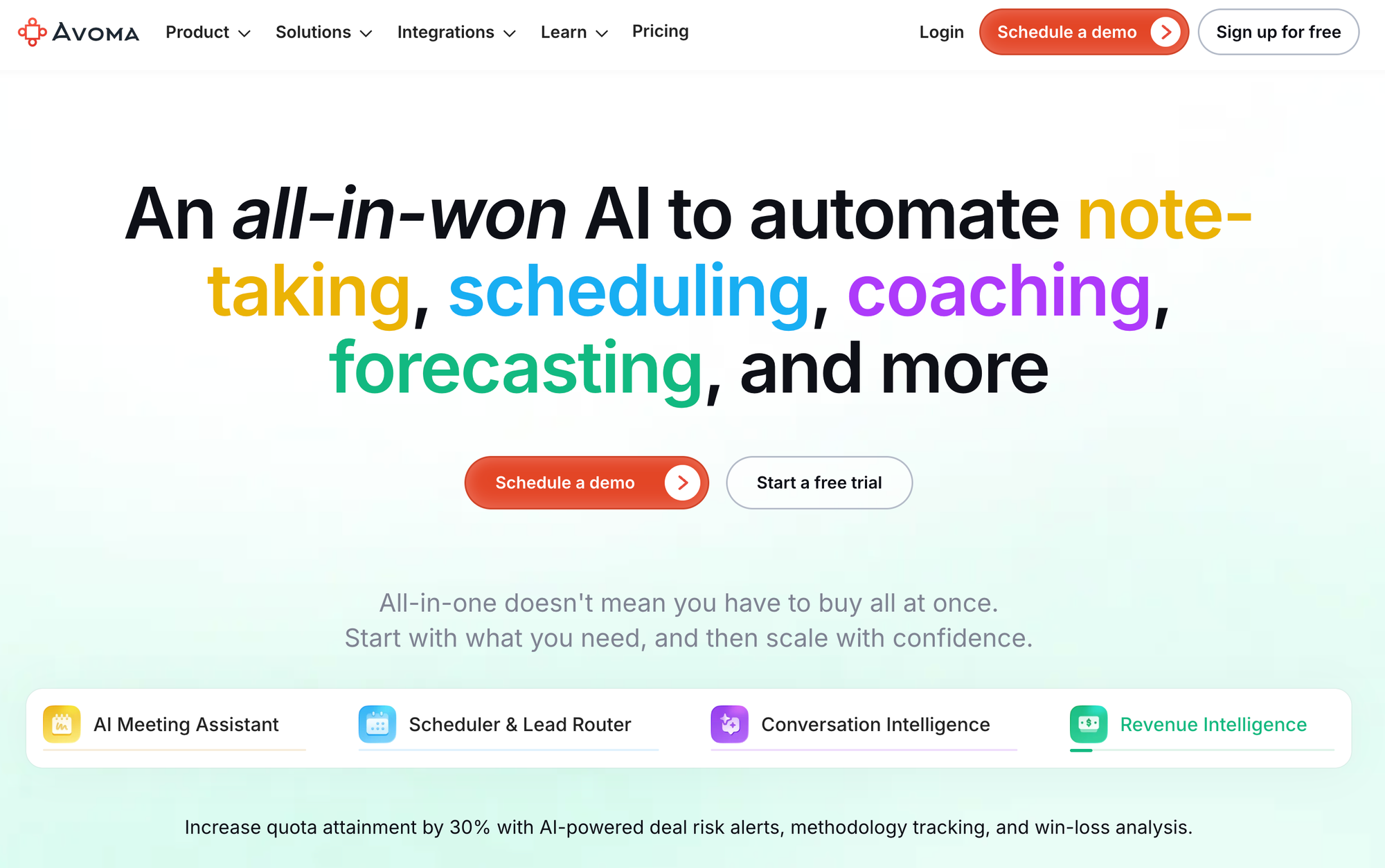
Avoma is closer to a sales-native meeting platform than Otter.ai. It combines meeting notes with coaching, CRM support, and optional revenue intelligence layers.
How Avoma Works
Avoma records meetings, generates AI summary notes, supports follow-up tasks, and can save notes back into CRM records. It also offers add-ons for conversation intelligence and revenue intelligence.
Key Features for Sales Teams
The official plan details include unlimited real-time transcription, unlimited AI summary notes, “Ask Avoma” for meetings, AI email follow-ups, auto-saving notes to CRM records, and dialer integration. That makes it one of the stronger AI meeting assistants on this list for sales teams.
Pros and Cons of Avoma
Pros: more sales-oriented than a generic meeting recorder and well-suited to follow-up-heavy workflows.
Cons: less useful if the real bottleneck is finding leads rather than managing meetings and post-call work.
My Verdict on Avoma
Avoma is one of the best AI sales assistants 2026 for teams that want notes, summaries, and coaching support in one place without jumping straight to a heavyweight enterprise platform.
13. KrispCall
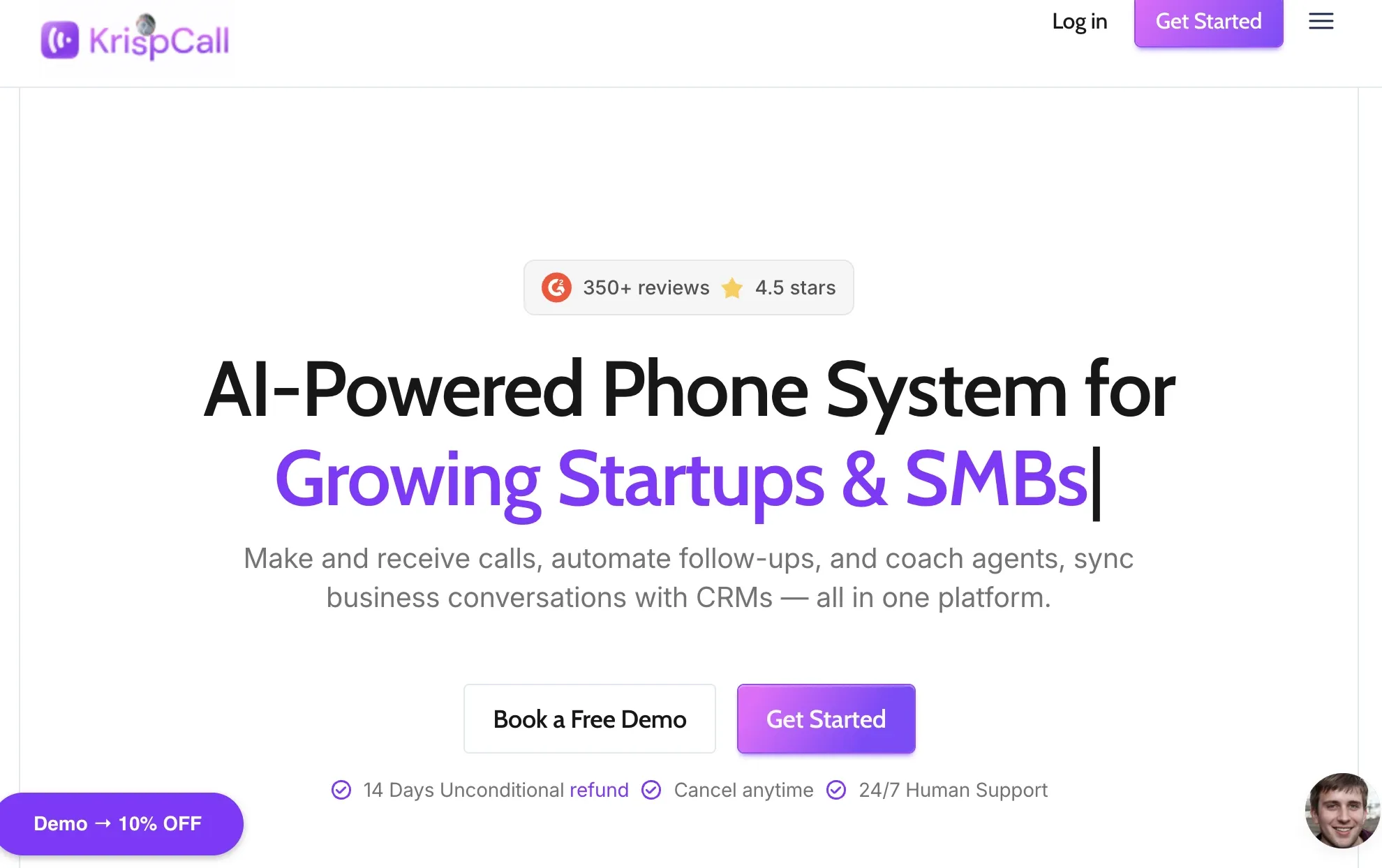
KrispCall is an AI-powered communication platform for growing businesses built for sales, support, and remote teams that need calling, texting, and analytics unified into one workspace, with automated dialing, click-to-call, and two-way CRM sync built in.
How KrispCall Works
KrispCall centralizes calls, SMS, voicemail, and recordings into a single Unified Callbox. Its AI Copilot automates replies, summaries, and transcripts. On the outbound side, the platform includes a power dialer that automates outbound calling for sales teams, increasing efficiency by reducing manual dialing and enabling agents to reach more prospects.
Key Features for Sales Teams
Core capabilities include AI Copilot (call summaries, transcription, and reply generation), a Power Dialer for outbound campaigns, Bulk SMS/MMS and AI SMS for outreach, live call monitoring (Call Barging, Whispering, and Listening), multi-level IVR, and CRM integrations with tools like HubSpot, Zoho CRM, Pipedrive, and Salesforce.
Pros and Cons of KrispCall
Pros: strong value for lean sales teams that want calling, SMS, and basic AI assistance in one place; solid feature set for a cloud phone app, including global numbers, shared numbers, and contact-center tools.
Cons: Not all web app features are available in the mobile app
The takeaway on KrispCall
KrispCall is worth considering if your sales team needs an affordable, all-in-one calling and texting system with light AI assistance (summaries, transcripts, dialing automation) rather than a dedicated AI SDR or prospecting tool.
14. Chatbase
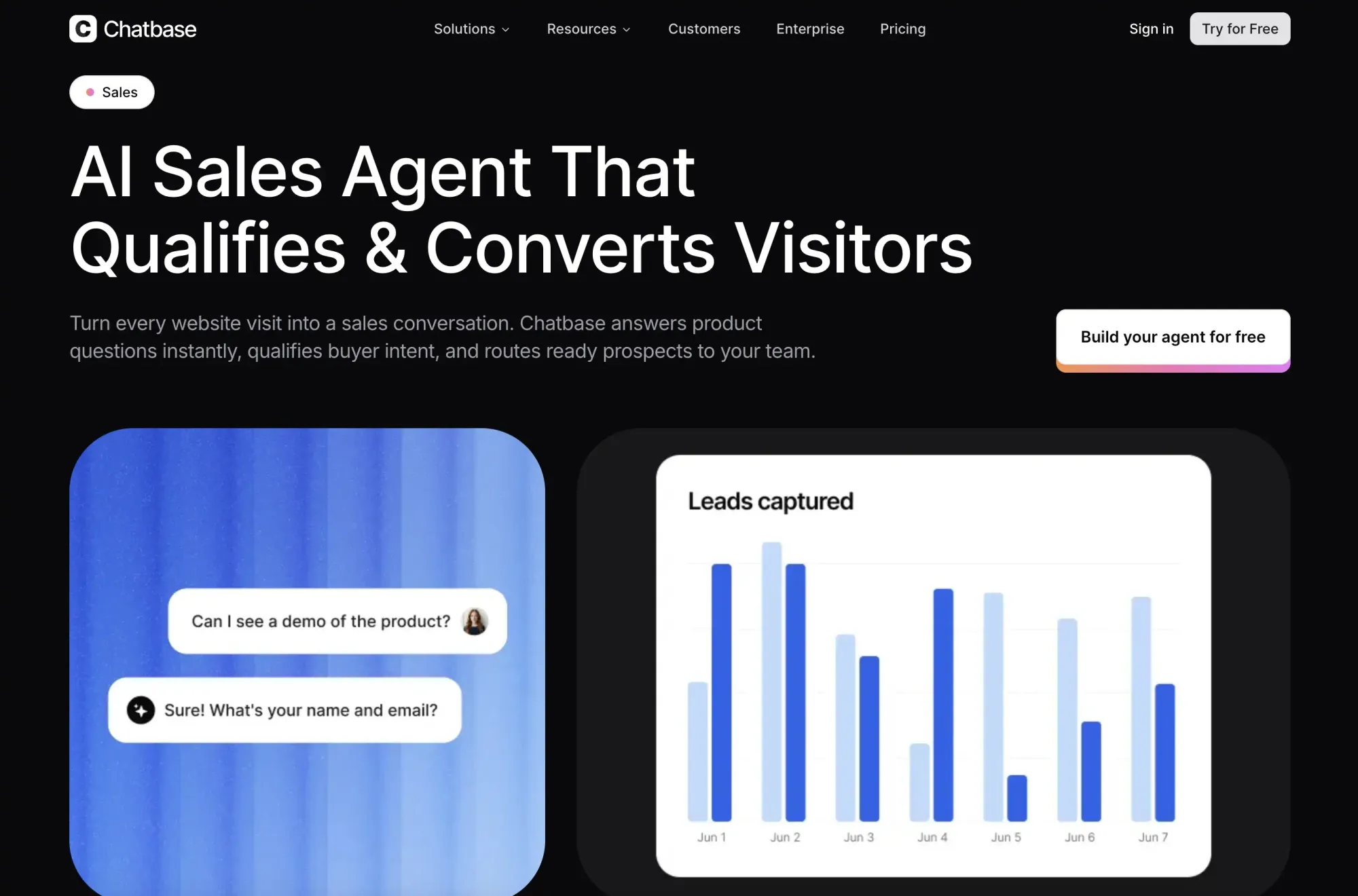
Chatbase is an inbound AI sales assistant that turns website conversations into a qualified pipeline. It answers product, pricing, and integration questions using your own content, captures lead details, qualifies visitors, and books demos without requiring a rep to respond immediately.
Its strength is converting high-intent traffic already reaching your site, rather than finding new contacts for cold outreach.
How Chatbase Works
Chatbase can be trained on website pages, product documentation, pricing, and custom instructions, then deployed as a website widget or through channels such as WhatsApp, Messenger, Instagram, and email. For sales workflows, teams can define qualification criteria in plain language, collect contact details, book meetings through Calendly or Cal.com, and route complex conversations to a human or connected workflow.
Key Features for Sales Teams
The main sales features are conversational lead capture, qualification by use case, company size, budget, or timeline, product and pricing Q&A, appointment booking, CRM and helpdesk workflows, and multi-channel deployment. Higher tiers add outbound campaigns, API access, personalization, voice, and advanced integrations.
Pros and Cons of Chatbase
Pros: Captures and qualifies inbound leads in-conversation, books demos, answers product questions around the clock, preserves context for handoffs, and supports multiple channels.
Cons: It is inbound-first, so it does not replace prospecting or LinkedIn data tools. Usage is limited by message credits; the free plan is lightweight, and advanced sales features require paid plans.
The takeaway on Chatbase
Chatbase is worth considering when the bottleneck is what happens after prospects reach your website. It adds a conversational qualification and booking layer to inbound sales, while Skrapp is better suited to finding contacts for outbound campaigns. The two tools solve different stages of the funnel and can work together.
15. Botpress
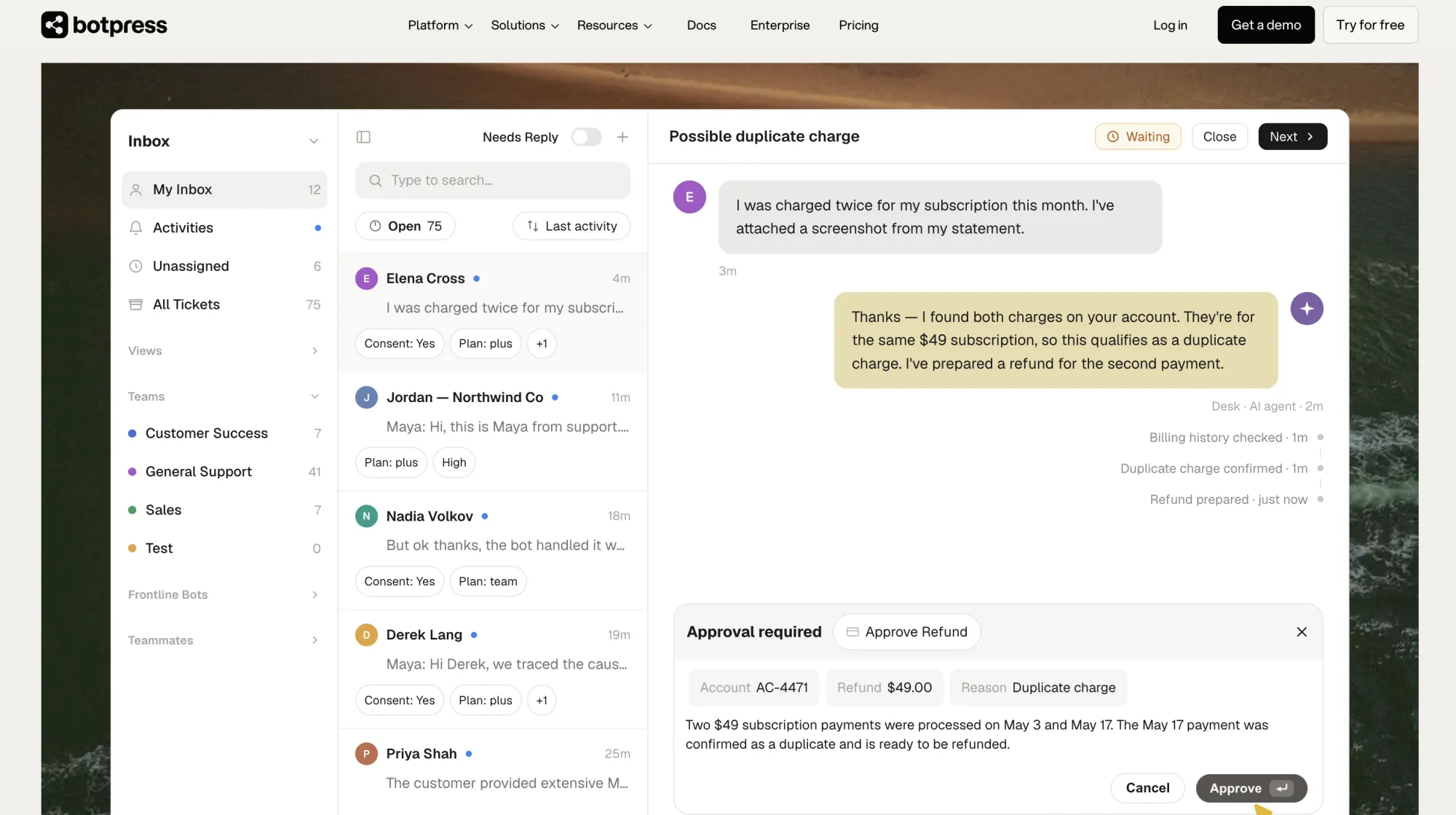
Botpress is an AI agent platform built for teams that want their website chatbot to take real action, not just capture an email address. Instead of a simple lead-capture widget, Botpress agents are built to qualify leads, look up account or order info, and route qualified prospects straight to your CRM or a rep's calendar.
How Botpress Works
You build the agent in plain language rather than a rigid flow chart: describe what it should do, connect it to your product docs and CRM, and it handles the conversation from first message to handoff. For sales teams, that means an agent that can qualify leads and support requests in the same conversation, then push qualified prospects into the CRM or book a meeting directly.
Key Features for Sales Teams
The main sales features are natural-language agent building, multi-step lead qualification and CRM workflows, account and order data retrieval, CRM/helpdesk updates, human handoff with full conversation context, and deployment on existing systems or Botpress Desk. Pricing is not per seat, so usage can scale without increasing costs based on headcount.
Pros and Cons of Botpress
Pros: agents take real action instead of just capturing contact info, natural-language setup, no per-seat fees, enterprise-grade security (SOC 2, GDPR, KPMG-tested).
Cons: full value shows up more clearly at higher conversation volumes, so very small teams may not see the same ROI right away.
The takeaway on Botpress
Botpress is worth a look when your website chatbot needs to do more than collect an email, when it needs to actually qualify the lead or resolve the request before a human ever gets involved.
Verify and export business emails in bulk with Skrapp
Start Verifying EmailsHow to Choose an AI Sales Assistant
Most teams don't need a magical all-in-one assistant. They need help at the exact stage where the pipeline slows down. Before you commit to a tool, here are five steps to help you figure out what you actually need.
Step 1: Find where your pipeline breaks
Walk your process from first contact to close and find where things consistently fall apart. Can't find enough qualified contacts? Emails going unanswered? Demos going cold? Write it down. That single answer should drive every tool decision you make from here.
Step 2: Match the tool to that stage
Every tool on this list does something different. Skrapp helps you to find the right people to contact in the first place. Lavender and Regie.ai come into play once you have a list, but your emails aren't getting responses. Avoma and Otter.ai are worth looking at if meetings are happening, but nothing gets captured. So figure out which of those descriptions sounds most like your current headache.
Step 3: Audit what you already have
Before adding anything new, check what your CRM or sales engagement platform already covers. Most teams are sitting on unused features they're already paying for. Your real gap might already have a solution, and you just haven't turned it on yet.
Step 4: Deploy one tool and track one number
Pick the metric that matters most, like reply rate, connect rate, meeting show rate, forecast accuracy, and give it 60 to 90 days. You have to choose one tool and track only one outcome. Adding three tools at once makes it impossible to know what's actually working.
Step 5: Fix the next weak point
Once one stage starts running smoothly, the next problem becomes obvious pretty quickly. Go back to Step 1 and repeat the process. The teams with the most effective stacks aren't the ones who bought the most, but the ones who bought in the right order.
Final Verdict: Which Best AI Sales Assistants Should You Use?
Choosing the right software is much easier when you map it to the specific problem you’re trying to solve. Need more names in the hopper? Start with Skrapp.io for lead generation, or with Regie.ai to scale your AI prospecting workflows.
If your emails are getting ignored, Lavender is the best tool for email optimization, and Conversica is great for automating tedious lead follow-up.
Once the conversation starts, Salesken provides live call coaching, while Otter.ai handles transcription and summarization. For deeper meeting intelligence and CRM follow-up, Avoma is a top-tier choice.
Finally, to manage the business side, People.ai offers sales performance reporting, Clari secures your forecasting and deal health, and Beautiful.ai ensures your presentations and proposal decks look professional.
Search 200+ million B2B contacts by job title, company, or location
Search B2B ContactsFAQs: Best AI Sales Assistants
What are AI sales assistants?
AI sales assistants are software tools that automate or support specific parts of the sales process. Depending on the tool, they can help with finding leads, writing outreach emails, coaching reps during calls, capturing meeting notes, or forecasting revenue. No single tool does all of these well, which is why most teams use more than one.
How do AI sales assistants increase sales?
They remove the manual work that slows reps down. Instead of spending hours building lead lists, writing cold emails from scratch, or manually logging call notes, reps spend more time selling. The impact depends on where the tool is applied, but the teams that see the biggest gains are usually the ones that identified their biggest bottleneck first and matched the tool to that specific problem.
How to use AI assistants in sales?
Start with one part of the process. If sourcing is the problem, use an AI tool to find and verify contacts. If outreach is the problem, use one to improve email quality. If calls are the weak point, use a live coaching tool. The mistake most teams make is deploying too many tools at once without a clear sense of what each one is supposed to fix.
How much do AI sales assistants cost?
It varies widely. Some tools like Skrapp and Otter.ai offer free plans with limited credits or features. Paid plans typically range from $20 to $100 per user per month for individual tools. Enterprise platforms like Clari and People.ai are priced on a custom basis and tend to run significantly higher. Most teams spend between $50 and $200 per rep per month once their stack is fully built out.
How to choose an AI sales assistant for a team?
Start by identifying where your pipeline slows down most. Is it lead sourcing, outbound messaging, call performance, or pipeline visibility? Match the tool to that stage before looking at anything else. Audit what your existing CRM or sales platform already covers, then deploy one tool, track one metric, and give it 60 to 90 days before adding anything new.