
35 Best Sales Productivity Tools in 2026 (Ranked & Categorized)

Sales productivity tools are platforms that automate repetitive sales tasks, manage leads, and improve outreach efficiency. If you’re tired of chasing leads, updating spreadsheets, and digging through emails, these tools can handle the busywork for you.
I did the research so you don’t have to. After reviewing top-rated sales productivity tools of 2026 used by sales pros, I picked the best based on real user feedback, features, ease of use, and actual results.
The right sales productivity tool can improve response rates, shorten sales cycles, and make it much easier to hit your targets. Or you could keep manually tracking follow-ups and hoping for the best, but we both know how that ends.
Main Features of Sales Productivity Tools
- Automation: Automates repetitive tasks such as data entry, email follow-ups, and meeting scheduling, freeing up time for more strategic work or field work.
- Customer Relationship Management (CRM): Tracks customer interactions, stores contact information, and manages relationships to improve customer engagement.
- Lead Management: Helps identify, nurture, and prioritize leads based on potential, ensuring salespeople focus on the most valuable opportunities.
- Sales Analytics: Provides insights into sales performance, helping teams track progress, set targets, and adjust strategies in real-time.
- Communication & Collaboration: Centralises communication via email, chat, and calls, while offering tools for internal collaboration to ensure alignment across sales teams.
- Sales Engagement: Manages and optimizes the way sales reps engage with prospects across multiple channels, including phone, email, and social media.
- Task Management: Helps organize daily tasks, manage calendars and set reminders to ensure the sales team stay on top of their responsibilities.
Customer Relationship Management (CRM)
Customer Relationship Management (CRM) is a technology and strategy for managing a company’s interactions with potential and existing customers. By storing information such as contact details, communication history, purchase behavior, and customer preferences.
A CRM system helps businesses build better relationships, improve customer satisfaction, and drive sales growth. CRM tools also offer automation, analytics, and integration with other systems, streamlining workflows and providing insights for more informed decision-making.
Also read: Top Sales Automation Tools for Teams of All Sizes
Key Features
Contact Management
- Centralizes customer information for easy access and organization.
- Helps maintain strong relationships by tracking communication history.
Sales Management
- Manages leads, prospects, and deals throughout the sales pipeline.
- Prioritises leads and tracks sales progress to identify opportunities.
Lead Management
- Captures and tracks leads from multiple sources.
- Scores and ranks are based on engagement and behavior.
Task and Activity Management
- Schedules meetings, sets reminders, and organizes tasks.
- Helps teams follow up on activities and meet deadlines.
Email Integration
- Integrates with email platforms for seamless communication.
- Tracks email interactions and provides engagement insights.
Sales Forecasting
- Analyses data to predict future sales trends.
- Helps set realistic targets and track performance.
Reporting and Analytics
- Generates reports on sales, customer behavior, and campaigns.
- Customizable dashboards offer insights into key metrics.
Marketing Automation
- Automates tasks like email campaigns and lead generation.
- Tracks campaign performance for optimization.
Customer Support and Service
- Manages support tickets and service requests efficiently.
- Provides quick access to customer information for better support.
Mobile Access
- Mobile apps enable access to customer data on the go.
- Keeps users connected and productive outside the office.
Workflow Automation
- Automates repetitive tasks, reducing manual workload.
- Streamlines processes across sales, marketing, and service teams.
Integration with Other Software
- Connects with ERP, email marketing, e-commerce, and other tools.
- For e-commerce businesses, particularly those on Shopify, integrating with a PIM system can centralize product data for seamless integration with your CRM.
- Ensures unified data flow across different systems.
Data Security
- Protects customer data with encryption and access controls.
- Ensures compliance with data privacy regulations.
Customization
- Allows customization of fields, modules, and workflows.
- Adapts to specific business processes and requirements.
Below is a list of CRM and sales prospecting automation tools, including their pricing, pros, cons, and ratings.
| Tool Name | Pricing (monthly) | G2 Rating | Capterra Rating |
|---|---|---|---|
| Smartlead CRM | Starts at $39/month/user | 4.6/5 | 4.3/5 |
| Productive | Starts at $12/month/user | 4.3/5 | 4.6/5 |
| Monday Sales CRM | Starts at $18/month/user | 4.7/5 | 4.5/5 |
| Hubspot Sales Hub | Starts at $15/month/user | 4.4/5 | 4.5/5 |
| SendPulse | Starts at $8/month. | 4.6/5 | 4.6/5 |
| Outreach | Custom pricing. | 4.3/5 | 4.4/5 |
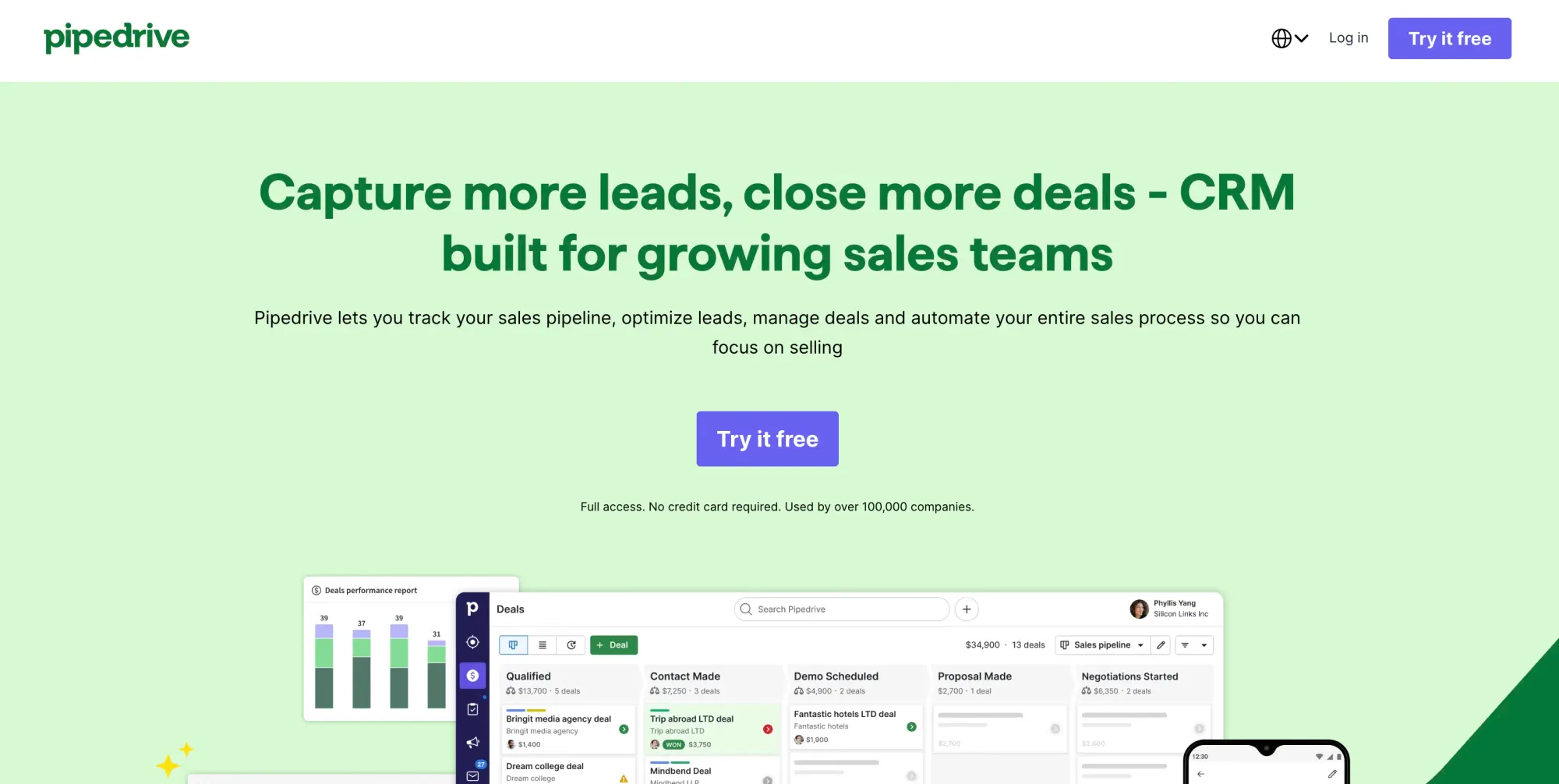
| Pipedrive | Starts at $19/month. | 4.3/5 | 4.5/5 |
| Copper CRM | Starts at $12/month/user | 4.5/5 | 4.4/5 |
| Agentforce Sales | Starts at $175/month/user | 4.4/5 | 4.4/5 |
1. Smartreach.io Sales CRM
SmartReach isn’t just another tool; it’s a powerful sales CRM built to boost your pre-sales efforts. With an easy-to-use interface and smart features, it helps your team manage prospects better, so they can focus more on building real connections and closing more deals.
Pricing:
SmartReach pricing plan starts at $39/month per user.
Pros:
- Streamlined prospect management reduces administrative tasks, allowing sales teams to focus on engagement.
- Custom fields and tagging enable highly targeted communication strategies.
- Adaptable to teams of varying sizes, supporting growth without compromising efficiency.
Cons:
- Advanced features may require time for users to fully adapt and utilize them effectively.
- Functionality is primarily web-based, which may restrict use without internet connectivity.
Ratings:
- G2 Rating: 4.6/5
- Capterra Rating: 4.3/5
2. Productive
Productive is an all-in-one agency and professional services management platform that helps sales and delivery teams work together in one place. It combines project management, time tracking, budgeting, sales CRM, and forecasting, making it easier to manage leads, track deals, and deliver projects profitably after closing. With AI-powered insights and automation, Productive keeps teams aligned from pipeline to invoicing.
Pricing:
- Free: Free trial available
- Essential: $12 per user/month when billed monthly (with min of 3 users)
- Professional: $29 per user/month when billed monthly
- Ultimate: Custom pricing
Pros:
- Built specifically for agencies and service teams
- CRM pipeline connects directly to projects and budgets
- Accurate profitability reporting and revenue forecasting
Cons:
- Can feel advanced for early-stage or very small teams
- More comprehensive than simple task-only tools
Ratings:
- G2 Rating: 4.3/5
- Capterra Rating: 4.6/5
Ideal For:
Productive is ideal for agencies, consultancies, software development firms, and other service-based companies that need project delivery, resource planning, sales pipeline tracking, and financial insights in one place. It works best for teams that want to connect sales performance with real project profitability and scale without juggling multiple tools.
3. Monday Sales CRM
Monday Sales CRM is a highly customizable and intuitive sales productivity tool built on the Monday.com Work OS platform. It helps sales teams manage leads, track pipelines, and automate tasks, making it a strong example of how sales management software can increase productivity and visibility across the pipeline.
This ultimately improves workflow efficiency and team collaboration. Also known for its user-friendly interface, Monday Sales CRM offers flexibility and simplicity, making it an attractive choice for businesses that want to tailor their CRM to specific sales needs.
Pricing:
- Free Trial: Offers a variable free trial option.
- Basic Plan: $18/month for 1 user.
- Standard Plan: $25/month for 1 user.
- Pro Plan: $41/month for 1 user.
- Ultimate Plan: Custom pricing.
Pros:
- You can tailor the platform to fit specific sales workflows, whether simple or complex.
- Visual and intuitive, making it easy for teams to adopt and manage without extensive training.
- Built-in features for team communication, task tracking, and file sharing enhance teamwork.
- Automates repetitive tasks, saving time and reducing manual data entry.
- Connects seamlessly with a variety of third-party tools.
Cons:
- Lacks advanced features found in traditional CRMs like Salesforce, such as deep analytics and AI-powered sales insights for complex sales management.
- May require extra customization for larger enterprises with complex sales needs.
- Limited compared to more robust CRMs; reporting could be more in-depth.
- Better suited for project management and simple sales workflows, requiring additional customization to handle more specialised or complex sales processes out of the box.
Ratings:
- G2 Rating: 4.7/5
- Capterra Rating: 4.5/5
Ideal For:
Monday Sales CRM is ideal for a variety of industries, including small to large businesses, marketing and creative agencies, tech companies, nonprofits managing mission-based projects, and project-driven teams across sectors.
It excels in customization and collaboration but may not have the depth of features that larger enterprises or heavily data-driven teams need. Its strong visual interface and workflow management make it perfect for small to mid-sized businesses looking to streamline their sales operations.
4. HubSpot Sales Hub
HubSpot Sales Hub is one of the top CRM tools for sales productivity. It integrates seamlessly with HubSpot's marketing and service tools. Sales Hub offers a comprehensive platform for managing customer relationships, automating sales tasks, and enhancing sales productivity.
Known for its user-friendly interface, it provides everything from email tracking and deal management to sales pipeline reporting, making it a powerful solution for sales teams of all sizes.
Pricing:
- Free Version: Offers a free plan with limited sales tools available.
- Starter: $15/month for 1 user.
- Professional: $100/month for 1 user.
- Enterprise Plan: $150/month for 1 user.
Pros:
- Simple to set up and use, even for beginners, with a minimal learning curve.
- Seamless integration with HubSpot’s CRM, marketing, and service tools, creating an all-in-one platform.
- Strong automation features that streamline repetitive tasks and improve efficiency.
- Detailed analytics and reporting to track sales performance and forecast revenue. The integration with Google Sheets allows easy data management, reporting, and collaboration across teams.
- Free tier available, making it accessible for small businesses and startups.
Cons:
- Limited features in the Free and Starter versions. Basic compared to competitor-paid offerings.
- Costs increase significantly with advanced plans, especially for larger teams.
- While powerful, HubSpot’s customization options may not be as flexible as those of tools like Salesforce for larger, more complex organizations.
Ratings:
- G2 Rating: 4.4/5
- Capterra Rating: 4.5/5
Ideal For:
HubSpot Sales Hub is ideal for small to mid-sized sales teams that want a powerful, user-friendly CRM with robust automation and reporting tools. While the free version offers great value for basic tasks, advanced features in the higher-tier plans provide comprehensive sales management, making it a scalable solution for growing businesses.
However, the costs can rise quickly as more features and users are added, and it may not offer the same depth of customization as some other high-end CRMs.
5. SendPulse
SendPulse is an all-in-one marketing and sales automation platform designed to help businesses manage customer communication across several channels. It combines email and SMS marketing, social media chatbots, and a built-in CRM into a single, easy-to-use system.
Known for its flexibility and reasonable pricing, SendPulse enables sales and marketing teams to automate workflows, segment audiences, and track customer interactions effectively.
Its user-friendly interface and integrated automation builder make it ideal for businesses looking to improve engagement and streamline customer communications without relying on multiple separate tools.
Pricing:
- Free Plan: Available; includes up to 15,000 emails/month for up to 500 subscribers, 3 chatbots, 1 landing page
- Standard Plan: Starts at approximately $8/month (based on list size).
- Pro Plan: From $9.60/month, includes advanced automation and additional analytics.
- Enterprise Plan: Custom pricing for large organizations and advanced feature needs.
(Prices vary depending on the number of subscribers and selected channels such as email, SMS, or chatbots.)
Pros:
- You can manage email, SMS, web push, and chatbots for WhatsApp, Instagram, Telegram, and Facebook in one place.
- Centralizes customer data and sales processes for better lead tracking and communication. WhatsApp CRM integration.
- Automates messages and workflows with drag-and-drop simplicity, reducing manual work.
- Intuitive design with templates and no-code tools for easy setup, even for beginners.
- Allows small businesses to explore features without upfront costs.
Cons:
- Separate charges for different channels (e.g., SMS ) can make costs harder to predict.
- Reporting and insights are more basic than those on high-end platforms like HubSpot or Salesforce.
- While flexible, it may require manual setup or API integration for more complex automations.
Ratings:
- G2 Rating: 4.6/5
- Capterra Rating: 4.6/5
Ideal For:
SendPulse seems ideal for small- to mid-sized businesses that need an affordable, all-in-one marketing and CRM platform to manage multichannel communication. It’s well-suited for startups, e-commerce brands, or even solopreneurs looking to automate outreach and maintain customer relationships efficiently. While it may lack the deep analytics and customization options of enterprise-level CRMs, its accessibility and range of integrated tools make it a strong choice for growing teams.
6. Outreach
Outreach is a leading sales productivity tool designed to enhance sales engagement and automate various aspects of the sales process. It provides sales teams with the tools they need to manage outreach, track interactions, and optimize communication with prospects. By automating repetitive tasks and offering detailed analytics, Outreach helps sales teams improve efficiency and effectiveness.
Pricing:
- Custom Pricing: Outreach does not publicly list its pricing; instead, interested customers are encouraged to contact the sales team for tailored quotes based on their specific needs and team size.
Pros:
- Streamlines repetitive outreach tasks, allowing sales teams to focus on high-value activities.
- Provides deep insights into engagement, enabling teams to refine their strategies effectively.
- Facilitate outreach across multiple communication channels to increase engagement.
- Works well with existing CRM and productivity tools, enhancing overall sales workflows.
- Easy to navigate, making it accessible for teams of all skill levels.
Cons:
- Subscription fees can be high, making them unaffordable for small businesses or startups.
- While user-friendly, some advanced features may take time to master and may require training and onboarding.
- Full functionality often requires integration with a CRM, which may complicate initial setup for some teams.
- Primarily designed for online engagement, offline outreach capabilities are less robust.
Ratings:
- G2 Rating: 4.3/5
- Capterra Rating: 4.4/5
Ideal For:
Outreach is ideally suited for mid-sized to large businesses with established sales teams that are looking to enhance their sales engagement and productivity. While it offers powerful features that improve productivity and optimize sales processes, its pricing may be a concern for smaller organizations. For teams willing to invest in a comprehensive sales engagement platform, Outreach can significantly boost productivity and drive better sales outcomes.
7. Pipedrive
Pipedrive is a popular sales productivity tool designed to help sales teams manage their sales processes more efficiently. It's known for its user-friendly interface and pipeline-centric approach. Pipedrive focuses on providing sales professionals with the tools they need to track leads, manage deals, and ultimately close sales more effectively.
Pricing:
- Trial Plan: Offers a variable free trial plan.
- Lite: $24/month for 1 user.
- Growth: $49/month for 1 user.
- Premium: $79/month for 1 user.
- Ultimate: $99/month for 1 user.
Pros:
- Intuitive and easy to navigate, making it accessible for users of all skill levels.
- The visual sales pipeline helps sales reps understand their sales stages at a glance and prioritise effectively.
- Integrates well with various other tools and CRMs, enhancing overall sales workflows.
- Reduces manual work and saves time by automating routine tasks.
- Allows teams to tailor the platform to meet their specific sales processes and needs.
Cons:
- Certain advanced reporting features are available only in higher-tier plans.
- While it offers good customization, it may not be as flexible as some larger, more complex CRMs for certain enterprise needs.
- Costs can add up, especially for teams that require more advanced features or additional user licenses.
- While basic functionality is user-friendly, some advanced features may take time to fully learn.
Ratings:
- G2 Rating: 4.3/5
- Capterra Rating: 4.5/5
Ideal For:
Pipedrive is an excellent sales productivity tool for small to mid-sized businesses looking for a straightforward and effective way to manage their sales processes. Its visual pipeline, automation capabilities, and ease of use make it ideal for sales teams looking to streamline operations and improve productivity. While it may have limitations in reporting and customization compared to more complex CRMs, its focus on simplicity and user experience makes it a strong choice for many organizations.
8. Copper CRM
Copper CRM is a sales productivity tool designed specifically for teams that use Google Workspace (formerly G Suite). It integrates deeply with Google’s applications, providing a seamless experience for managing customer relationships directly within familiar tools like Gmail, Google Calendar, and Google Drive. This integration helps sales teams streamline their workflows and maintain context without switching between multiple applications.
Pricing:
- Trial Plan: Offers a 14-day trial option.
- Starter Plan: $12/month for 1 user.
- Basic Plan: $29/month for 1 user.
- Professional Plan: $69/month for 1 user.
- Business Plan: $134/month for 1 user.
Pros:
- Ideal for teams already using Google apps, providing a familiar environment for managing customer relationships.
- Intuitive design that is easy to navigate, reducing the learning curve for new users.
- Minimises manual entry, allowing sales teams to focus more on selling rather than administrative tasks.
- Facilitates teamwork and information sharing, enhancing overall sales effectiveness.
- Allows users to tailor the CRM to their specific sales processes and workflows.
Cons:
- Primarily designed for online use, it may not be suitable for teams needing robust offline capabilities.
- Compared to some competitors, the pricing can be steep, especially for smaller teams or startups.
- While basic functionalities are straightforward, some advanced features may require additional training to fully leverage.
- Organizations not heavily invested in Google Workspace may not benefit as much from Copper’s integration.
Ratings:
- G2 Rating: 4.5/5
- Capterra Rating: 4.4/5
Ideal For:
Copper CRM is particularly well-suited for small- to mid-sized organizations that already use Google Workspace. Its automated data logging, user-friendly interface, and strong pipeline management make it ideal for businesses looking to streamline their sales processes. However, its pricing may be a consideration for smaller organizations and teams that do not utilize Google Workspace and may find it less beneficial. Overall, Copper CRM is best suited for teams seeking a CRM that aligns closely with their existing Google tools.
9. Agentforce Sales
Agentforce Sales (formerly Salesforce Sales Cloud) is one of the leading sales team productivity tools available today, designed to help sales teams manage their processes, automate tasks, and drive growth through data-driven insights.
As part of the broader Salesforce ecosystem, it offers a robust set of features for sales professionals across various industries. It also works well with contract management software, e-signature tools, and CPQ software for teams that want to manage the full deal cycle in one place.
Pricing:
- Trial Plan: Offers a 30-day trial plan.
- Starter Suite: $25/month for 1 user.
- Pro Suite: $100/month for 1 user.
- Enterprise Plan: $175/month for 1 user.
- Unlimited Plan: $350/month for 1 user.
- Einstein 1 Sales: $550/month for 1 user.
Pros:
- Agentforce offers extensive customization options, allowing organizations to tailor the platform to their specific sales processes.
- Advanced reporting and sales forecasting capabilities provide deep insights into sales performance and trends.
- Integration with a wide range of Salesforce products and third-party applications enhances functionality.
- Suitable for businesses of all sizes, from startups to large enterprises, with the ability to scale as needs grow.
- The mobile app enables sales teams to stay connected and productive on the go.
Cons:
- Higher pricing tiers can be prohibitive for smaller organizations, especially when multiple licenses are needed.
- The extensive features and customization options can lead to a steeper learning curve for new users.
- Small businesses may find some of the advanced features unnecessary, making the tool feel overly complex for their needs.
- Setting up and customizing Salesforce can be time-consuming and require dedicated resources for successful implementation.
Ratings:
- G2 Rating: 4.4/5
- Capterra Rating: 4.4/5
Ideal For:
Agentforce Sales is ideal for businesses of all sizes, from small and medium-sized enterprises (SMEs) to large enterprises. It offers scalable features, making it suitable for companies looking to manage leads, track sales performance, and streamline the sales process, with customizable solutions for different industry needs.
Sales Prospecting
Sales prospecting is the process of identifying and reaching out to potential customers who are likely to benefit from your product or service. It involves researching leads, gathering contact information, and making initial contact via email, phone, or LinkedIn. The goal is to build a pipeline of qualified prospects and move them toward a sales conversation.
Sales prospecting tools streamline this process by automating lead discovery, verifying contact data, and integrating with CRM and outreach platforms, ensuring reps spend more time selling and less time searching.
Also read: Best Sales Prospecting Tools to Find the Right Prospect
Key Features
Email Finding and Verification
- Discovers professional email addresses from LinkedIn profiles, company domains, and databases.
- Verifies email validity to reduce bounce rates and protect sender reputation.
LinkedIn Prospecting
- Extracts contact data directly from LinkedIn profiles and Sales Navigator searches.
- Enables bulk prospecting from LinkedIn company pages and search results.
Domain and Company Search
- Finds all known email addresses associated with a specific company domain.
- Provides company-level data such as industry, size, and location to enrich lead profiles.
Bulk Prospecting
- Allows users to find and export large lists of contacts from uploaded company or domain lists.
- Saves time by processing multiple leads simultaneously rather than one by one.
CRM Integration
- Syncs discovered contacts and verified emails directly into CRM platforms such as HubSpot, Salesforce and Pipedrive.
- Reduces manual data entry and keeps the pipeline up to date.
Browser Extension
- Works as a browser plugin that reveals contact data while browsing LinkedIn or company websites.
- Allows reps to capture leads in real time without leaving their workflow.
Prospecting Database Access
- Provides access to a searchable database of professional contacts filtered by job title, industry, company, and location.
- Helps sales teams build targeted lists without relying solely on manual research.
Lead List Building and Export
- Enables users to build and organize prospect lists within the platform.
- Supports CSV export or direct CRM push for outreach campaigns.
API Access
- Offers API connectivity for teams that want to automate prospecting workflows or build custom integrations.
- Supports large-scale data enrichment pipelines for enterprise sales operations.
Usage and Team Management
- Tracks credit usage and search activity across team members.
- Provides admin controls for managing seats, permissions, and team-level quotas.
Below is a list of sales prospecting tools, including their pricing, pros, cons, and respective ratings:
| Tool Name | Pricing (monthly) | G2 Rating | Capterra Rating |
|---|---|---|---|
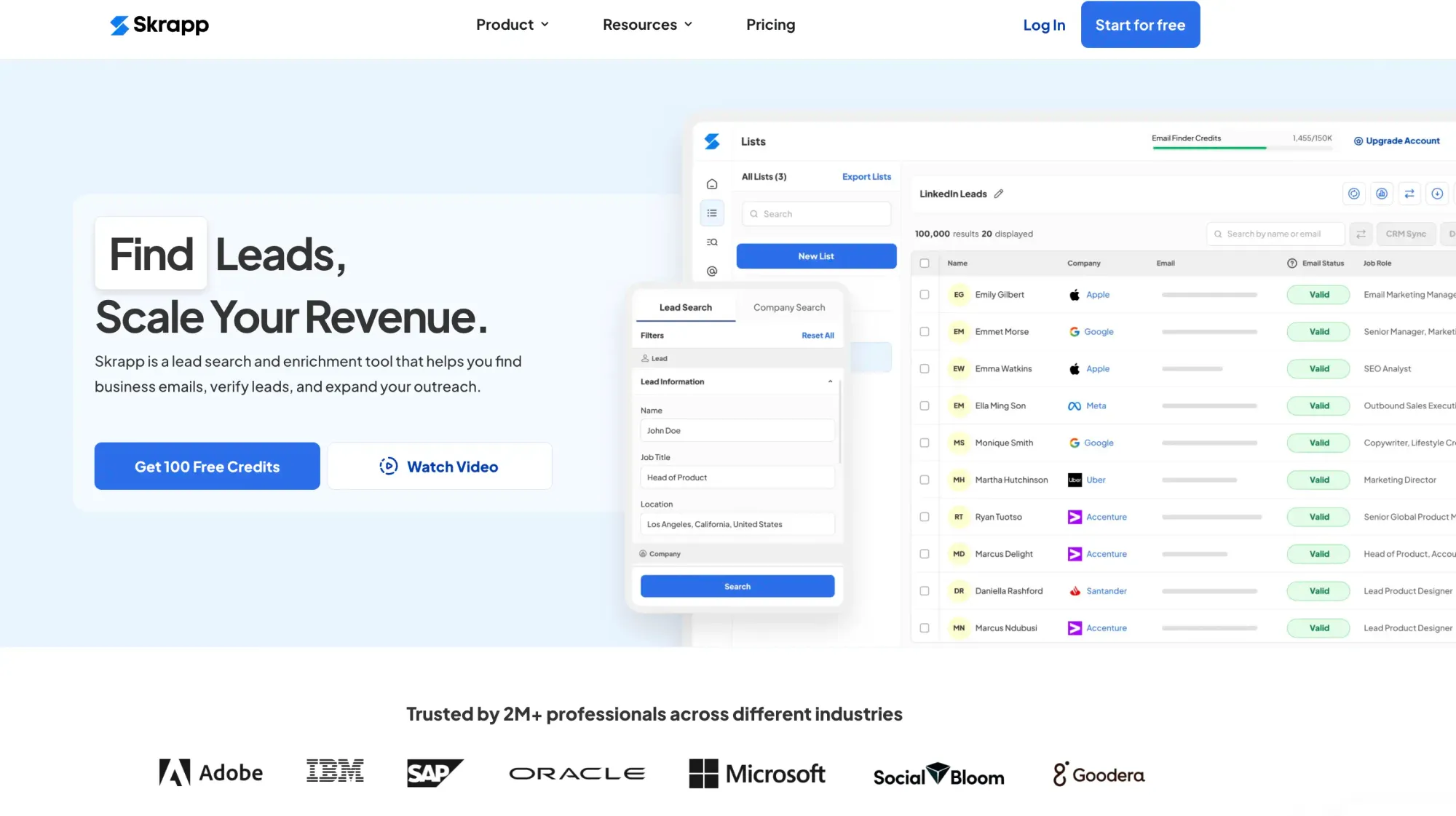
| Skrapp.io | Starts at $39/month/user | 4.5/5 | 4.5/5 |
| LinkedIn Sales Navigator | Starts at $119/month/user | 4.4/5 | 4.4/5 |
| Hunter.io | Starts at $49/month/user | 4.4/5 | 4.6/5 |
10. Skrapp.io
Skrapp.io is a B2B email finder that helps sales teams track down verified professional email addresses from LinkedIn, company websites, and its own contact database. If your team spends too much time hunting for the right person's email before you can even start a conversation, Skrapp.io is built to fix that.
You get a LinkedIn browser extension, a bulk email finder, a people search tool, and direct CRM integrations. It's a practical choice for sales teams that want to spend less time finding leads, trust that their contact data is accurate, and do not have to justify the cost of a heavyweight enterprise tool to do so.
Pricing:
- Free Plan: 50 credits included.
- Professional: Starts at $39/month for 2 users.
- Enterprise: Starts at $349/month for 15 users.
Pros:
- The LinkedIn extension delivers verified emails straight from profiles while you browse.
- Bulk finder lets you upload a list of domains or companies and get emails back in one go.
- Email verification is built in, so you're not sending into the void and compromising your deliverability.
- Connects with HubSpot, Salesforce, Pipedrive, and other common CRMs without extra setup processes.
- Easy to pick up, most users are running searches within minutes of signing up.
Cons:
- Lower plans have credit caps that can feel tight if you're prospecting at high volume.
- Search credits are shared across features, so teams that verify and search heavily may find themselves watching their usage more closely than expected.
Ratings:
- G2 Rating: 4.5/5
- Capterra Rating: 4.5/5
Ideal For:
Skrapp.io works best for small to mid-sized sales teams who want a natural way to build prospect lists from LinkedIn and company domains. If you need something that integrates with your CRM, doesn't require technical setup, and won't blow your budget, it's worth a look.
11. LinkedIn Sales Navigator
LinkedIn Sales Navigator is LinkedIn's paid sales tool, and it goes far beyond what you get with a standard account. It gives sales teams access to advanced filters, lead tracking, and real-time updates on the people and companies they care about.
Where basic LinkedIn shows you profiles, Sales Navigator shows you intent signals like job changes, company news, and recent activity, so you can reach out when the timing actually makes sense.
Pricing:
- Free Trial: Offers a 30-day trial option.
- Core Plan: Starts at $119.99 per user per month.
- Advanced Plan: Starts at $159.99 per user per month.
- Advanced Plus Plan: Custom pricing with CRM sync and enterprise features.
Pros:
- Advanced search filters let you get very specific (seniority, company size, industry, geography, and more).
- Lead alerts notify you when someone changes jobs, gets promoted, or posts something relevant, giving you a natural reason to reach out.
- Recommended leads surface contacts you might not have found on your own, based on your saved searches and activity.
- InMail lets you message people you're not connected with, which matters when cold emails aren't landing.
- Higher-tier plans sync directly with your CRM, keeping lead activity logged without manual input.
Cons:
- It's expensive, especially for smaller teams where the cost per seat is hard to justify.
- InMail response rates can be disappointing if your messages aren't highly personalized.
Ratings:
- G2 Rating: 4.4/5
- Capterra Rating: 4.5/5
Ideal For:
Sales Navigator makes the most sense for mid-sized to enterprise teams that do account-based or social selling at scale. Pairing it with an email finder tool automates the process of extracting verified contact details directly from Sales Navigator searches. For smaller teams or those new to LinkedIn selling, the price tag can be a tough sell.
12. Hunter.io
Hunter.io is an email finder and verifier that helps you find the right email address for the right person at any company. Type in a domain, and it shows you every professional email address it has on file for that organization, along with the sources it found them from.
The tool is straightforward enough that anyone on your team can use it on day one, but it also has an API for teams that want to plug it into a bigger workflow. The built-in verifier checks whether an address is actually deliverable before you start sending outreach emails.
Pricing:
- Free Plan: 50 free email credits per month.
- Starter Plan: Starts at $49/month for 2000 credits.
- Growth Plan: Starts at $149/month for 10,000 credits.
- ScalePlan: Starts at $299/month for 25,000 credits.
- Enterprise Plan: Custom pricing.
Pros:
- Domain search gives you a full picture of a company's email structure in seconds.
- The verifier tells you whether an email is safe to send to before you hit send, not after you've already bounced.
- The API is clean and well-documented, making it easy to build into your own tools or automations.
- It shows you where each email was sourced from, so you're not just trusting a black box.
Cons:
- Free and entry-level plans have fairly low search limits, which can slow you down if you're building lists quickly.
- The built-in campaigns feature covers the basics well, but teams running high-volume outreach at scale may find it lacks some of the advanced sequencing and deliverability controls that dedicated cold email tools offer.
Ratings:
- G2 Rating: 4.4/5
- Capterra Rating: 4.6/5
Ideal For:
Hunter.io is a solid pick for freelancers, small teams, and anyone running cold outreach or content-driven prospecting who just needs clean, verified emails without a lot of overhead. It's not trying to be an all-in-one sales platform, and that's exactly what makes it easy to recommend.
13. Hostinger AI Agent
Hostinger’s AI Agent provides sales teams with access to seven specialized AI agents, including a dedicated Sales & Outreach agent. Instead of starting with a blank prompt, reps can select a ready-to-use Skill, answer a few guided questions, and receive sales material tailored to their business, offer, and target audience.
The Sales & Outreach agent supports every stage of the sales cycle, from first outreach to closing and retention. It can write cold emails and follow-ups, prepare call scripts, draft proposals and quotes, and help with objection handling and pricing negotiation. It also connects with other tools such as Gmail, HubSpot, and Notion, allowing sales teams to bring relevant information into the conversation and use the finished output within their existing workflow.
Pricing:
- 24-month plan: $5.49/month.
- 12-month plan: $6.99/month.
- Monthly plan: $9.99/month.
- Each plan includes all seven agents, 150+ ready-to-use Skills, integrations, and 1,000 Agent credits per month.
Pros:
- A dedicated Sales & Outreach agent for prospecting strategy and sales content.
- Creates cold emails, LinkedIn messages, call scripts, proposals, quotes, and follow-up sequences.
- Guided Skills reduce the need to write detailed or technically precise AI prompts.
- Connects with HubSpot, Gmail, Google Sheets, Slack, Notion, and 1,000+ other apps and tools.
- Retains business context and conversation history, helping produce more consistent and personalized materials.
- All agents and Skills are included without requiring a higher pricing tier.
Cons:
- It does not provide a built-in prospect database, an email finder, or an email verification system.
- It is not a complete CRM or sales-engagement platform for managing pipelines, sequences, and performance analytics.
- Usage is credit-based, and more complex requests can consume more Agent credits.
Ratings:
- G2 Rating: 4.3/5 for Hostinger overall; Hostinger AI Agent does not yet have a separate G2 rating.
- Capterra Rating: 4.5/5 for Hostinger overall; Hostinger AI Agent does not yet have a separate rating on Capterra.
Ideal For:
Hostinger AI Agent is best for solopreneurs, founders, and small sales teams that need help producing personalized outreach content without hiring additional sales or content support. It works particularly well alongside a prospecting tool such as Skrapp.io: Skrapp.io can help teams find and verify the right contacts, while Hostinger AI Agent can help turn that prospect data into outreach messages, call scripts, follow-ups, and proposals.
Email Management and Team Collaboration
Email management and team collaboration tools help sales teams organize shared communications, coordinate responses, and ensure that no customer inquiries are missed.
These tools centralize email communications across multiple channels, automate routine tasks such as routing and drafting responses, and provide visibility into team activities, streamlining various customer communication workflows.
For sales teams managing high volumes of customer emails, prospect communications, and internal coordination, these tools eliminate email chaos and prevent duplicated efforts. They integrate with existing CRM systems and other sales tools to create seamless communication workflows that enhance both team productivity and customer experience.
Key Features
Centralized Team Inbox Management
- Consolidates multiple email accounts and communication channels into one shared workspace.
- Provides complete visibility into all customer communications across team members.
Smart Email Assignment and Distribution
- Automatically routes emails to appropriate team members based on expertise and workload.
- Prevents communication bottlenecks by intelligently distributing incoming inquiries.
AI-Enhanced Response Creation
- Generates contextually appropriate email responses that align with the company's tone and style.
- Suggests relevant content based on conversation history and customer profile.
Team Coordination and Visibility
- Shows real-time status of who's handling which conversations to prevent overlap.
- Enables seamless handoffs between team members, preserving full context.
Workflow Automation and Organization
- Automates routine email tasks like tagging, sorting, and follow-up scheduling.
- Creates systematic processes for handling various customer inquiries.
Performance Monitoring and Analytics
- Tracks response time, resolution rate, and team productivity metrics.
- Provides actionable insights for improving customer service and sales outcomes.
Customer Experience Enhancement
- Monitors customer satisfaction and sentiment across email interactions.
- Ensures consistent, professional communication quality across all team members.
Integration with Sales and CRM Tools
- Connects with existing CRM systems, sales tools, and customer databases.
- Maintains synchronized customer information across all sales platforms.
Security and Compliance Managements
- Protects sensitive customer information with enterprise-level security measures.
- Maintains organized records for compliance and audit requirements.
Below is a list of email management tools, including their pricing, pros, cons, and respective ratings:
| Tool Name | Pricing (monthly) | G2 Rating | Capterra Rating |
|---|---|---|---|
| Shared Inbox by Canary | Starts at $10/month/user | 4.8/5 | 5/5 |
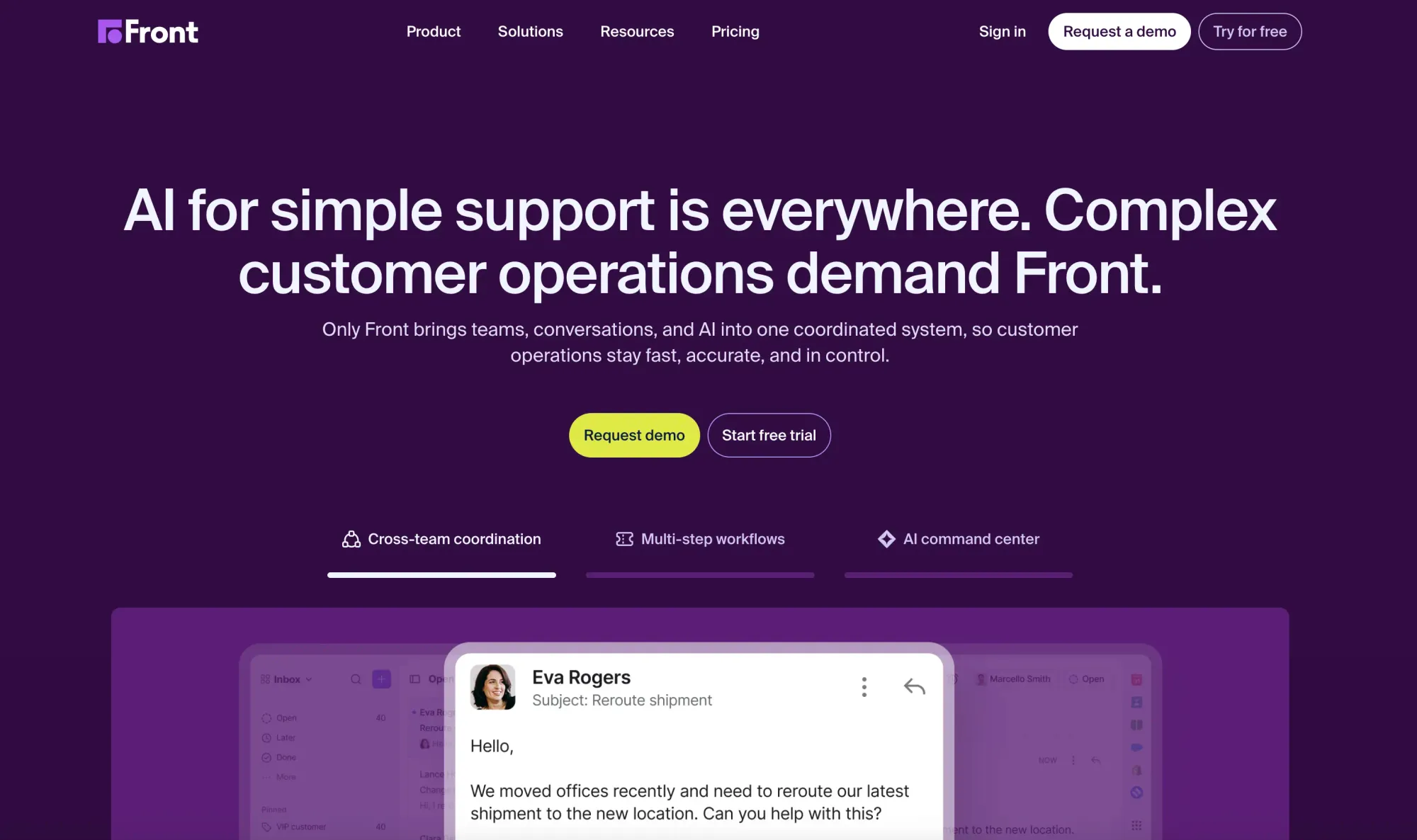
| Front | Starts at $25/month/user | 4.7/5 | 4.5/5 |
| Hiver | Starts at $35/month/user | 4.6/5 | 4.7/5 |
14. Shared Inbox by Canary
Shared Inbox by Canary is more than just a group mailbox; it’s a collaboration hub for teams that handle customer, partner, or internal communications. Instead of forwarding emails, CC’ing multiple teammates, or losing track of who’s handling what, Canary centralizes conversations in a single workspace.
Features like email assignment, status tracking, internal notes, and AI-suggested replies help your team work smarter and faster. Whether for customer support, sales coordination, or project management, Shared Inbox by Canary ensures nothing slips through the cracks while keeping the whole team aligned.
Pricing:
- Free Trial: Offers a 7-day trial option.
- Paid Plans: Starting at $10/month per user
Pros:
- Assign messages to specific team members with clear ownership.
- AI-suggested replies reduce response time without compromising quality.
- Replace messy forwarding and CC chains with a single source of truth.
- Keep sensitive information secure while enabling collaboration.
- Works for sales, support, operations, and more.
Cons:
- Limited advanced analytics compared to dedicated enterprise help desk solutions.
- No native integrations with non-email channels (focuses purely on email management).
Ratings:
- G2 Rating: 5/5
- Capterra Rating: -/5
Ideal For:
Teams that rely heavily on email for customer or internal communication and want to collaborate without stepping on each other’s toes. Perfect for SMBs, remote teams, and growing companies that need a balance of simplicity, speed, and smart automation.
15. Front
Front is a unified team inbox that brings together email, chat, and social media messages into a single collaborative space. It eliminates the hassle of forwarding, CC chains, and communication silos by allowing entire teams to manage incoming messages together.
Features like smart conversation routing, internal comments, shared templates, and analytics help teams respond faster and stay aligned. Front’s automation and workload balancing ensure requests reach the right person promptly, reducing delays.
Pricing:
- Free Trial: Typically offers one (contact Front for details)
- Paid Plans: Start at $25/month per user (Starter tier)
Pros:
- Team members see incoming messages instantly and avoid duplication.
- Smart merge and rules automate assignment and prevent redundant email copies.
- Track team workload and performance, ensuring fair distribution.
Cons:
- Can be complex to configure advanced rules and workflows.
- Some channels or integrations may require higher-tier plans.
Ratings:
- G2 Rating: 4.7/5
- Capterra Rating: 4.5/5
Ideal For:
Sales or support teams handling multi‑channel communications who need automation, oversight, and collaboration—especially fast-moving, customer‑facing teams seeking reliable coverage and visibility.
Field Sales Tools
Field sales software is a specialized tool designed to support sales teams that work outside the office, often referred to as "on-the-road" or "in-the-field" sales teams. These solutions streamline various aspects of field sales, from tracking appointments to managing leads and closing deals while in transit.
The primary purpose is to increase efficiency, organization, and communication for sales reps who interact directly with customers at their locations.
Key Features
Route Planning and Optimization
- Helps sales reps plan efficient routes to visit multiple customers in a day.
- Reduces travel time and costs by optimizing routes based on location.
Lead and Customer Management
- Allows reps to view and manage customer information on the go.
- Tracks interactions and follow-ups, ensuring effective customer engagement.
Mobile Access and Offline Functionality
- Provides mobile apps that work even without an internet connection.
- Ensures reps can access essential data and update records from the field.
GPS Tracking and Check-ins
- Tracks reps' locations to monitor visits and field activities.
- Allows reps to check in at customer locations to verify visits.
Order and Inventory Management
- Enables reps to take orders directly from the field.
- Tracks inventory levels and product availability in real-time.
Reporting and Analytics
- Provides insights on sales performance, visit frequency, and territory coverage.
- Helps managers monitor field activities and make data-driven decisions.
Task and Schedule Management
- Organizes tasks, appointments, and reminders for field reps.
- Ensures timely follow-ups and efficient visit scheduling.
Integration with CRM and ERP Systems
- Syncs data with CRM, ERP, and other business tools for seamless operations.
- Ensures consistent information across sales, marketing, and support teams.
Expense Tracking
- Allows reps to log travel and other expenses while in the field.
- Simplifies reimbursement processes and ensures accurate expense reporting.
Some tools also support features such as automated travel expenses without the usual paperwork.
Collaboration and Communication
- Facilitates communication between field reps and managers.
- Enables sharing of real-time updates, customer insights, and sales data.
Popular examples of field sales software include Badger Maps, Repsly, and SalesRabbit. These tools can integrate with broader CRM systems like Salesforce and Zoho CRM to provide seamless access to customer data. Some tools are listed below, with pricing, pros, cons, and their respective ratings.
| Tool Name | Pricing (monthly) | G2 Rating | Capterra Rating |
|---|---|---|---|
| Badger Maps | Starts at $69/month/user | 4.7/5 | 4.6/5 |
| Repsly | Custom pricing | 4.3/5 | 4.4/5 |
| SalesRabbit | Starts at $59/month/user | 4.5/5 | 4.2/5 |
| Geopointe | Starts at $74/month/user | 4.2/5 | 5/5 |
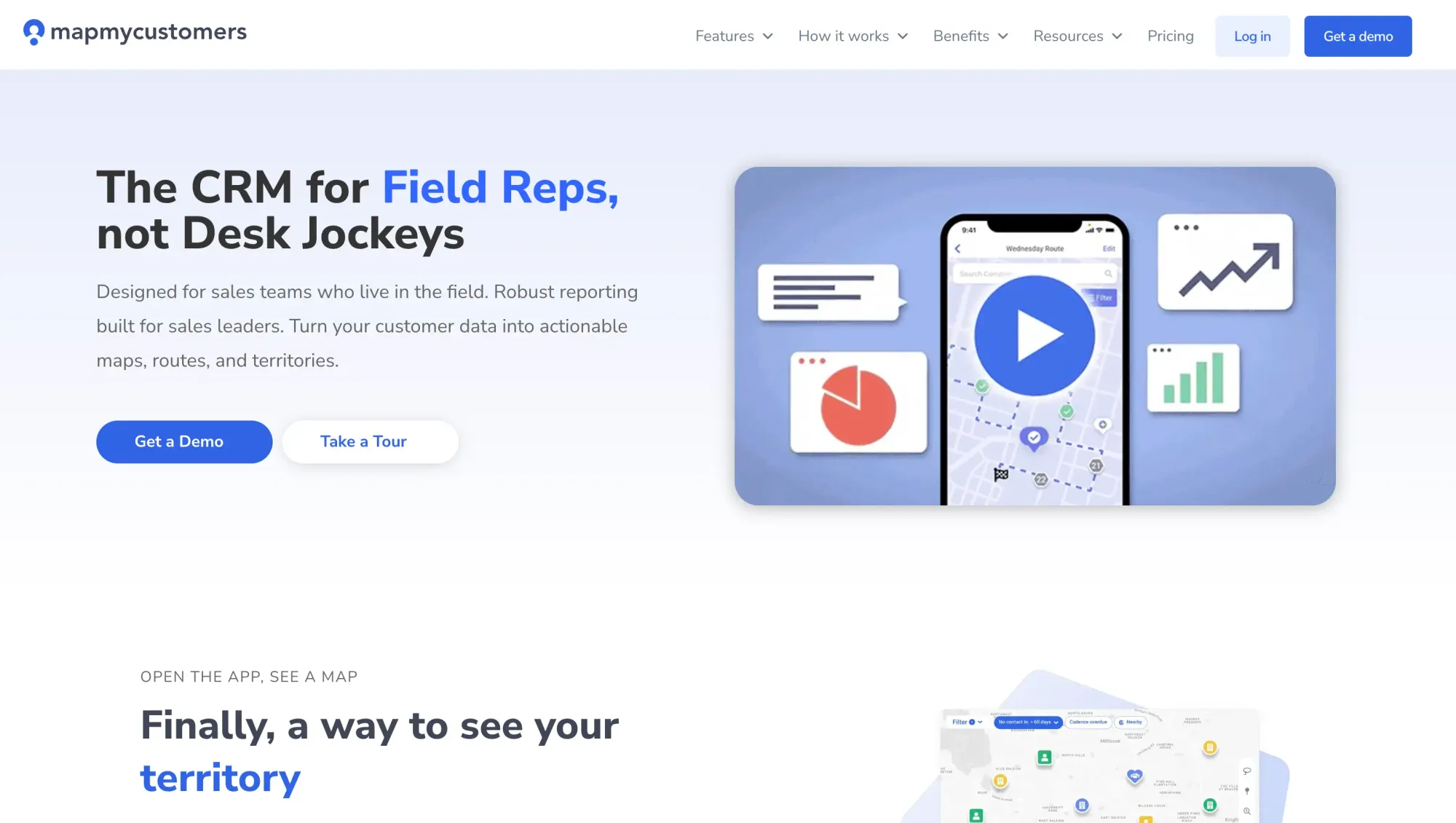
| Map My Customers | Starts at $65/month/user | 4.5/5 | 4.5/5 |
| Salesforce Maps | Starts at $75/month/user | 4.3/5 | 4.5/5 |
| Uniqode’s Digital Business Card | Starts at $6/month/user | 4.8/5 | 4.0/5 |
16. Badger Maps
Badger Maps is field sales software focused on route optimization, territory management, and customer relationship management (CRM) integration.
It is designed specifically for sales reps who spend much of their time on the road visiting clients. Badger Maps helps these reps plan their routes, find new leads, and manage customer data, all while increasing productivity and reducing time spent on the road.
Pricing:
- Free Trial: Offers a 7-day free trial.
- Business Plan: Starts at $69/month for 1 user when billed monthly.
- Enterprise Plan: Starts at $109/month for 1 user when billed monthly.
Pros:
- Field reps can save time and fuel by optimizing their daily routes and minimizing unnecessary travel.
- By visualizing customers and leads on a map, salespeople can prioritize high-potential clients and more easily find new prospects.
- The integration with popular CRMs ensures that customer data is updated in real time and remains centralized.
- Badger Maps is known for its user-friendly interface and intuitive design, making it easy for reps to adopt the tool without extensive training.
- Reps can track their progress, log visits, and update data in real time, helping managers monitor performance and sales activity.
Cons:
- While Badger Maps integrates with CRMs, it is not a full CRM system, so businesses may still need a separate CRM tool for more advanced customer management.
- Some smaller businesses may find Badger Maps relatively expensive, especially if they don't need all the advanced features.
- While the tool is flexible, some users find that it lacks advanced customization options to fit specific business needs.
- Although the app works offline, certain features may be limited without an active internet connection.
Ratings:
- G2 Rating: 4.7/5
- Capterra Rating: 4.6/5
Ideal For:
Badger Maps is ideal for small- to medium-sized businesses (SMBs) and larger enterprises with field sales teams, especially in industries such as pharmaceuticals, food and beverage distribution, real estate, and logistics. It improves efficiency, reduces travel time, and integrates with CRMs like Salesforce, making it suitable for both smaller teams and scalable for large organizations managing extensive field operations.
17. Repsly
Repsly is field sales and retail execution software designed to help field sales teams manage and streamline their in-the-field activities. It’s used primarily by businesses in industries such as consumer packaged goods (CPG), retail, and merchandising. Repsly offers tools to manage client interactions, track field team performance, execute store audits, monitor merchandising, and gather real-time data from the field.
Pricing:
Repsly’s pricing model is generally based on team size and required features. The plans are typically divided into tiers based on functionality:
- Free Trial: Offers a free trial version.
- Offers four plan types: Core, Grow, Scale, and Flex. All plans are custom-priced.
Pros:
- Repsly is tailored for retail and merchandising industries, making it a powerful tool for field sales teams in those sectors.
- The app is intuitive and easy to use, reducing the learning curve for field reps and boosting adoption.
- Managers can easily monitor rep activities and performance, ensuring that goals and KPIs are met.
- Repsly offers customizable reporting tools that enable businesses to gain insights tailored to their needs.
- Teams can communicate in real-time, ensuring everyone stays on the same page while executing in the field.
- The ability to take photos and share them with managers adds a level of accountability and quality assurance to retail and merchandising efforts.
Cons:
- Compared to some other field sales tools, Repsly has fewer integrations with external software, which may be a limitation for some businesses.
- While it has some CRM-like capabilities, Repsly is not a full-fledged CRM system, which means businesses may need additional tools for deeper customer relationship management.
- The pricing structure can be high for small businesses, especially those with fewer reps or limited needs for advanced features.
- While the app supports offline mode, some users have noted functional limitations when disconnected from the internet.
Ratings:
- G2 Rating: 4.3/5
- Capterra Rating: 4.4/5
Repsly is highly valued by retail and merchandising teams for its mobile CRM capabilities, activity tracking, and retail execution tools. It excels in helping businesses manage field teams and ensure success in-store execution. However, its pricing and limited integrations may pose challenges for smaller teams or those needing advanced CRM functionality.
18. SalesRabbit
SalesRabbit is field sales software designed primarily for outside sales teams, especially those working in door-to-door sales or in industries such as solar, pest control, home security, and real estate. SalesRabbit helps sales teams manage leads, optimise their sales routes, track their progress, and close more deals while working in the field.
Pricing:
- Lite: Starts at $0/month for a single user with basic canvassing.
- Team: Starts at $59/user/month.
- Pro: Starts at $75/user/month.
- Enterprise: For larger teams or businesses with custom needs, pricing is available on request. It includes advanced features like territory management, custom integrations, and dedicated support.
Pros:
- SalesRabbit’s features are tailored for industries that rely heavily on door-to-door sales and field canvassing, making it highly effective for such teams.
- The platform is intuitive, with a clean, simple interface that field reps can easily adopt without extensive training.
- SalesRabbit allows users to continue working even without an internet connection, ensuring that sales activities aren’t disrupted in remote areas.
- The app offers powerful tools for tracking lead interactions, progress and customer follow-ups, which helps reps stay organized and close more deals.
- The ability for teams to communicate within the app ensures that sales reps can quickly update managers or other team members on their progress or challenges.
- The app’s canvassing functionality allows teams to map and systematically cover areas, reducing missed opportunities and improving door-to-door sales efficiency.
Cons:
- While it offers mobile CRM functionality, SalesRabbit is not a full-fledged CRM system and may lack advanced CRM features needed by some businesses. Integration with an external CRM may be necessary.
- Some users may find that while the basic features are easy to use, the more advanced tools and settings have a steeper learning curve.
- For small businesses or those with fewer reps, the pricing might be high relative to their needs, especially if they don’t require all the advanced features.
- SalesRabbit offers fewer integrations than more comprehensive field sales tools, which could be a limitation for companies that need to sync with multiple third-party apps.
Ratings:
- G2 Rating: 4.5/5
- Capterra Rating: 4.2/5
Ideal For:
It’s particularly well-suited for managing territories, optimizing routes, and improving lead tracking. SalesRabbit is ideal for SMBs and larger enterprises in industries such as solar, pest control, and real estate that rely on field or door-to-door sales. Its lead management, canvassing tools, and mobile CRM make it suitable for both small teams and large sales forces needing efficient territory management and route optimization.
19. Geopointe
Geopointe is a field sales tool that integrates with Salesforce to provide location-based insights, route optimization, and territory management. It helps sales teams visualize their Salesforce data on maps, optimize routes, and improve territory coverage. Geopointe is ideal for sales teams who need to understand customer locations, plan routes efficiently, and manage field activities using geographic insights.
Pricing:
- Free Trial: It offers a free trial version.
- Annual Plan: Starts at $74/month for 1 user when billed annually.
- Enterprise Plan: Pricing is available on request for larger teams and includes additional features such as advanced reporting, live tracking, and priority support.
Pros:
- Geopointe is built specifically for Salesforce users, making it easy to use within existing Salesforce workflows.
- Field reps can optimize their routes, reducing travel time and improving overall productivity.
- Managers can visualize territories and adjust them to improve market coverage, ensuring reps are strategically allocated to areas.
- Managers can monitor field activities in real-time, improving accountability and helping to adjust plans as needed.
- Sales teams can customize maps to fit their specific needs, such as filtering by account type, lead status, or deal size.
Cons:
- Since Geopointe is deeply integrated with Salesforce, it's only beneficial to companies that use Salesforce. It’s not a standalone CRM.
- Some users report that advanced features and customization options can be complex and require training to use effectively.
- The pricing structure may be expensive for small teams or businesses that don’t require all of its advanced features.
- Users occasionally report performance issues or lag when using the platform with large datasets or complex maps.
Ratings:
- G2 Rating: 4.2/5
- Capterra Rating: 5/5
Ideal For:
Geopointe is a powerful field sales tool for businesses using Salesforce, offering excellent route optimization, territory management, and real-time tracking. Geopointe is ideal for small to mid-sized businesses as well as large enterprises that need location-based insights and sales mapping. It suits companies with field sales teams or those looking to optimize territory management and route planning.
20. Map My Customers
Map My Customers is a field sales tool designed to help sales teams manage their territories, optimize routes, and visualize customer data on a map. It enables field reps to efficiently plan visits, track sales activities, and manage leads, all while integrating with popular CRMs like Salesforce and HubSpot. The tool is particularly useful for sales teams that operate in-person, focusing on maximizing the productivity of outside sales reps.
Pricing:
- Trial: Offers a 7-day free trial.
- Road Warrior: Starts at $65/month for 1 user when billed monthly.
- Mid-Market Sales: Starts at $79/month for 1 user when billed annually.
- Industry Leader: Starts at $99/month for 1 user when billed annually.
- Enterprise: Starts at $129/month for 1 user when billed annually.
Pros:
- Route optimization and lead mapping help sales reps save time on travel and increase productivity by focusing on high-value leads and nearby prospects.
- The platform is known for its intuitive interface, making it easy for both sales reps and managers to adopt without extensive training.
- Designed with field reps in mind, the mobile app ensures reps can access customer information, log activities, and update records from anywhere.
- Users can customize maps by filtering leads, customers, and opportunities based on factors like deal size, urgency, or industry.
- Seamless integration with CRMs like Salesforce and HubSpot keeps customer data in sync, preventing duplicate work or lost information.
Cons:
- While it integrates with CRMs, Map My Customers is not a full-fledged CRM system on its own, meaning users may still need a separate CRM tool for in-depth customer management.
- The cost can be a bit high for smaller teams, particularly if they don’t need all the advanced features or integrations the platform offers.
- Some users report performance lags when dealing with large volumes of data or complex mapping tasks.
- While it offers reporting, some users find that it lacks the depth or customization they need compared to other sales tools focused on analytics.
Ratings:
- G2 Rating: 4.5/5
- Capterra Rating: 4.5/5
Ideal For:
Map My Customers is ideal for small to mid-sized businesses with field sales teams. It helps companies optimize sales routes, manage territories, and streamline customer interactions, making it especially useful for businesses that rely on outside sales and need efficient mapping solutions.
21. Salesforce Maps
Salesforce Maps (formerly known as MapAnything) is a field sales tool designed to help sales teams manage territories, optimize routes, and visualize customer data geographically.
Integrated directly into Salesforce, it allows field sales reps to plan their schedules, track activities, and access key customer insights while in the field. It is particularly beneficial for businesses with large field teams that rely on effective territory management and location-based sales strategies.
Pricing:
- Salesforce Maps: Starts at $75/month for 1 user when billed annually.
- Salesforce Maps Advanced: Starts at $125/month for 1 user when billed annually.
Pros:
- Built directly into Salesforce, it offers a seamless experience for teams already using Salesforce CRM, with no need for third-party tools.
- Its territory mapping and route optimization tools improve efficiency and ensure balanced territory coverage.
- The ability to track field reps in real time gives managers visibility into their activities, helping them make data-driven decisions.
- Field sales reps can optimize their routes and maximize daily visits, reducing downtime and improving sales efficiency.
- Users can filter data and create custom maps based on key factors like deal size, lead type, or industry, providing actionable insights.
Cons:
- Salesforce Maps only works within the Salesforce ecosystem, so businesses not using Salesforce cannot use the tool.
- While robust, it may be overly complex for small teams or businesses that don’t need all the advanced features.
- Due to its depth and wide range of features, it can be challenging for users unfamiliar with Salesforce, which may require training and time to master.
- Pricing for Salesforce Maps can be high, especially for small or medium-sized businesses, since it adds to existing Salesforce costs.
- In some cases, performance may lag when handling large volumes of data or complex mapping tasks.
Ratings:
- G2 Rating: 4.3/5
- Capterra Rating: 4.5/5
Ideal For:
Salesforce Maps is a powerful field sales tool designed for teams already using Salesforce. Salesforce Maps is ideal for mid-sized to large enterprises with field sales teams. It is designed for companies that need advanced territory management, route optimization, and location-based insights, making it suitable for businesses with complex sales operations across various regions. However, its dependence on Salesforce and relatively high cost may not be ideal for smaller businesses or those seeking simpler solutions.
22. Uniqode Digital Business Card
Uniqode’s Digital Business Card is a modern field sales tool that enables sales professionals to instantly share contact information via digital business cards. The platform allows field reps to create interactive, customizable cards that can be shared via QR codes, Apple Wallet, Google Wallet, email signatures, or the Uniqode Cards app.
With features like Two-Way Contact Sharing for lead capture, a digital address book for contact management, and real-time analytics, Uniqode helps field sales teams streamline networking, improve follow-ups, and measure ROI from in-person interactions.
Pricing:
- Free Plan: Available for individual users with basic features.
- Team Plan: Starting at $ 6/user/month (minimum 5 users).
- Business+: Custom pricing for enterprise needs with advanced features.
Pros:
- Share cards via QR codes, Apple Wallet, Google Wallet, WhatsApp, or email signatures without physical cards.
- Two-Way Contact Sharing allows field reps to collect prospect information directly through the digital card, automatically saving leads to a digital address book.
- Export contacts to CRMs via Zapier or direct integrations for seamless follow-up campaigns.
- Track card views, contact saves, scan locations, and team performance to measure the ROI of networking.
- Eliminates printing costs and reduces carbon footprint with 100% paperless cards.
- Update contact information, job titles, or professional details instantly without reprinting.
Cons:
- Requires Internet for Full Functionality: While cards can be saved to Apple Wallet or Google Wallet, initial card creation and analytics require an internet connection.
- Learning Curve for Teams: Organizations deploying cards at scale may need onboarding to fully utilize advanced features like bulk creation and analytics.
- Limited Offline Contact Collection: Two-Way Contact Sharing requires recipients to have internet access to submit their information.
Ratings:
- G2 Rating: 4.8/5
- Capterra Rating: 4.0/5
Ideal For:
Uniqode Digital Business Card is ideal for field sales teams, real estate agents, event professionals, and B2B sales representatives who frequently attend trade shows, conferences, and networking events. It's particularly well-suited for organizations looking to modernize their networking approach, efficiently capture and manage leads, and track the ROI of in-person interactions. The platform scales from individual solopreneurs to large enterprise sales teams needing centralized card management and performance analytics.
Analytics and Reporting Tools
Sales analytics and reporting tools are software solutions that help sales teams analyze data, monitor performance, and gain insights into their sales processes. These tools enable businesses to track key sales metrics, identify trends, forecast revenue, and make data-driven decisions to improve sales strategies.
They gather data from various sources, such as CRM systems, spreadsheets, and marketing platforms, and present it in a clear, visual format through dashboards and reports.
Key Features
Data Integration
- Connects to multiple data sources, including CRM, ERPand marketing platforms.
- Consolidates sales data for a unified view of performance metrics.
Customizable Dashboards
- Allows users to build interactive dashboards tailored to specific sales metrics.
- Provides a real-time visual overview of key performance indicators (KPIs).
Sales Forecasting
- Analyses historical data to predict future sales trends and revenue.
- Helps set realistic targets and plan strategies based on data-driven insights.
Performance Tracking
- Monitors individual and team performance against sales goals.
- Identifies top performers and areas needing improvement.
Reporting and Data Visualization
- Generates detailed reports on sales activities, revenue, and customer behavior.
- Uses charts, graphs and other visuals to simplify data interpretation.
Real-Time Analytics
- Provides up-to-date insights by continually syncing with data sources.
- Enables quick decision-making based on current sales performance.
Trend Analysis
- Identifies patterns and trends in sales data over time.
- Helps businesses understand customer behavior and seasonal sales cycles.
Lead and Opportunity Analysis
- Tracks lead conversion rates and the effectiveness of sales strategies.
- Provides insights into sales funnel stages and opportunity win rates.
Automated Reporting
- Schedules and automates report generation, reducing manual work.
- Distributes reports to relevant team members for regular updates.
Integration with Business Intelligence Tools
- Syncs with other BI tools to enhance data analysis and visualization.
- Ensures seamless data flow across various sales, marketing, and finance platforms.
Here are some tools with their pricing, pros, cons, and ratings mentioned below:
| Tool Name | Pricing (monthly) | G2 Rating | Capterra Rating |
|---|---|---|---|
| Clari | Custom pricing. | 4.6/5 | 4.5/5 |
| Tableau | Starts at $15/month/user | 4.4/5 | 4.6/5 |
| ThoughtSpot | Starts at $25/month/user | 4.4/5 | 4.0/5 |
| Domo | Cusom pricing | 4.3/5 | 4.3/5 |
| Zoho Analytics | Starts at €30/month/user | 4.2/5 | 4.4/5 |
| Sisense | Starts at $399/month/user | 4.2/5 | 4.5/5 |
Also read: 12 Best Sales Analytics Software in 2026
23. Clari
Clari is a sales analytics and forecasting tool that helps sales teams improve their revenue operations by providing real-time insights, predictive analytics, and AI-powered forecasts.
It integrates with CRM systems and other data sources to offer a comprehensive view of the sales pipeline, deal health, and sales performance. Clari is particularly beneficial for sales leaders and teams looking to improve forecasting accuracy, streamline sales processes, and make data-driven decisions.
Available to
Clari uses a subscription-based pricing model, with rates typically customized to the organization's size and required features. It generally offers four types of plans: Out-of-the-box, RevAI, RevDB, and Expert Support.
Pros:
- Clari’s AI-driven forecasts help improve accuracy by analyzing patterns and historical data, making it easier to set realistic sales goals.
- Gives a clear view of the sales pipeline, allowing sales teams to act quickly on deals that need attention.
- Seamlessly syncs with popular CRM platforms, reducing the need for manual data entry and ensuring all information is up-to-date.
- Helps sales reps identify at-risk deals and take necessary actions to keep deals moving forward.
- The platform is intuitive, making it easy for sales teams to navigate and extract valuable insights without needing extensive training.
Cons:
- Clari can be expensive for small to medium-sized businesses, especially if they have limited budgets for sales tools.
- Although user-friendly, the tool has advanced features that might require some time and training for teams to fully utilize.
- The accuracy of Clari’s insights and forecasts relies on the quality of data input from CRM systems, meaning poor data hygiene can affect results.
- Some advanced features may be better suited to larger sales teams and enterprises, offering more than smaller teams might need.
Ratings:
- G2 Rating: 4.6/5
- Capterra Rating: 4.5/5
Ideal For:
Clari is ideal for mid-sized to large enterprises focused on sales performance and revenue optimization. It is particularly beneficial for companies with complex sales processes that need real-time insights, pipeline management, and forecasting to drive revenue growth. However, the cost and complexity might be a barrier for smaller businesses or those without sophisticated data management practices.
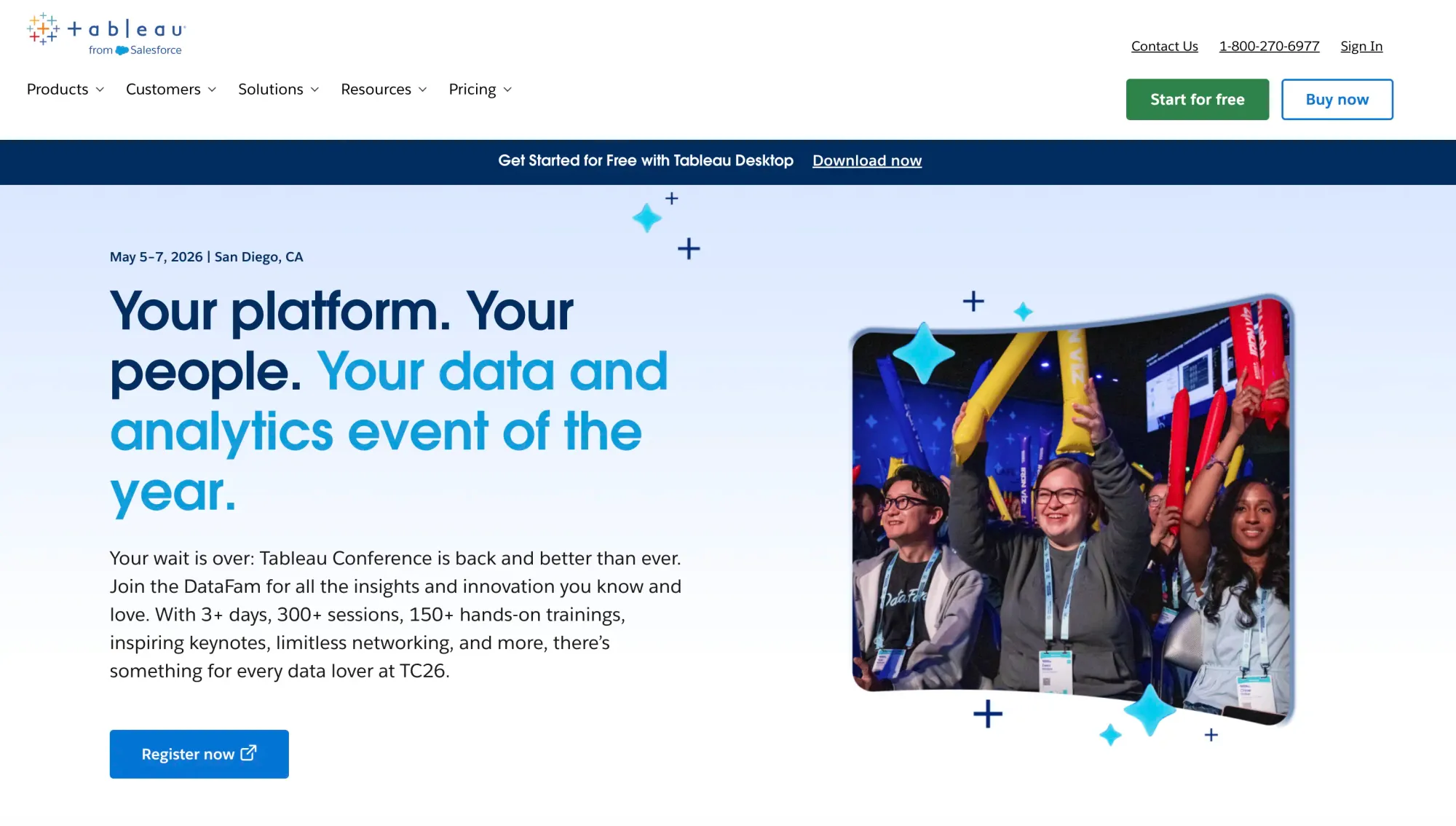
24. Tableau
Tableau is a leading data visualization and business intelligence (BI) tool that helps sales teams analyze and visualize data, uncover insights, and make data-driven decisions.
It connects to various data sources, including CRM systems, databases, and spreadsheets, allowing sales teams to create interactive dashboards and reports. Tableau is known for its intuitive drag-and-drop interface, making it easy for users to create complex visualizations without needing advanced technical skills.
Pricing:
Tableau offers several pricing tiers depending on user roles and deployment methods. It offers custom pricing for all available options. Tableau also offers free trials, allowing users to explore the platform’s features before committing.
Pros:
- The drag-and-drop interface makes it easy for users to create visualizations, even without technical knowledge.
- Connects to a wide range of data sources, making it easier to bring together all relevant sales data into a single platform.
- Suitable for teams of all sizes, from small businesses to large enterprises, with the ability to handle vast amounts of data.
- Sales teams can create custom dashboards that highlight key performance indicators (KPIs) and metrics relevant to their specific needs.
- Features like trend analysis, forecasting, and predictive analytics provide deeper insights into sales performance.
- Easy to share visualizations and insights across teams, enabling better collaboration and more informed decision-making.
Cons:
- Tableau can be expensive, especially for smaller businesses, as it requires a license for each user and incurs additional costs for data management and server solutions.
- While the basic features are user-friendly, advanced functionalities may require training and expertise to fully leverage.
- Requires clean and well-structured data to function effectively, which can be challenging for teams without a dedicated data management process.
- Although Tableau offers forecasting, it may not be as robust as specialized predictive analytics tools for in-depth statistical analysis.
- Handling very large datasets can sometimes lead to performance lags, particularly if the underlying data architecture isn't optimized.
Ratings:
- G2 Rating: 4.4/5
- Capterra Rating: 4.6/5
Ideal For:
Tableau is ideal for businesses of all sizes, from small startups to large enterprises. It suits companies that need powerful data visualization and analytics to make data-driven decisions, offering scalability and flexibility for a range of industries and complex data environments.
25. ThoughtSpot
ThoughtSpot is an Agentic Analytics Platform that brings your data to life with AI-powered analytics. Built for scale, speed, and self-service, ThoughtSpot connects directly to your cloud data and lets anyone ask questions in natural language, then instantly delivers trusted answers and visualizations – making it easier, for example, for teams to hire NLTK developer expertise for advanced text analysis.
Unlike traditional BI tools that rely on pre-built dashboards and SQL expertise, ThoughtSpot provides real-time, actionable insights at scale, helping you foster a self-service data culture within your team.
Pricing:
- Trial Plan: It offers a 14-day free trial.
- Custom Plans: It offers three types of custom plans named Essential, Pro, and Enterprise. The prices start at $25 per user per month when billed annually.
Pros:
- Business users can search and explore data using everyday language, no waiting on analyst queues or digging through stale dashboards.
- Spotter works as your dedicated AI Analyst, finding insights, auto-generating narratives, suggesting next best questions, and even summarizing key trends. This turns raw data into a real business context.
- ThoughtSpot queries your cloud data directly (Snowflake, Databricks, BigQuery, etc.), so answers are always fresh, accurate, and trustworthy.
- Your data team can model metrics, define governed views, and build reusable data assets that power fast, consistent insights across the org, while freeing up time for higher-value work.
- With ThoughtSpot’s embedded analytics, you can seamlessly integrate interactive liveboards into your apps, websites, or platforms. This lets your users explore data directly within the tools they already use, without the need to build custom solutions.
Cons:
- To get the most out of ThoughtSpot, your data needs to be structured and governed. If your data house is still messy, you may need to clean things up first.
- Teams used to traditional BI dashboards may need some change management to embrace a search-first, AI-powered experience.
Ratings:
G2 Rating: 4.4/5
Capterra Rating: 4.0/5
Ideal For:
ThoughtSpot is ideal for any company that wants to empower everyone from frontline teams to executives with fast, actionable insights. It’s especially valuable for product leaders embedding analytics, data teams modernizing their stack, and business teams tired of waiting on dashboards.
26. Domo
Domo is a cloud-based business intelligence (BI) and sales analytics tool designed to help organizations visualize data, create reports, and gain insights in real-time. It integrates with various data sources, enabling sales teams to consolidate data, track performance metrics, and make data-driven decisions.
Domo’s platform provides a wide range of visualizations, dashboards, and data management features, making it a versatile solution for sales reporting and analytics.
Pricing:
- Trial Plan: It offers a 30-day trial with unlimited users.
- Custom Plan: It offers custom plans and the pricing is available under request.
Pros:
- Connects to a wide array of data sources, making it easier to consolidate sales data from multiple platforms.
- The intuitive drag-and-drop interface makes it easy for users to build dashboards and create visualizations, even without technical expertise.
- Offers real-time data updates, ensuring sales teams have the most up-to-date information.
- Suitable for businesses of all sizes, from small startups to large enterprises, due to its flexible and scalable architecture.
- The platform makes it easy for teams to share insights, comment on data, and collaborate on strategies, improving overall sales alignment.
Cons:
- Domo can be expensive, especially for smaller businesses or organizations with tight budgets. The pricing may increase significantly as more users or features are added.
- While the interface is user-friendly, some advanced features may require training and time to fully understand and use.
- Handling very large and complex data sets can sometimes lead to slower performance, particularly if the data sources aren’t optimized.
- Although Domo offers a wide range of features, some users may find its visualization customization options limited compared to other advanced BI tools.
- As a cloud-based solution, Domo requires a reliable internet connection to access its features, which may be a limitation for some remote teams.
Ratings:
- G2 Rating: 4.3/5
- Capterra Rating: 4.3/5
Ideal For:
Domo is ideal for mid-sized to large enterprises that require comprehensive business intelligence and data visualization solutions. It is particularly suited for organizations looking to integrate various data sources and gain real-time insights to drive decision-making across multiple departments. However, Domo can be costly and may require a learning curve, particularly for smaller businesses or teams new to BI tools.
27. Zoho Analytics
Zoho Analytics is a cloud-based business intelligence (BI) and data analytics tool that helps sales teams analyze data, create reports, and gain insights into sales performance. Part of the Zoho suite, it integrates seamlessly with Zoho CRM and other data sources, allowing businesses to track key sales metrics, forecast trends, and make data-driven decisions.
With its intuitive drag-and-drop interface, users can create custom dashboards and visualizations to effectively monitor sales activities and performance.
Pricing:
- Free Plan: Available for 2 users with limited features.
- Basic Plan: $30/month for 2 users when billed monthly.
- Standard Plan: $60/month for 5 users when billed monthly.
- Premium Plan: $145/month for 15 users when billed monthly.
- Enterprise Plan: $575/month for 50 users when billed monthly.
- Custom Plan: It offers a custom plan catered to your needs and requirements.
Pros:
- Works well with other Zoho products, especially Zoho CRM, providing a comprehensive solution for businesses already using the Zoho suite.
- The drag-and-drop interface and pre-built templates make it easy for users to build custom dashboards and reports.
- Compared to other BI tools, Zoho Analytics offers competitive pricing, making it an attractive option for small to medium-sized businesses.
- Supports data blending, SQL querying, and predictive analytics, allowing for in-depth data analysis.
- Suitable for businesses of all sizes, from startups to large enterprises, and can scale as business needs grow.
Cons:
- While it offers a robust set of features, it may not be as advanced as other enterprise-level BI tools, such as Tableau or Power BI, in data manipulation and customization.
- Beginners can get started quickly, but more complex features (like SQL querying) might require some training.
- Handling very large datasets can sometimes lead to slower performance, especially if the data isn't well-optimized.
- Some users may find certain limitations in customizing reports and dashboards, especially if they have more specific requirements.
- While it integrates with many apps, some integrations might not be as deep or seamless as needed, requiring manual adjustments.
Ratings:
- G2 Rating: 4.2/5
- Capterra Rating: 4.4/5
Ideal For:
Zoho Analytics is ideal for small- to mid-sized businesses and large enterprises seeking affordable, scalable business intelligence solutions. It caters to organizations that need robust data visualization and reporting capabilities, making it suitable for a range of industries seeking to make data-driven decisions.
While it may not have the same level of advanced features as some enterprise-level BI tools, it is user-friendly, scalable, and offers good value for money, making it ideal for small to medium-sized businesses seeking an accessible sales analytics solution.
28. Sisense
Sisense is a powerful business intelligence (BI) and analytics platform that enables sales teams to visualize, analyze, and report on data. Designed to handle complex datasets, Sisense allows businesses to create interactive dashboards, custom reports, and data visualizations, providing insights that help drive sales strategy.
It integrates with various data sources, including CRMs, databases, and cloud services, offering a comprehensive view of sales performance, pipeline management, and revenue forecasting.
Pricing:
Sisense does not publicly list its pricing on its website because it uses a custom pricing model. Costs vary based on factors such as the number of users, data sources, and specific business needs.
Prospective customers can request free trials to understand how Sisense works and how it can benefit their business.
Pros:
- Can efficiently manage and analyze large datasets, making it ideal for companies with complex data needs.
- The drag-and-drop functionality simplifies dashboard and report creation, allowing non-technical users to build visualizations.
- Users can tailor dashboards, reports, and metrics to their specific business needs, providing flexibility across sales teams.
- Sisense’s in-chip technology speeds up data processing, which helps when analyzing large volumes of sales data.
- Businesses can integrate Sisense analytics into their own applications, enhancing customer-facing tools and internal platforms.
- Continuous data synchronization ensures that reports and dashboards reflect the most current sales data, which is crucial for making timely decisions.
Cons:
- Sisense can be expensive, particularly for smaller businesses or teams with limited budgets. The cost may increase significantly depending on the number of users and data integration needs.
- Although the basic features are user-friendly, mastering the more advanced functionalities may require time and training, especially for those new to BI tools.
- While Sisense is designed to handle large data, some users may experience performance issues if datasets are extremely complex and not optimized.
- Although it offers a drag-and-drop interface, more complex customizations may require coding or technical expertise.
- The mobile app, while functional, may not offer the same level of experience or capabilities as the desktop version, limiting accessibility for on-the-go sales teams.
Ratings:
- G2 Rating: 4.2/5
- Capterra Rating: 4.5/5
Ideal For:
Sisense is ideal for mid-sized to large enterprises that require advanced analytics and business intelligence solutions. It is particularly suited for organizations looking to integrate complex data from multiple sources and gain deep insights through powerful data visualization and reporting capabilities.
Although it can be costly and may require a learning curve for advanced features, its scalability, real-time reporting, and robust customization options make it ideal for medium to large enterprises.
Project Management Tools
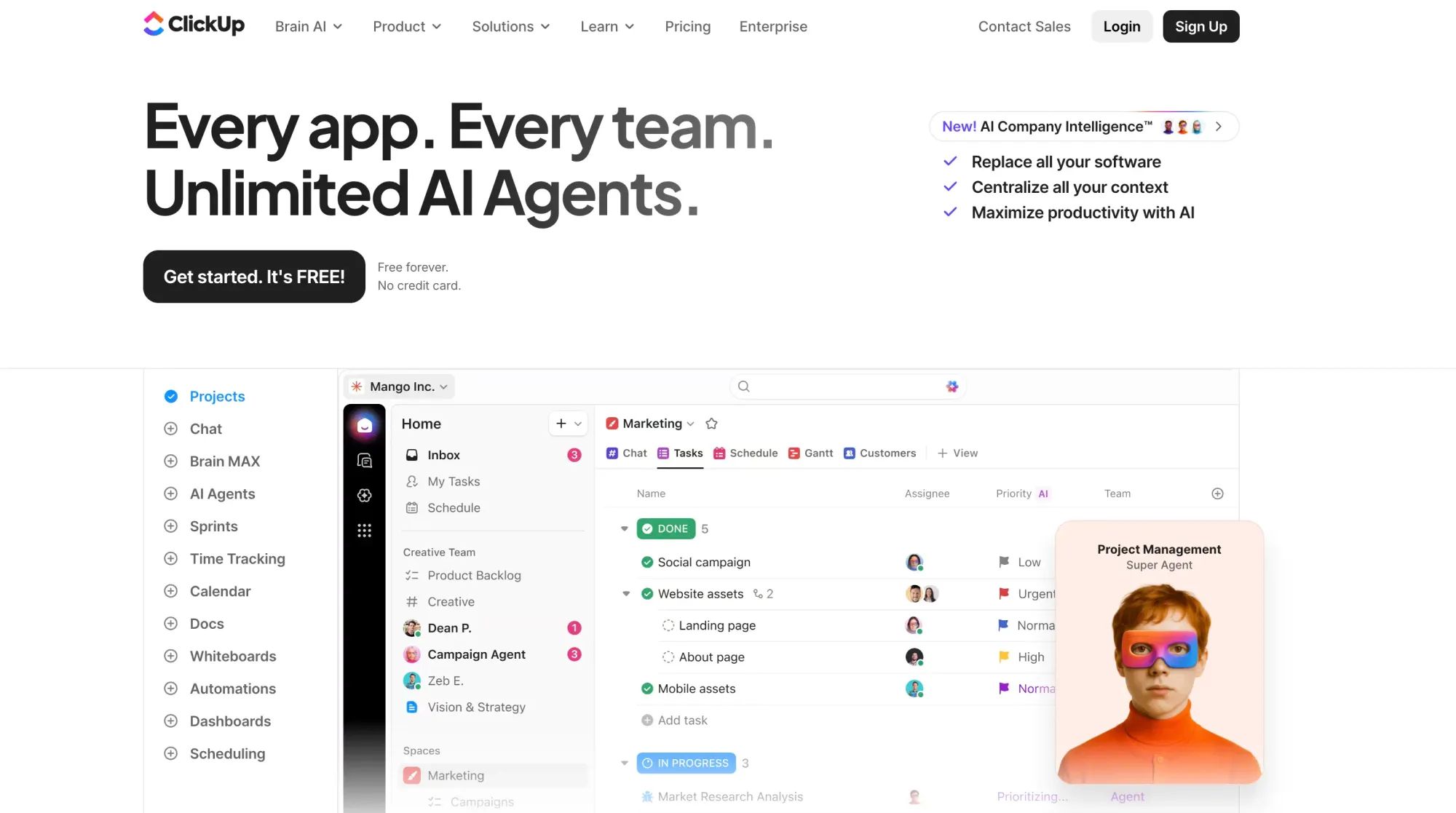
Project management tools in sales are software solutions designed to help sales teams plan, organize, and manage their tasks, projects, and processes efficiently. These tools ensure that sales-related activities, such as lead management, customer follow-ups, sales campaigns, and product launches, are executed smoothly and on time.
They provide a centralized platform for collaboration, tracking, and reporting, which helps improve productivity and coordination within sales teams.
Key Features
Task and Workflow Management
- Organizes sales tasks, from lead follow-ups to contract negotiations, in a structured manner.
- Allows teams to set priorities, assign tasks, and track progress to ensure smooth workflow.
Project Planning and Scheduling
- Helps in planning sales campaigns, product launches, and other sales projects.
- Provides tools for setting deadlines, milestones, and timelines to keep projects on track.
Collaboration and Communication
- Facilitates communication between sales teams, marketing, and other departments.
- Allows sharing of updates, filesand feedback within the platform for better collaboration.
Progress Tracking and Monitoring
- Tracks the status of sales projects, ensuring timely completion of tasks.
- Provides visual tools like Gantt charts and Kanban boards to monitor project progress.
Resource Allocation
- Manages resource allocation, including sales personnel, budgets, and tools.
- Ensures optimal resource use by tracking availability and workload.
Time Tracking
- Tracks the time spent on tasks and projects, helping teams manage their time effectively.
- Provides insights into how time is allocated across different sales activities.
Reporting and Analytics
- Generates reports on project performance, timelines, and team productivity.
- Helps identify bottlenecks, optimize processes, and improve future sales projects.
Integration with Sales and CRM Tools
- Syncs with CRM, ERPand other sales tools for seamless data flow.
- Ensures that project updates, client information, and sales data are accessible across platforms.
Automated Notifications and Reminders
- Sends alerts and reminders for upcoming deadlines, meetings, and follow-ups.
- Keeps the team informed about important tasks and project updates.
Customization and Scalability
- Allows customization of workflows, templates, and project boards to fit specific sales processes.
- Scales with the business, accommodating larger teams and more complex projects as needed.
Below are listed some of the project management tools with highest ratings and functionality:
| Tool Name | Pricing (monthly) | G2 Rating | Capterra Rating |
|---|---|---|---|
| Asana | Starts at $13.49/month/user. | 4.4/5 | 4.0/5 |
| Monday.com | Starts at $12/month/user | 4.7/5 | 4.6/5 |
| Jibble | Starts at $5.99/month/user | 4.8/5 | 4.8/5 |
| ClickUp | Starts at $10/month/user | 4.7/5 | 4.6/5 |
| TimeChamp | Starts at $3.9/month/user | 4.8/5 | 4.9/5 |
| GanttPRO | Starts at $9/month/user | 4.8/5 | 4.8/5 |
| Zoho Projects | Starts at $5/month/user | 4.3/5 | 4.5/5 |
29. Asana
Asana is a versatile project management tool that sales teams can use to manage projects, sales campaigns, pipeline activities, and more. It helps teams streamline their workflows, track tasks, and ensure all sales-related activities stay on schedule. Its intuitive interface and robust features make it suitable for both small and large sales teams.
Pricing:
- Personal: Free for basic or personal usage.
- Starter: $13.49/month for 1 user when billed monthly.
- Advanced: $30.49/month for 1 user when billed monthly.
- Enterprise: Custom Pricing.
Pros:
- Asana’s intuitive design makes it easy for teams to navigate and set up projects without extensive training.
- Allows for assigning tasks, setting deadlines, and tracking progress, ensuring that everyone knows their responsibilities and timelines.
- Offers pre-built templates tailored for sales activities, simplifying project initiation and organization.
Cons:
- The free plan lacks advanced features like reporting and timelines, which may limit its effectiveness for larger teams.
- The variety of features available may confuse new users, especially those unfamiliar with project management tools.
Ratings:
- G2 Rating: 4.4/5
- Capterra Rating: 4.0/5
Ideal For:
Asana is ideal for small to medium-sized businesses, marketing and sales teams, tech companies, and nonprofits. It suits industries that need to manage multiple projects, coordinate tasks, and improve team collaboration. Its user-friendly interface, customizable features, and integrations make it effective for organizing workflows and enhancing productivity.
30. Monday.com
Monday.com is a flexible project management platform that can be customized to fit the needs of sales teams. It allows teams to manage sales pipelines, track leads, organize campaigns, and collaborate effectively. With its visual and intuitive interface, sales teams can streamline their workflows, monitor progress, and make data-driven decisions.
Pricing:
- Free Plan: It offers free usage for 2 users.
- Basic: $12/month for 1 user when billed monthly.
- Standard: $14/month for 1 user when billed monthly.
- Pro: $24/month for 1 user when billed monthly.
- Enterprise: Custom pricing.
Pros:
- Users can tailor workflows and dashboards to their specific sales processes, providing flexibility to meet diverse team needs.
- Integrates seamlessly with CRM systems, email platforms, and other tools, enhancing collaboration and data flow across platforms.
- Offers visual management features like Kanban boards, Gantt charts, and timelines, making it easy to track project progress and deadlines.
Cons:
- The cost can add up for larger teams, especially if premium features are needed, which may deter small businesses.
- New users may find it challenging to navigate the platform due to its many features and customization options.
Ratings:
- G2 Rating: 4.7/5
- Capterra Rating: 4.6/5
Ideal For:
Monday.com is ideal for a variety of industries, including small to large businesses, marketing and creative agencies, tech companies, and project-driven teams across sectors. Its flexibility and customization make it suitable for teams managing complex projects, sales pipelines, or marketing campaigns. It’s especially effective for organizations that need visual project management, seamless integration, and the ability to tailor workflows to fit their specific processes.
31. Jibble
Jibble is an easy-to-use project time tracking software designed to help teams log hours effortlessly, monitor progress, and keep project budgets under control. Teams can track time by project or task, view real-time dashboards, and export detailed reports for billing and payroll, all within a platform that’s free forever for unlimited users.
Pricing:
- Free Plan: Forever free for unlimited users.
- Premium Plan: $5.99 per user/month
- Ultimate Plan: $10.99 per user/month
- Enterprise Plan: Custom pricing.
Pros:
- Teams can track as many projects and clients as they need with no restrictions, even on the free plan.
- Timesheets generate automatically, with live dashboards that show project hours and team activity at a glance.
- With top ratings across major software review platforms, Jibble is known for being simple to set up, intuitive for teams, and reliable for large organizations.
Cons:
- No Gantt charts or Kanban boards for visual task tracking.
- Jibble’s shift scheduling covers standard needs but lacks more advanced planning features.
Ratings:
- G2 Rating: 4.8/5
- Capterra Rating: 4.8/5
Ideal For:
Jibble is ideal for growing businesses and enterprises that manage multiple projects, clients, and distributed teams. Agencies, consultancies, construction crews, and service-based organizations can monitor progress, control project budgets, and ensure accurate invoicing with ease. It’s especially well-suited for growing companies that want enterprise-level time tracking without the cost, thanks to Jibble’s free-forever plan for unlimited users.
32. ClickUp
ClickUp is a versatile project management platform that sales teams can use to manage leads, organize sales campaigns, track pipelines, and collaborate across teams. Its customizable workflows, task management, and automation features make it suitable for managing complex sales processes and ensuring projects run smoothly.
Pricing:
- Free Plan: It offers basic usage for free.
- Unlimited: $10/month for 1 user when billed monthly.
- Business: $19/month for 1 user when billed monthly.
- Enterprise: Custom pricing.
Pros:
- Combines task management, time tracking, and goal setting into a single interface, reducing the need for multiple tools.
- Users can create tailored workflows and dashboards, allowing for flexibility in managing sales projects.
- Offers a wide range of features at competitive prices, making it a viable option for small to medium-sized teams.
Cons:
- The abundance of features can overwhelm new users and lead to confusion about which functionalities to use.
- Some users have noted occasional bugs and performance issues, particularly with the mobile app.
Ratings:
- G2 Rating: 4.7/5
- Capterra Rating: 4.6/5
Ideal For:
ClickUp is ideal for small to medium-sized businesses, marketing and sales teams, tech companies, and project-driven organizations across various industries. It suits teams that need a flexible, all-in-one platform to manage tasks, track projects, and streamline workflows. Its affordability and customization make it particularly effective for companies looking to consolidate multiple project management and sales tools into a single, cohesive system.
33. Time Champ
Time Champ is an advanced employee productivity software designed to help businesses monitor work activity, manage time effectively, and boost overall efficiency.
It offers features such as real-time activity tracking, website and application usage monitoring, idle time detection, and detailed productivity reports. These capabilities make it ideal for organizations seeking greater visibility into employee performance and better control over operational efficiency.
Pricing:
- Free Trial: A 7-day free trial is available for new users to explore all features.
- Basic Plan: $3.9/user/month (annual billing).
- Standard Plan: $6.9/user/month (annual billing).
- Enterprise: Custom pricing based on requirements.
Pros:
- Monitors websites, applications, documents, and idle time to give a clear view of work patterns.
- Detailed reports help identify productivity gaps and optimize workflows.
- Competitive pricing makes it suitable for both small teams and large enterprises.
Cons:
- Some analytics and customization options may require training to fully utilize.
- Transparency and communication are key to ensuring smooth adoption.
Ratings:
- G2 Rating: 4.8/5
- Capterra Rating: 4.9/5
Ideal For:
Time Champ is ideal for businesses of all sizes looking to improve operational efficiency, especially remote and hybrid teams. It suits sales teams, operations managers, project teams, and company leaders who want to track productivity, reduce wasted time, and make data-driven decisions. Its in-depth analytics and affordability make it a powerful alternative to traditional time-tracking tools, helping organizations streamline performance management on a single platform.
34. GanttPRO
GanttPRO is a project management tool that uses Gantt charts to help sales teams plan, track, and manage projects efficiently. It enables sales teams to organize tasks, set deadlines, and visualize the entire sales process on a timeline. Its straightforward interface and robust features make it ideal for managing sales campaigns, tracking leads, and coordinating team activities.
Pricing:
- Free Plan: It offers a 14-day free trial with premium features.
- Core: $9/month for 1 user when billed monthly. (minimum of 5 users)
- Advanced: $15/month for 1 user when billed monthly. (minimum of 5 users)
- Business: $24/month for 1 user when billed monthly. (minimum of 5 users)
- Enterprise: Custom pricing.
Pros:
- Provides a clear and straightforward visual representation of sales projects, making it easy to track tasks, dependencies, and timelines.
- The platform is user-friendly, allowing teams to quickly get started without extensive training, which is beneficial for sales teams new to project management tools.
- GanttPRO offers competitive pricing that is accessible for smaller sales teams or startups looking for effective project management solutions.
Cons:
- Primarily focused on Gantt charts, which may not be ideal for teams that need other project views, such as Kanban boards or lists.
- Compared to other project management tools, GanttPRO offers fewer integrations, which may limit workflow automation for teams that rely on multiple software solutions.
Ratings:
- G2 Rating: 4.8/5
- Capterra Rating: 4.8/5
Ideal for:
GanttPRO is ideal for small to medium-sized sales teams that prioritize detailed planning and clear timeline visualization. It is best suited for teams looking for a straightforward, easy-to-use tool to manage sales projects and campaigns, especially those who prefer working with Gantt charts for project management.
35. Zoho Projects
Zoho Projects is a cloud-based project management tool designed to help sales teams plan, execute, and monitor projects effectively. It offers various features that streamline task management, enhance collaboration, and improve productivity, making it suitable for managing sales initiatives and tracking progress.
Pricing:
- Free for up to 3 users.
- Free Trial: It offers a 10-day free trial for both plans.
- Premium: $5/month for 1 user when billed monthly.
- Enterprise: $10/month for 1 user when billed monthly.
- Ultimate: $15/month for 1 user when billed monthly.
Pros:
- Provides a robust set of features at competitive prices, making it an excellent option for smaller sales teams or startups.
- Seamlessly integrates with Zoho CRM and other Zoho applications, allowing for streamlined workflows and data consistency.
- Offers built-in time tracking and reporting features, enhancing project management capabilities.
Cons:
- May not be suitable for complex project management needs, as it lacks some of the functionalities offered by more comprehensive tools.
- The layout and navigation may not be as user-friendly as other options, potentially requiring some adjustment for new users.
Ratings:
- G2 Rating: 4.3/5
- Capterra Rating: 4.5/5
Ideal For:
Zoho Projects is ideal for small to medium-sized businesses, particularly sales and marketing teams, seeking an affordable project management solution. Its features enable effective task management, collaboration, and performance tracking, making it suitable for teams that work remotely at virtual offices or across different locations. Overall, it helps enhance productivity and streamline workflows efficiently.
Final Verdict: What is the Best Sales Productivity Tool?
I evaluated the best sales team productivity tools in 2026 across core categories (CRM, sales prospecting, email management, field sales, analytics, and project management) with clear frontrunners emerging in each based on user ratings, real-world fit, and value delivered.
For CRM, Productive is the top pick. It's the only CRM that ties the sales pipeline directly to project delivery and profitability, a decisive advantage for agencies and service teams. Teams wanting something simpler and more visual will be well served by Monday Sales CRM.
For sales prospecting and lead finding, Skrapp.io leads the category as the natural foundation for any outbound sales workflow, providing verified B2B emails sourced directly from LinkedIn with high accuracy and minimal bounce risk. Its seamless fit with shared inbox tools and CRM platforms makes it the most practical starting point before any outreach begins.
In field sales, Badger Maps is the standout choice, covering route optimization, lead mapping, and CRM sync across the widest range of industries. Teams running door-to-door operations specifically should consider SalesRabbit as a more tailored alternative.
For analytics and reporting, Clari is the only tool in this category built specifically for revenue operations. Its AI forecasting and deal risk alerts make it far more actionable for sales teams than general BI tools like Tableau or Domo. Budget-conscious teams in the Zoho ecosystem will find Zoho Analytics a capable fallback.
In project management, GanttPRO takes the top spot with the highest combined score in the category, making it ideal for structured sales campaign planning. Teams needing more flexibility across Kanban, timelines, and light CRM workflows should consider Monday.com instead.
The bottom line: stack your tools by workflow, not by feature count. The highest-performing mid-sized sales teams will typically combine a purpose-built CRM like Productive with a revenue intelligence layer like Clari, supplemented by Skrapp.io to ensure consistent, verified prospect data flows into the top of the funnel.
FAQs: Sales Productivity Tools
What counts as a sales productivity tool, and what are some examples?
A sales productivity tool is software that helps sales teams shorten sales cycles, improve follow-ups, and automate repetitive work. These tools can be grouped into categories:
- CRM & Lead Management – HubSpot Sales Hub, Pipedrive, Salesforce Sales Cloud
- Email Management & Team Collaboration – Shared Inbox by Canary, Front, Hiver
- Sales Prospecting – Skrapp.io, Hunter.io, LinkedIn Sales Navigator
- Field Sales – Badger Maps, SalesRabbit, Map My Customers
- Analytics & Reporting – Clari, Zoho Analytics, Tableau
- Project Management – Monday.com, ClickUp, Trello
Industry insight: According to HubSpot’s 2025 Sales Enablement Report, reps using integrated sales productivity tools close deals 22% faster than those managing workflows manually.
How should small, medium, and enterprise sales teams choose the right tool?
- Small businesses – Look for affordable, easy-to-use tools with minimal setup, like Skrapp.io for lead generation, Pipedrive for pipeline tracking, or Trello for task management.
- Mid-sized teams – Prioritize integration Front for shared inbox + HubSpot Sales Hub Clari for analytics to ensure smooth data flow.
- Enterprise sales orgs – Focus on scalability, deep analytics, and AI-driven automation with platforms like Salesforce Sales Cloud, Outreach, or Tableau.
Stat to know: A McKinsey study found that organizations using well-integrated sales tech stacks see a 15–20% improvement in rep productivity year over year.
Are sales productivity tools worth it for highly targeted outreach?
Absolutely, especially if your strategy relies on precision prospecting.
- For lead sourcing, tools like Skrapp.io can pull verified emails from LinkedIn and company domains, reducing bounce rates by up to 40% compared to manual sourcing.
- For outreach personalization – SmartReach.io or Outreach can segment messaging by industry, job title, or buying stage.
- For account-based selling – Use Salesforce or HubSpot CRM to track multiple decision-makers within an account and trigger targeted follow-ups.
Do these tools require training, and how steep is the learning curve?
- Low learning curve: Tools like Skrapp.io, Trello, and Badger Maps are designed for quick adoption, with most teams operational in under a day.
- Moderate learning curve: Front, Hiver, and Pipedrive require some onboarding but can be mastered in under two weeks.
- Steeper learning curve: Complex systems like Salesforce, Outreach, or Tableau may require formal training, admin setup, and ongoing support.
Tip: G2’s 2025 software adoption survey found that 68% of sales teams abandon new tools if they take more than 30 days to fully implement.
Can multiple sales productivity tools be used together without causing data chaos?
Yes, if they’re chosen with integration in mind.
Best integration pairs:
- Skrapp.io → HubSpot Sales Hub → Front for lead capture → CRM sync → shared inbox follow-ups
- Badger Maps → Salesforce Sales Cloud for location-based selling
- Clari → Salesforce or HubSpot for forecasting
Watch out for: Data silos, duplicate contacts, and unsynced activity logs. Use automation tools like Zapier or native integrations to keep everything aligned.
Pro insight: Forrester reports that integrated sales stacks reduce time spent on admin tasks by up to 25%, freeing reps to focus on revenue-generating activities.