
9 Best AI Sourcing Tools for Recruiters in 2026 (Compared & Reviewed)

Every AI sourcing tool promises to help recruiters find candidates faster. And most actually do. The harder question is which one will help you find candidates who are qualified, reachable, and actually willing to respond.
Having millions of profiles doesn’t help if you’re still finding the same candidates everyone else can see. What separates these tools is how they find talent beyond the usual searches, whether that means technical communities, niche roles, diversity pipelines, or better contact data.
In this guide, I’ll compare nine leading AI sourcing tools, including LinkedIn Recruiter, hireEZ, SeekOut, and AmazingHiring. You'll find real pricing insights, the features that matter in day-to-day recruiting, and feedback from recruiters on G2, Capterra, and Reddit, so you can choose the right tool without wasting time or budget.
Best AI Sourcing Tools at a Glance
Here's how the nine tools I picked up for this list compare side by side. The table covers what each tool's AI actually does, who it fits best, and where pricing starts, so you can narrow things down before reading the full breakdown.
| Tool | What the AI does | Best for | Starting price |
|---|---|---|---|
| LinkedIn Recruiter + Hiring Assistant | Runs searches, drafts InMails, pre-screens candidates automatically | Teams that need LinkedIn's full network and have budget to spend | ~$170/mo (Lite); Corporate from $10,800/seat/yr |
| Sales Navigator + Skrapp | AI-assisted search + turning profiles into verified, reachable email addresses | Recruiters who want to search on LinkedIn but reach people outside of InMail | Sales Navigator from ~$119/mo; Skrapp free tier, paid from ~$39/mo |
| hireEZ | Sources candidates across 40+ sites, screens resumes, automates outreach | Enterprise teams doing high-volume outbound sourcing | Custom, roughly $169–$250/seat/mo |
| Juicebox | Plain-English search ("type what you need"), always-on sourcing agents | Teams that hate Boolean search and want something faster | $119/seat/mo |
| SeekOut | Finds technical and diverse candidates, GitHub and patent search | Diversity hiring goals and hard-to-find technical roles | From ~$149/mo self-serve; team plans $5,790–$54,940/yr |
| Gem | AI-built searches, message sequences, full CRM in one place | Teams that want sourcing, CRM, and analytics under one roof | From $130/seat/mo |
| Findem | Tracks a candidate's skills and career path over time, not just keywords | Enterprise workforce planning and talent intelligence | Custom, $8,000–$100,000+/yr |
| AmazingHiring | Pulls developer profiles from GitHub, Stack Overflow, and 50+ dev sites | Sourcing engineers, data scientists, and other technical roles | ~$3,600–$4,800/user/yr |
| Fetcher | AI finds and delivers pre-screened candidates to your inbox | Teams that would rather receive candidates than search for them | From $115/mo self-serve; managed plans from $499/mo |
1. LinkedIn Recruiter + Hiring Assistant
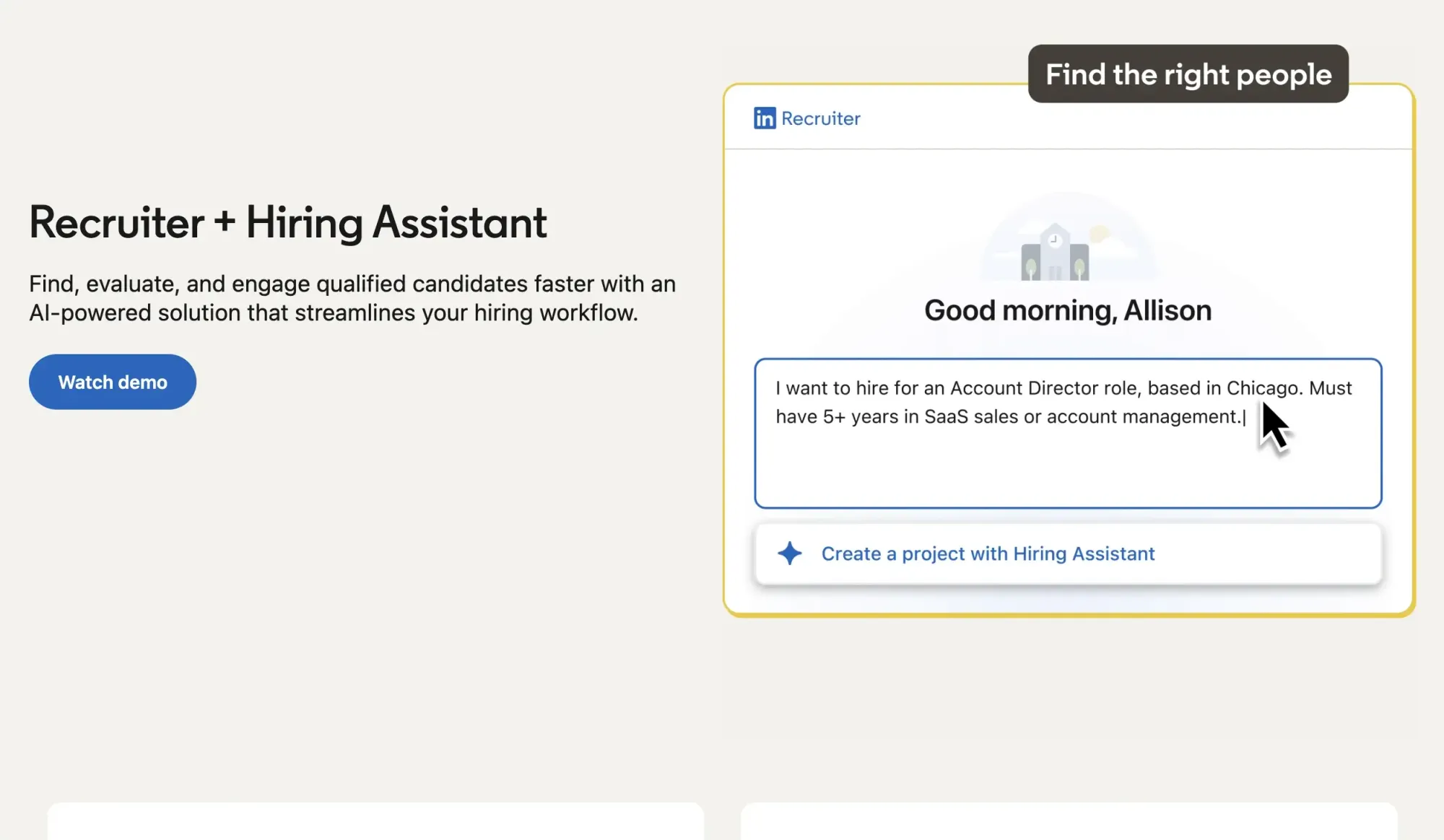
LinkedIn Recruiter is the tool most companies start with. Corporate plans give you the full 1.3B+ LinkedIn network, pooled InMails, unlimited profile views, and ATS integrations.
In late 2025, LinkedIn added Hiring Assistant, its first true AI agent. It searches, screens, and drafts outreach messages on its own. LinkedIn's own numbers say early users reviewed 62% fewer profiles, saved 4+ hours per role, and got 69% more InMail acceptances.
Pros:
- LinkedIn Recruiter still gives you access to the largest database of active and passive candidates in one place.
- The Hiring Assistant can save recruiters hours by helping with repetitive tasks like candidate discovery and initial screening.
- Strong ATS integrations make it easier to connect sourcing activity with the rest of the hiring workflow.
- Recruiter includes signals like "Open to Work" and other candidate insights that you won’t find on most third-party sourcing tools.
Cons:
- Pricing is not transparent, especially for Corporate plans and the Hiring Assistant add-on.
- Corporate seats can cost $10,800+ per year, making it a significant investment for smaller teams.
- AI can help improve outreach quality, but InMail limits still apply, so it doesn’t increase the number of messages you can send.
- Many teams don’t fully use the AI features included in their subscription, leaving some of the value on the table.
What real users like and dislike:
Recruiters on G2 and Capterra like most the reach and the intent signals. One recruiter mentioned that they use it "for sourcing, hiring, outreaching, and networking," and call the Talent Insights quite useful. The most common complaint is pricing you can't see until you talk to sales, and the fact that Recruiter finds people well but doesn't help you verify or reach them beyond InMail. Many teams still rely on additional tools to verify contact details and reach candidates beyond InMail.
Best for:
Enterprise and mid-market teams with the budget to prioritize reach over price transparency.
2. Sales Navigator + Skrapp
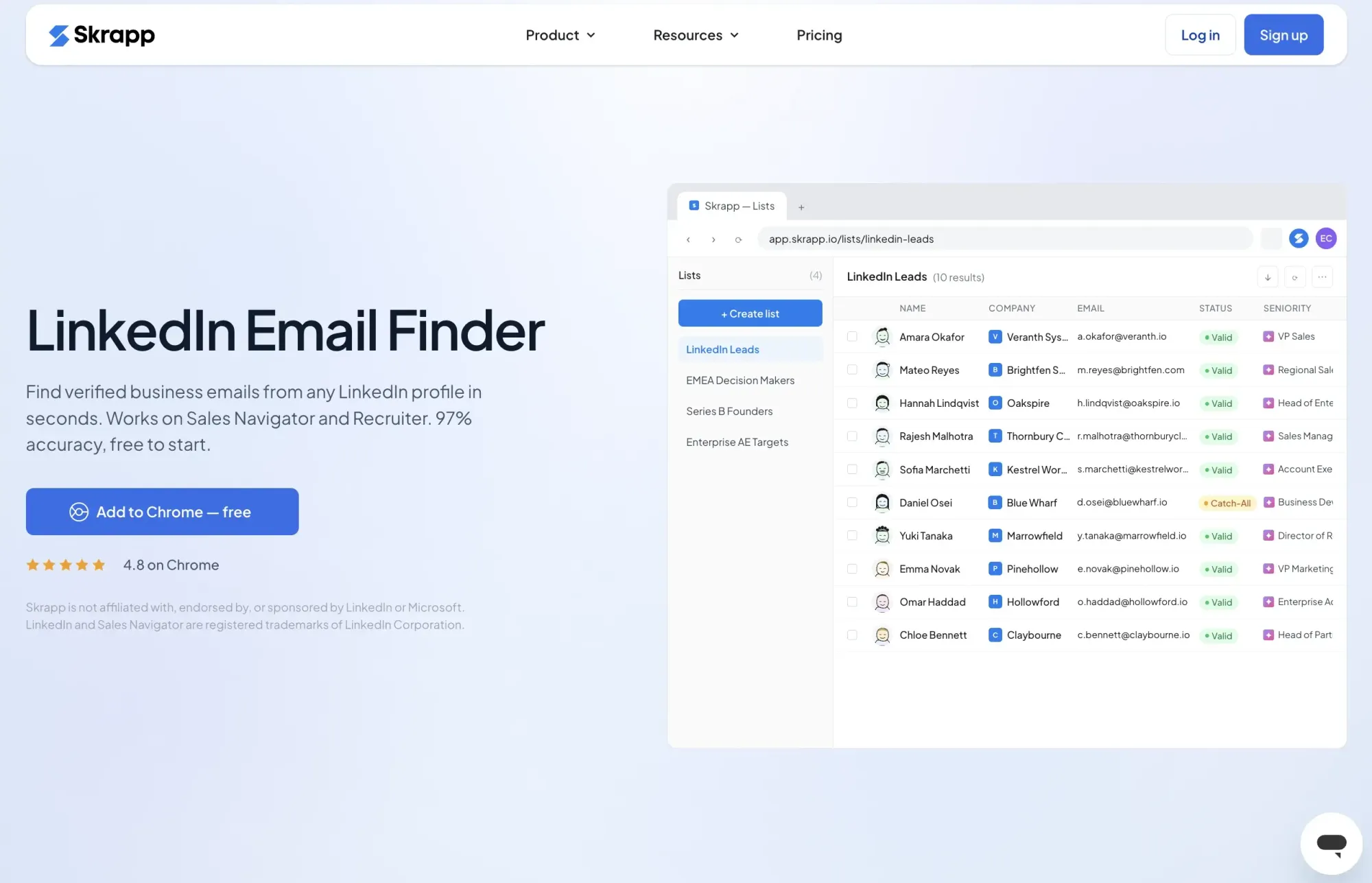
Sales Navigator was built for sales teams, but many recruiters use it as a more affordable alternative to a full Recruiter plan. Its filters (industry, seniority, company size, activity) are good enough to build a strong candidate longlist for a price that can't compare to the Corporate cost.
The problem is that Sales Navigator messaging still runs through InMail limits, and many passive candidates don't check LinkedIn messages regularly.
This is where Skrapp enters the sourcing process. Recruiters can use LinkedIn, Sales Navigator, or Recruiter to find relevant candidates, then use Skrapp to find their work emails one by one or extract multiple email addresses from search pages. It gives recruiters another way to reach passive candidates who may ignore LinkedIn messages.
Pros:
- Sales Navigator gives recruiters powerful search filters and helps build strong candidate lists at a much lower cost than a full Recruiter seat.
- Skrapp makes it easier to move from sourcing to outreach by finding candidate emails directly from LinkedIn profiles and search results.
- You only pay for contacts that are found and verified, which makes costs easier to manage when building larger talent lists.
- Combining Sales Navigator with Skrapp gives recruiters more flexibility to reach passive candidates beyond LinkedIn messages.
Cons:
- Sales Navigator is built for sales, so it lacks some recruiter-specific features like the "Open to Work" filter.
- Skrapp focuses on email discovery, so it doesn’t provide phone numbers for direct outreach.
- Email match rates can be lower for candidates from smaller companies or those with limited online presence.
What real users like and dislike:
Reviewers on G2 and Capterra praise Skrapp for finding verified emails, with its LinkedIn integration as a standout feature. For recruiters, it provides a way to reach candidates beyond LinkedIn messages by turning profiles into direct outreach opportunities. The main downside is the added cost of using both LinkedIn Sales Navigator and Skrapp as separate subscriptions.
Best for:
Recruiters who want LinkedIn-quality search without paying for the Corporate plan, and a fast way to reach candidates who don't respond to InMail.
3. hireEZ
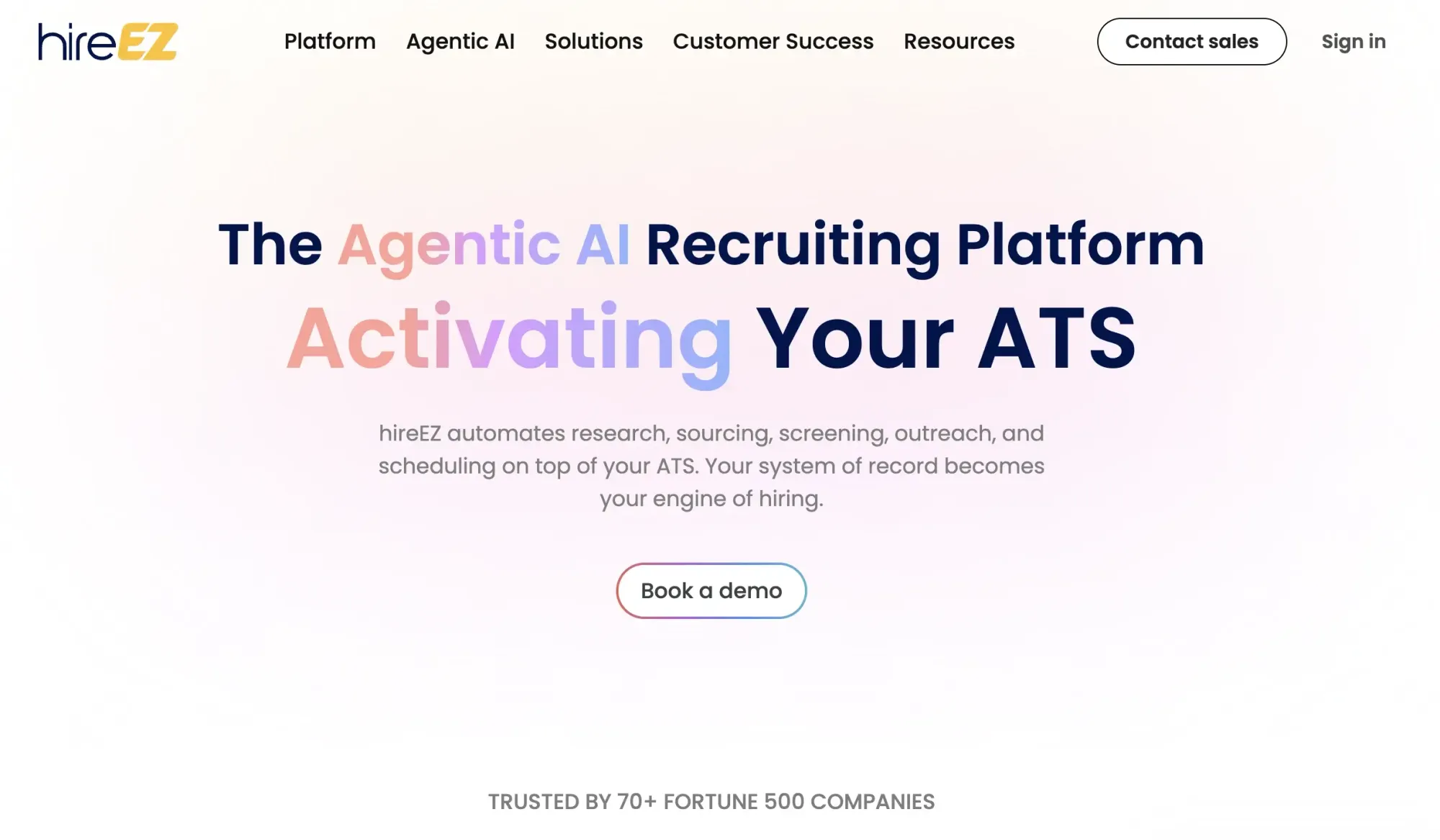
hireEZ (formerly Hiretual) pitches itself as more than a search tool. It calls its approach "agentic AI," meaning it sources, screens, and follows up largely on its own. Its biggest selling point is reach beyond LinkedIn: over 1 billion profiles gathered from 40+ different sites, plus a built-in CRM and outreach sequences.
Pros:
- Helps recruiters reach a much larger talent pool than LinkedIn alone by combining data from multiple sources
- Takes time-consuming tasks like sourcing, screening, and follow-up outreach off recruiters’ plates
- Comes with enterprise-ready features like SOC 2 compliance, GDPR support, and SSO, making it a better fit for larger recruiting teams.
Cons:
- The starting price listed for a solo recruiter is $494/month, although a 7-day free trial is available.
- Contact data quality can be inconsistent, so recruiters often recommend verifying emails before launching large outreach campaigns.
- AI-generated insights, such as estimated salary or candidate availability, are useful but not always accurate.
- Setting up automated workflows takes time, and teams need to fine-tune them before they run smoothly.
What real users like and dislike:
Users report saving around 15 hours a week and rate the platform 4.6 out of 5 across 200+ reviews. The most common complaint is contact accuracy. Recruiters say they still need to manually check emails before sending, which eats into the time the AI is supposed to save.
Best for:
Enterprise teams and staffing firms doing high-volume outbound sourcing with budget for a premium tool.
4. Juicebox
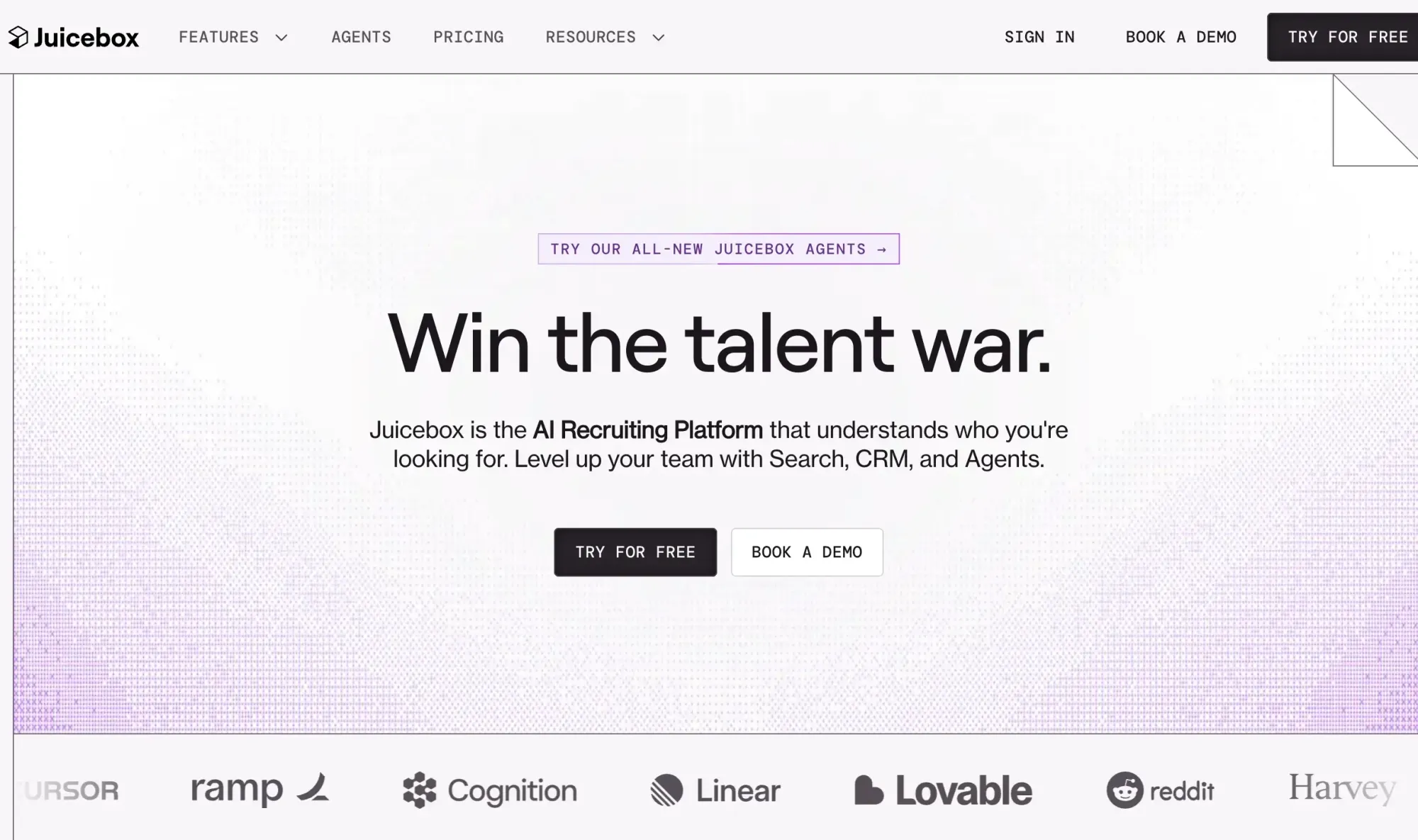
Juicebox, originally called PeopleGPT, replaces Boolean search strings with plain English. Type something like "senior backend engineer in Austin with fintech experience," and it returns a ranked list of matches from its 800 million+ profile database. It also offers AI Agents that keep sourcing candidates in the background without you running new searches.
Pros:
- Makes candidate sourcing faster by letting recruiters search in plain English instead of building complex Boolean strings
- Searches across 800M+ profiles and helps prioritize candidates with fit scores and signals like “likely to switch”
- Offers transparent pricing, so you can see the cost without going through a sales process
- Gives recruiters flexibility with different search options, including natural language, Boolean search, and traditional filters
Cons:
- Juicebox helps you find candidates, but recruiters still need to handle screening, outreach, and closing the hire
- The advertised $119/month starting price can be misleading. A more realistic setup with AI Agents and credits can cost closer to $338/month for a single user
- The free plan is limited and doesn’t include access to candidate contact details
- Costs can increase quickly when you add more AI Agents and contact credits
What real users like and dislike:
Recruiters usually point to Juicebox’s natural language search as the feature that saves them the most time. Instead of writing long Boolean strings, they can explain the type of candidate they need and start refining the results from there. Some users mention issues with LinkedIn integration, and the real cost can end up higher than the advertised starting price once you add the credits and features needed for regular sourcing.
Best for:
Tech recruiters and lean startup teams who want fast, simple search and don't mind managing add-on costs as they grow.
5. SeekOut
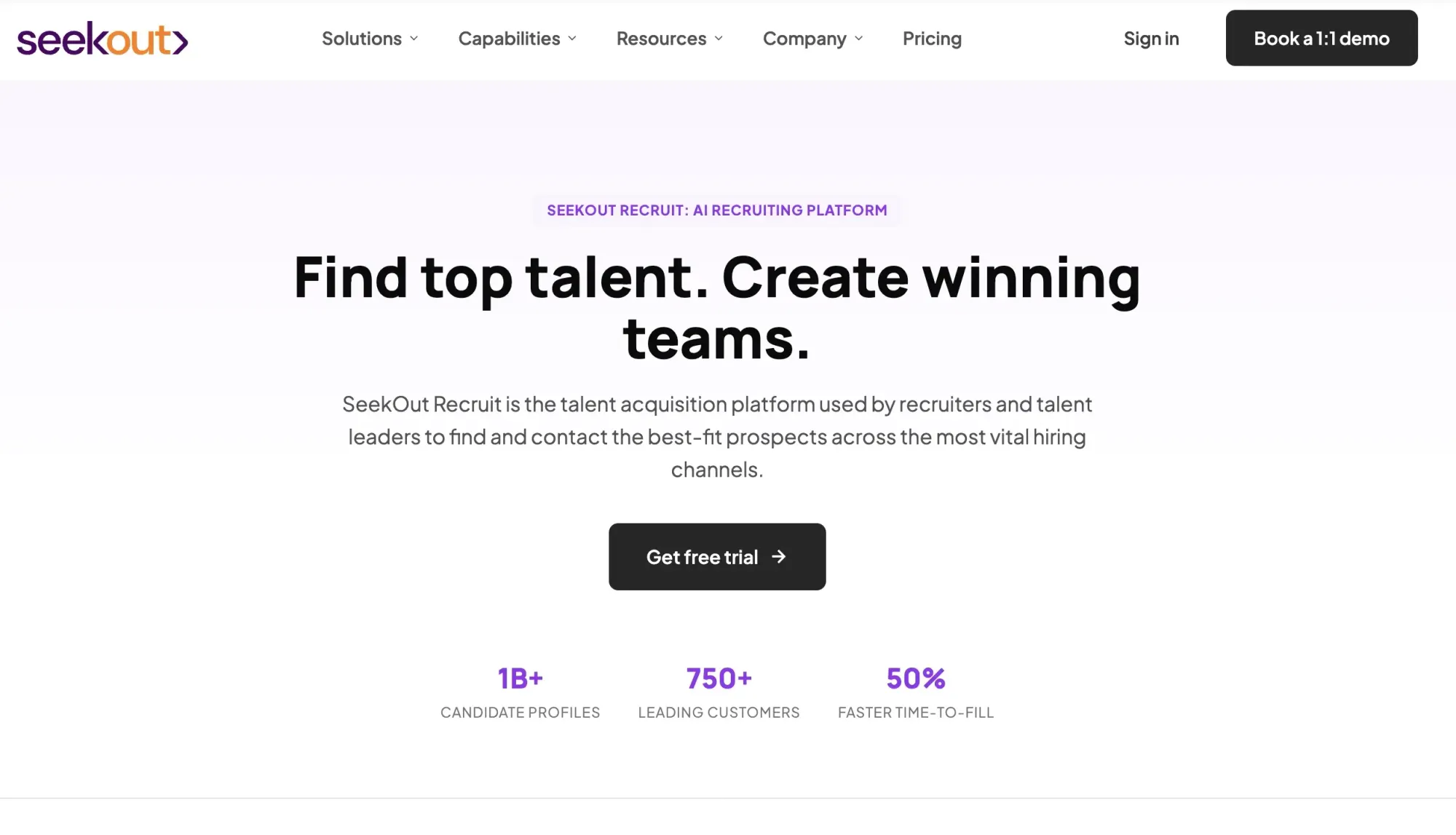
SeekOut built its name on two things most general tools handle badly: diversity sourcing and deep technical talent search. It gives access to over 800 million profiles and adds AI-inferred skills and diversity signals on top. Its "Likely Open to New Roles" filter and Bias Reducer mode are built specifically for structured, fair hiring programs.
- Helps recruiters find candidates who are harder to reach, especially for diversity hiring and specialized technical roles
- Looks beyond traditional profiles by getting signals from sources like GitHub, patents, and academic publications to uncover niche talent.
- The ATS rediscovery feature helps teams revisit past applicants who may now be a good fit for open roles
Cons:
- SeekOut is designed for teams with complex hiring needs, and the price reflects that. Plans can start around $10,000 per year and go much higher for larger enterprise teams.
- Pricing isn’t very transparent, so it can be difficult to know what you’ll actually pay before speaking with sales.
- For teams that don’t regularly hire technical talent or focus on diversity sourcing, the feature set may be more than they need.
What real users like and dislike:
On G2, SeekOut holds the #1 spot in Diversity Recruiting. Users say it surfaces "hidden talent" competitors miss entirely. The most common complaint is cost relative to team size. It's built for companies with real budget, and smaller teams say it's hard to justify without steady technical or DEI-focused hiring. Most enterprise teams don't replace LinkedIn Recruiter with SeekOut, and they run both side by side.
Best for:
Enterprise teams with real diversity hiring goals or a steady stream of hard-to-fill technical roles.
6. Gem
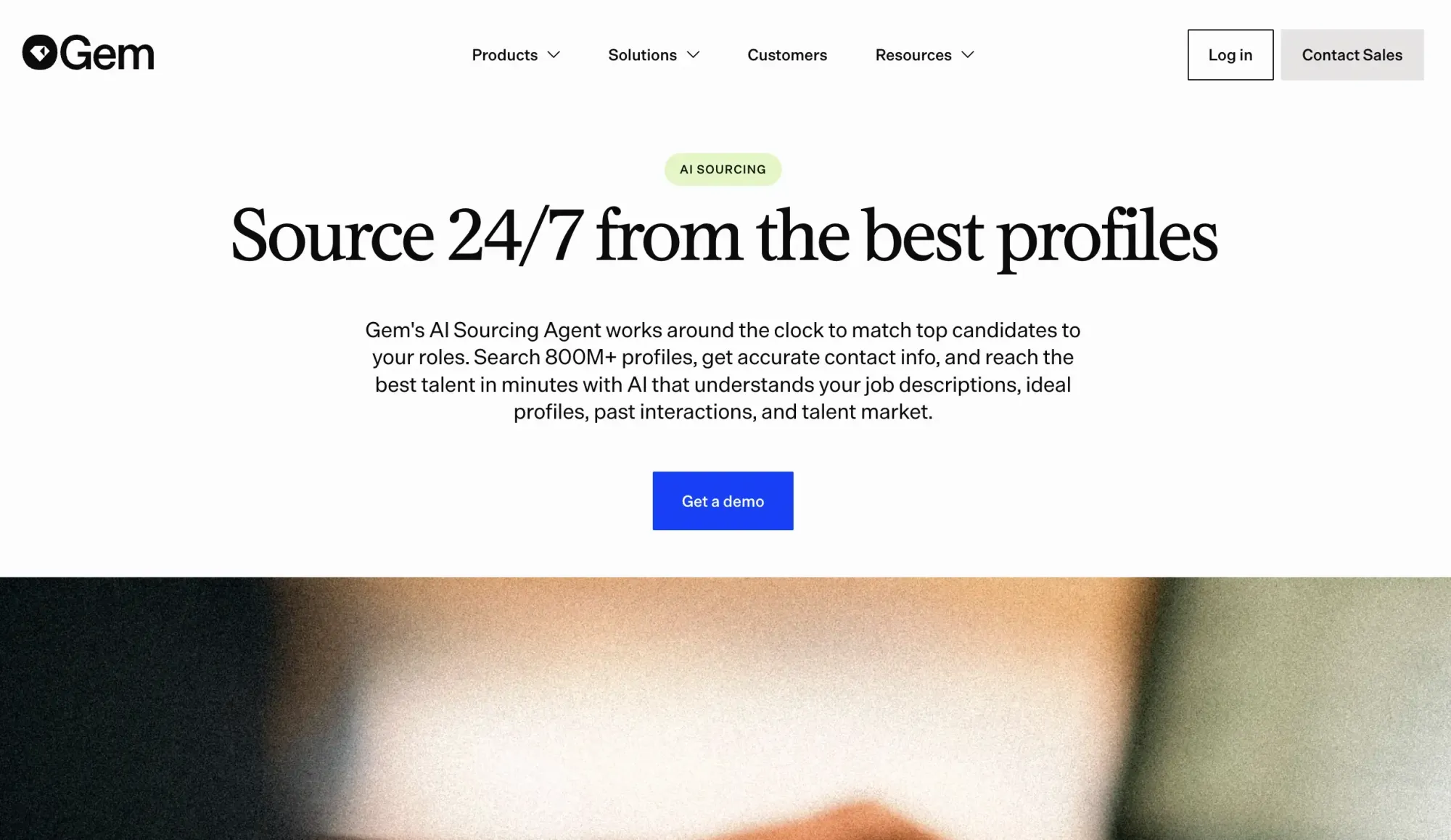
Gem started as a recruiting CRM and expanded into a broader talent platform that combines sourcing, outreach, scheduling, analytics, and ATS capabilities in one place. Instead of managing separate tools for candidate tracking, engagement, and reporting, recruiting teams can run more of their workflow from a single platform. AI features are built across the product to help automate recruiting operations and outreach.
Pros:
- Keeps more of the recruiting process in one place by combining sourcing, CRM, ATS, scheduling, and analytics, so teams don’t have to rely on multiple separate tools.
- Users rate Gem highly, with a 4.7/5 score on G2 and strong feedback from recruiting teams.
- Gives teams flexibility to start with the features they need most, then add more as their hiring process grows.
Cons:
- Some users report issues with reporting dashboards and occasional problems when importing candidate data.
- Pricing isn’t publicly available, and costs can add up quickly for larger teams, with reported pricing reaching $500–$2,000+ per seat/month.
- Without live support, resolving urgent issues can take longer than some teams would like.
What real users like and dislike:
Reviewers often highlight Gem’s email sequences and pipeline analytics as some of its strongest features. Many users especially like the multi-channel outreach tools, which help recruiters stay in touch with candidates across different channels. The biggest complaint is the price. Capterra users rate Value for Money lower than other categories. Overall, recruiters like the platform, but many feel it’s a bigger investment than expected.
Best for:
Mid-market and enterprise teams who want to consolidate sourcing, CRM, and analytics into one platform and have the budget for it.
7. Findem

Findem takes a different approach to candidate search. Instead of relying only on keywords and job titles, it builds a broader picture of each candidate’s career path, skills, and experience over time. The idea is to help recruiters find people who may not show up in a traditional search. Its newer Intelligent Job Posts feature uses AI to turn job descriptions into automated sourcing workflows that can help identify and qualify candidates.
Pros:
- Helps recruiters find candidates who may be missed by traditional keyword searches by looking at deeper career signals.
- Can speed up sourcing. One customer reported reducing time-to-first-candidate to 4.4 days.
- Includes support from a human sourcing specialist to help create and improve searches.
Cons:
- Pricing is aimed at larger teams, ranging from around $8,000 to $100,000+ per year, with no free trial available.
- Pricing isn’t publicly listed, so you’ll need to speak with sales before knowing the exact cost.
- AI predictions about candidate skills and career direction are helpful, but they’re still estimates and won’t always be accurate.
- Some users report issues with outdated data and broken LinkedIn profile links.
What real users like and dislike:
Findem rates 4.7/5 across review platforms for sourcing precision and diversity features. Gartner reviews flag real concerns about how current the profile data actually is, plus data privacy questions, on top of the usual complaint about enterprise-only pricing.
Best for:
Enterprise talent and workforce-planning teams who fill most roles by proactively sourcing, not waiting on applications.
8. AmazingHiring
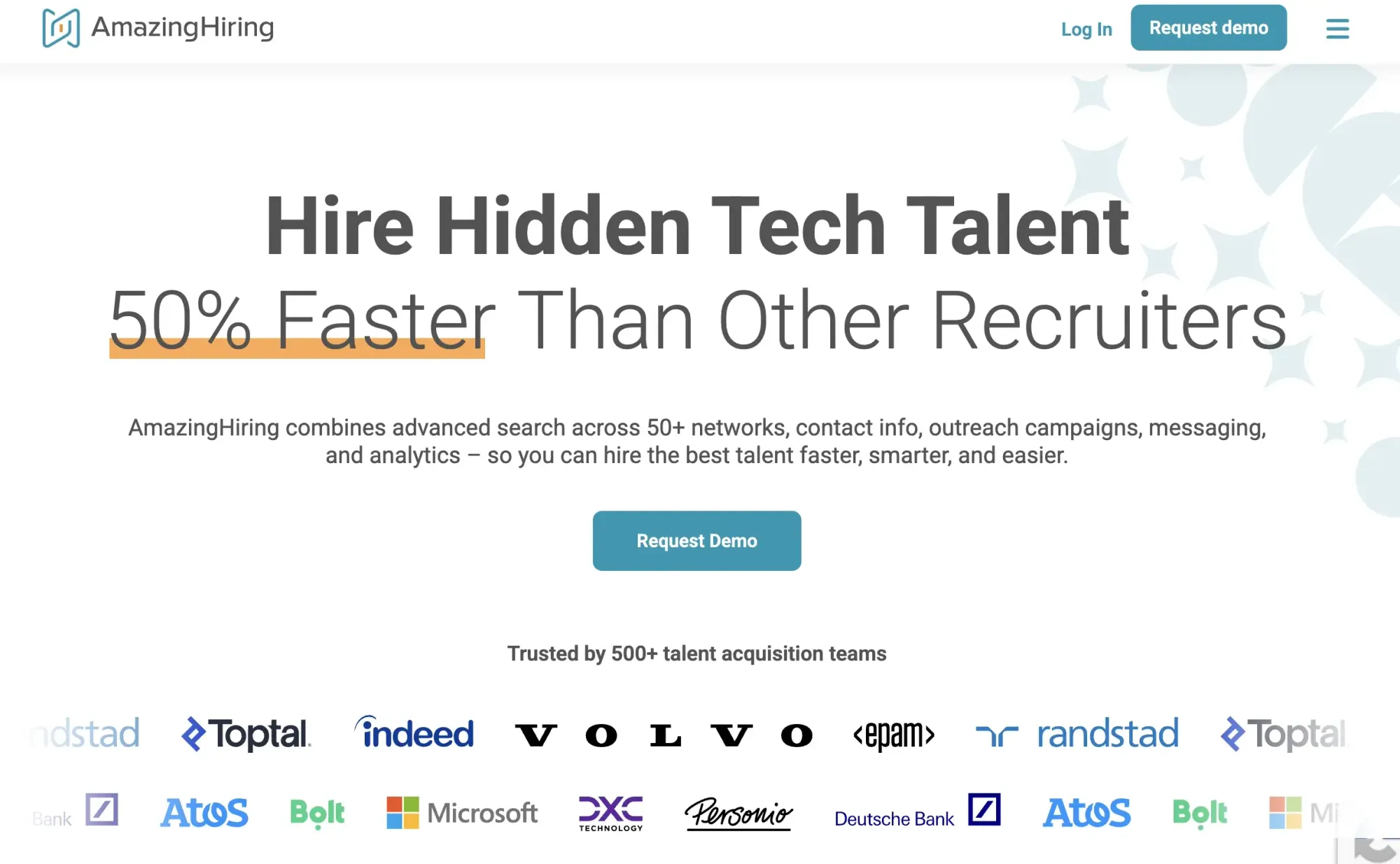
AmazingHiring helps recruiters find technical talent that’s hard to discover through LinkedIn search. Instead of relying mostly on LinkedIn profiles, it searches across 600M+ developer profiles from more than 50 platforms, including GitHub, Stack Overflow, and Kaggle. It makes it especially useful for sourcing people for engineering and other technical roles.
Pros:
- Makes it easier to find engineers who are hard to uncover through LinkedIn alone, especially for senior and specialized roles.
- Searches across 50+ developer platforms, giving recruiters access to a broader technical talent pool.
- Brings together candidates' public coding profiles and technical activity, making it easier to review their experience before reaching out.
- Highly rated by users, with a 90% satisfaction score.
Cons:
- There’s no free plan or trial, so you’ll need to commit before trying it.
- Auto-tagging isn’t perfect and can sometimes return less relevant candidates.
- Best suited for engineering and technical hiring, with limited value for non-technical recruiting.
What real users like and dislike:
Reviewers say AmazingHiring stands out because it extracts technical profiles from so many different sources, making it easier to find engineers and spend less time jumping between GitHub, Stack Overflow, and other platforms. The biggest downside is the price. While most users feel the platform delivers strong value, many also say it can be difficult to justify for smaller recruiting teams.
Best for:
Technical recruiters and engineering teams sourcing developers, data scientists, and other specialized IT roles.
9. Fetcher
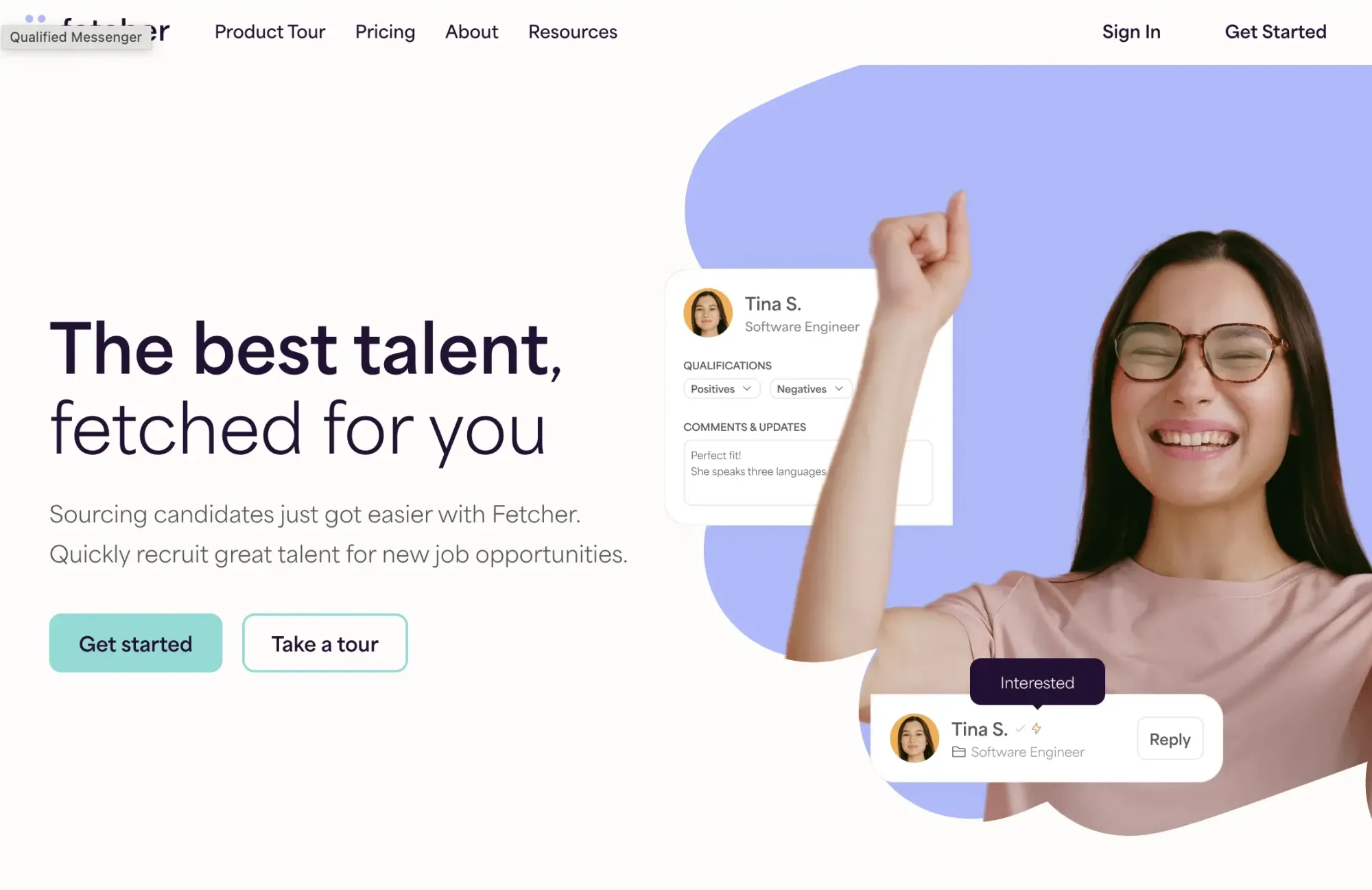
Rather than asking recruiters to search for candidates themselves, Fetcher starts with a job description and an ideal candidate profile. From there, it sources candidates, screens them, and handles the first round of outreach. Recruiters only review the candidates who show interest, making it a good fit for teams that want to spend less time sourcing and more time interviewing.
Pros:
- Handles repetitive sourcing and outreach work, freeing up more time for candidate conversations
- Fetcher reports that its automated email campaigns achieve around 40% average response rates
- Works well for recruiters who would rather review potential matches than spend hours building search strings.
- Allows teams to factor diversity goals into their sourcing process.
Cons:
- There’s no free plan or trial, so teams need to commit before they can see if it fits their workflow
- The yearly candidate limits may become a problem for high-volume hiring teams
- Some important features, like ATS integrations and SSO, are locked behind the higher-priced Amplify plan.
- The Growth plan is limited to one user, which may not work well for teams with multiple recruiters.
What real users like and dislike:
Users like that Fetcher removes a lot of the manual work from sourcing and sends over candidates who have already shown interest. The main frustration comes when hiring volume increases, as the yearly candidate limits can become a constraint for teams making more than 20–25 hires a year. Some users also wish the platform supported more outreach channels instead of relying mainly on email.
Best for:
Mid-market teams making 15-25 hires a year who'd rather receive vetted candidates than run searches themselves.
What Are AI Sourcing Tools?
AI sourcing tools help recruiters find, rank, and reach out to passive candidates: people who aren’t actively looking for a job but could be a strong fit for a role.
These tools have come a long way from basic keyword searches. Today, they can help with four key parts of sourcing: turning a search idea into a list of candidates, ranking people based on fit, creating outreach messages, and keeping candidate data organized in your ATS or CRM.
In 2026, AI can handle a lot of the repetitive work: building searches, prioritizing candidates, drafting messages, and managing follow-up sequences. But some parts of recruiting still need a human touch.
AI can’t fully judge culture fit, understand the story behind a career change, or know which candidate is really worth a conversation. The best recruiting teams use AI to save time on the early steps while keeping human judgment for the next steps.
How to Use AI for Sourcing?
AI hiring works best when it takes care of the repetitive parts of the process, while recruiters stay involved where human judgment matters most.
It can turn a job description into search criteria, scan large talent databases, and build a shortlist of potential candidates. But a recruiter still needs to review those profiles. AI can find matches, but it doesn’t always understand the details behind someone’s experience.
The same goes for outreach. AI can help write messages and manage follow-ups, but the first message should still feel personal. Candidates are more likely to respond when they see that the recruiter understands their background and why the role makes sense for them.
A practical workflow is simple: use AI to build the shortlist, review the best matches, verify contact details, personalize the first message, and automate follow-ups. The goal isn’t to remove recruiters from the hiring process, but to free up more time for the conversations that lead to hires.
How to Choose AI Sourcing Tools?
The tools in this guide solve different recruiting challenges. The right choice can help your team source faster and reach more qualified candidates. The wrong one often ends up as an expensive subscription that recruiters rarely use.
Database Coverage and Freshness
Most AI sourcing tools for recruiting now claim access to 500 million to 1 billion+ profiles, so bigger numbers aren't what set them apart anymore. What matters is where those profiles come from and how up-to-date they are.
For example, a tool that searches only LinkedIn will often return the same candidates you already see in LinkedIn Recruiter. Platforms like amazingHiring and SeekOut also search sources like GitHub and other technical communities, helping recruiters discover candidates who are easier to miss with a LinkedIn-only search.
Contact Data Accuracy
Don't assume every email a sourcing tool returns is accurate. Outdated contact details come up again and again in recruiter reviews, whether the platform costs $100 a month or $30,000 a year.
It's also worth checking how the vendor charges for contact data. Some only bill you for verified emails, while others charge for every lookup, even if no usable contact is found. That can have a much bigger impact on your costs than the subscription price itself.
Search vs. Full Outreach
Think about how you plan to contact candidates before choosing a sourcing tool. Platforms like Fetcher, hireEZ, and Gem include outreach features, while tools like Findem, AmazingHiring, and LinkedIn Recruiter focus more on helping you find candidates.
If your team already has an outreach process or uses another engagement tool, you may not need to pay for built-in email sequences and automation. On the other hand, if you want one platform to handle both sourcing and outreach, an all-in-one tool can save time.
Pricing and Contract Terms
A low monthly price doesn't always mean a lower bill. The way a tool charges (per seat, by credits, or through a yearly contract) can make a much bigger difference once your team starts using it.
| Factor | Why it matters |
|---|---|
| Published price vs. sales call | Sales-call pricing (SeekOut, Findem, hireEZ) usually means room to negotiate, but makes budgeting harder for smaller teams |
| Credit-based vs. seat-based billing | Credit pricing (like Skrapp's) scales with how much you actually use it; seat pricing (LinkedIn, Gem) charges the same whether you use it a little or a lot |
| Annual-only vs. monthly | Annual contracts usually cost less per month, but you lose flexibility if your hiring slows down |
| Free tier or trial | A real free tier lets you test a tool before spending money and fewer enterprise platforms offer one every year |
Specialized vs. General Purpose
If your team hires the same type of role repeatedly, it's usually worth choosing a tool built for that job. For example, AmazingHiring is a better fit for engineering roles, while SeekOut stands out for technical and diversity hiring. A general-purpose sourcing platform isn't always the best choice.
Teams that prefer to skip database sourcing altogether can take a different route through a talent marketplace such as Lemon.io, which connects companies with vetted developers.
Once you know your hiring goals and budget, you can quickly narrow the list to a few tools that actually fit your workflow. One mistake recruiters make is choosing a platform because it has the largest database or the best-known brand, only to realize later that the pricing, outreach features, or hiring focus don't match the way their team works.
Final Verdict: Which AI Tool Is Best for Sourcing?
LinkedIn Recruiter is still the platform many enterprise recruiting teams start with, but it comes at a premium price. Sales Navigator paired with Skrapp is a much lower-cost option if your goal is to search LinkedIn and contact candidates by email.
Teams that want sourcing, CRM, and outreach in one platform will probably lean toward hireEZ or Gem. If you're hiring engineers, AmazingHiring is hard to beat. For diversity hiring, SeekOut stands out. And if you'd rather review interested candidates than search for them yourself, Fetcher is worth a look.
One thing I wouldn't overlook is outreach. Finding a candidate is only half the job. You still need a working email address or another reliable way to get in touch. That's why many recruiting teams don't rely on a single platform; they use one tool to find candidates and another to verify contact details before reaching out.
FAQs: AI Tools for Sourcing Candidates
How do I combine AI with talent sourcing?
AI is useful for putting together the first version of your candidate list. It can find profiles, rank potential matches, and help write outreach, but the recruiter should still decide who is worth contacting. A quick review usually reveals things AI misses, like a candidate who looks right by keywords but lacks key experience. It also helps make the first message feel more personal, which matters when reaching out to passive candidates.
What AI sourcing software integrates with CRMs?
Most enterprise sourcing platforms, including hireEZ, Gem, Findem, and SeekOut, integrate directly with ATS and CRM systems like Greenhouse, Workday, and Lever. If you mainly need verified contact details, Skrapp can export data through CSV or an API, making it easy to import candidates into your existing CRM.
How do I scale sourcing with AI?
The easiest way to scale sourcing is to let AI handle the repetitive work. It can search for candidates, build shortlists, and manage follow-up outreach while recruiters focus on interviews and hiring decisions. As your outreach grows, it's still worth reviewing the first message before it goes out.
Which AI candidate sourcing tools find engineers fastest?
If engineering is your main focus, AmazingHiring and SeekOut are two of the strongest options because they search technical communities like GitHub, Stack Overflow, and Kaggle, not just LinkedIn. If you're hiring for a mix of technical and non-technical roles, hireEZ and Juicebox offer a more balanced approach.
AI vs. human sourcing: which is better?
AI is much faster at searching large talent pools and organizing candidates. Recruiters are still better at evaluating experience, spotting potential, and building relationships with candidates. The best results usually come from combining both: let AI handle the repetitive work while recruiters make the hiring decisions.
How do I automate LinkedIn candidate sourcing?
LinkedIn's AI features are mostly designed to speed up candidate discovery. Hiring Assistant and AI-assisted search can help with search creation and candidate ranking, while Sales Navigator helps recruiters narrow down larger talent databases.
The harder part is often reaching those candidates. To get around InMail limits, some recruiters combine LinkedIn or Sales Navigator with Skrapp to find verified emails from candidate profiles and handle follow-up outreach outside LinkedIn.
How do I effectively use LinkedIn for recruitment?
Combine tight filtering: skills, seniority, company tenure, activity, with messages that aren't obviously templated. A generic InMail gets ignored no matter how polished the AI made it sound. Pairing LinkedIn's own AI search with a verified-contact tool for candidates who don't respond to InMail expands your reach without needing a whole second search platform.
What is LinkedIn Hiring Assistant?
LinkedIn Hiring Assistant is LinkedIn's own AI recruiting agent, released in late September 2025. According to LinkedIn, early customers reviewed 62% fewer profiles, saved 4+ hours per role, and got 69% more InMail acceptances after turning it on. It's a paid add-on on top of a Recruiter Corporate or RPS+ plan and it's not included in any base subscription.
What are the top AI tools for sourcing passive talent?
LinkedIn Recruiter and Sales Navigator still have the biggest passive-candidate pool just because of network size. HireEZ, SeekOut, and Findem are better at finding passive candidates who aren't very active on LinkedIn but show up elsewhere: GitHub, industry publications, alumni networks.
Which AI sourcing tools are most cost-effective?
For budget-conscious teams, Sales Navigator paired with Skrapp's credit-based pricing, Juicebox's self-serve plans, and Fetcher's entry tier all cost a lot less than the enterprise contracts required by SeekOut, Findem, or LinkedIn Recruiter Corporate. Several tools offer a free trial or free tier worth testing before you're ready to invest the budget.
Can AI tools replace manual sourcing?
Most tools are great at finding profiles, sorting through large candidate pools, and helping with the first outreach message. The harder parts, such as deciding whether someone is actually a good fit, spotting potential in an unusual background, and starting a real conversation, still need a recruiter.